Mac Switching · Software Migration
Find Mac alternatives to your Windows software. — Methodology, swaps and when to keep both.
Most of your Windows software has a Mac version or a better Mac equivalent. About 5-10% genuinely doesn't translate. The trick is knowing which is which before you switch — and what to do about the awkward middle ground.
- apps cross-platform
- ~85%
- need alternatives
- ~10%
- need Windows VM
- ~5%
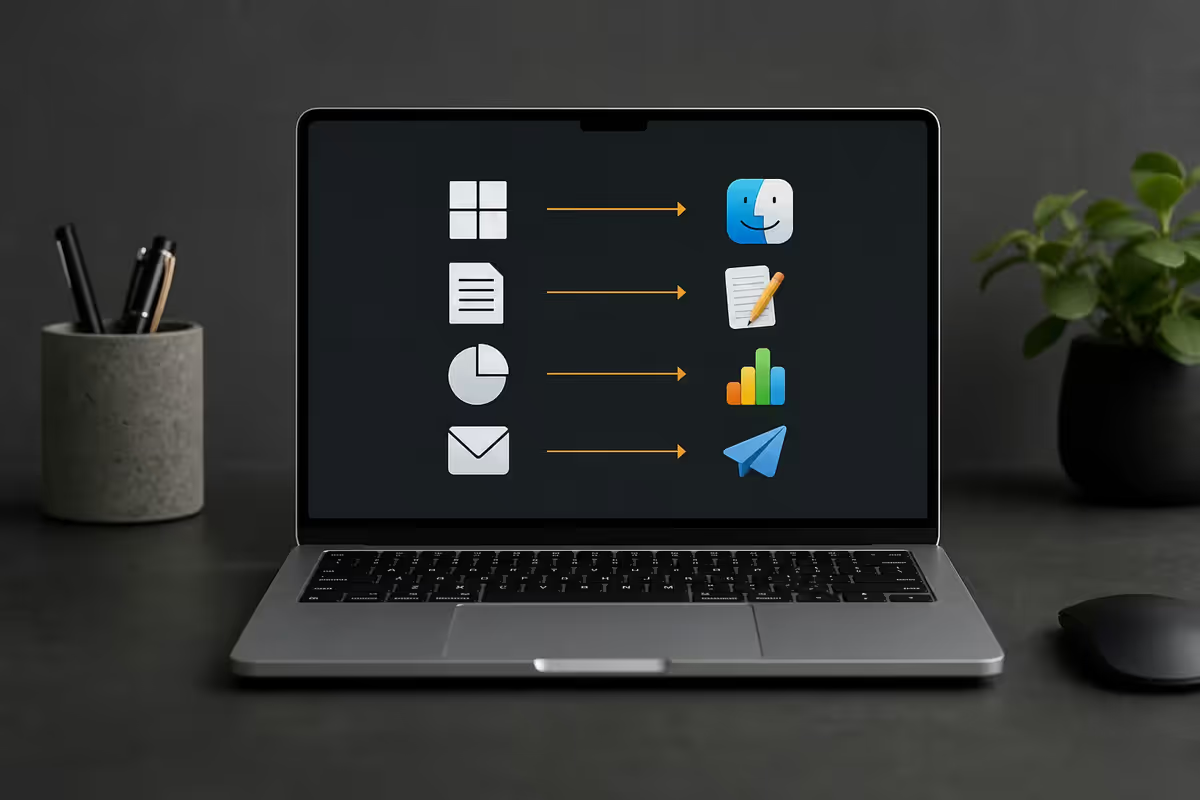
Finding alternatives — the two-step methodology
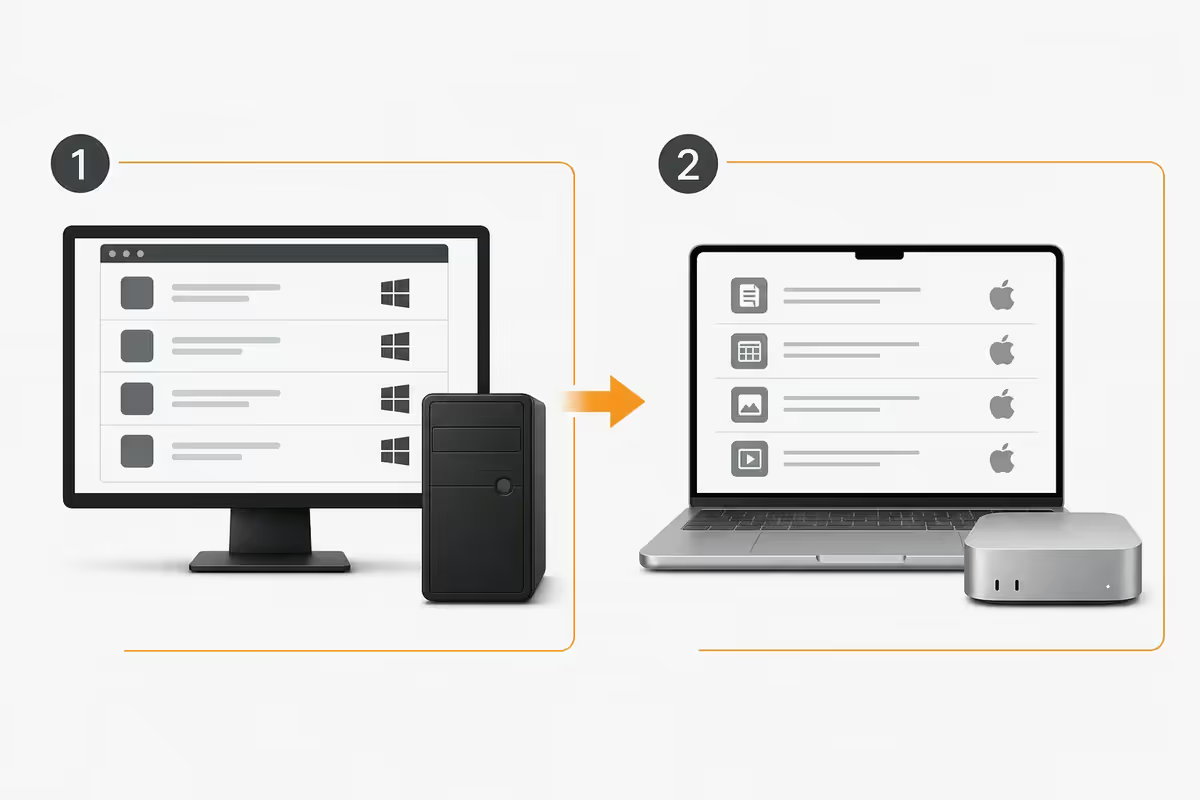
Before listing specific app swaps, here's the process that works for any unfamiliar Windows software. You'll use this repeatedly during your switching week.
- Search AlternativeTo.net for the Windows app name. Filter by "Mac" in the platform sidebar, sort by "Likes". The top 3-5 results are almost always your best options. Each listing shows free vs paid, feature comparisons and community votes.
- Check if the original publisher has a Mac version. Roughly 70% of cross-platform commercial Windows software ships a native Mac version. Go to the publisher's website and look for "Download for Mac" — they often don't promote this prominently.
- If neither exists, search "best [category] for Mac 2026" on YouTube and Reddit's r/macapps. Community curation reveals tools that don't show up in Apple's official categories.
- If the app is irreplaceable, evaluate virtualisation (Parallels, VMware Fusion, CrossOver) — covered in section 7.
Most switchers find their answer in step 1 or 2. The rest are usually one of a small set of well-known Windows holdouts — CAD tools, niche games, enterprise databases. We'll cover those specifically below.
Office and productivity
The most common switching anxiety. Reality: Microsoft 365 runs natively on Mac with full feature parity. Google Workspace is platform-agnostic. The "I can't switch because of Office" objection hasn't been true since 2014.
| Windows app | Mac alternative | Notes |
|---|---|---|
| Microsoft Word, Excel, PowerPoint, Outlook | Same — Microsoft 365 native Mac | R150-R250/month SA. Full feature parity. Apple Silicon optimised. |
| Microsoft OneNote | OneNote (native Mac) or Apple Notes | OneNote on Mac is feature-complete. Apple Notes is built-in and simpler. |
| Microsoft Access | FileMaker Pro (R8,000+) or Airtable (subscription) | No direct Mac equivalent. FileMaker is the closest professional option. |
| Microsoft Project | OmniPlan, Merlin Project, Asana, Monday.com | OmniPlan is closest to MS Project on Mac. Web-based tools work everywhere. |
| Microsoft Visio | OmniGraffle, Lucidchart, Draw.io (free) | No native Mac Visio. OmniGraffle is the Mac standard but pricier (R3,500). |
| Notepad++ / Sublime Text | Sublime Text (native Mac), BBEdit, Nova | Sublime Text is identical on Mac. BBEdit is the Mac native power editor. |
| Evernote | Evernote (native Mac), Bear, Obsidian, Notion | All major note apps run on Mac. Bear and Notion are Mac-favourite. |
| Calendar (default Win 11) | Apple Calendar (built-in), Fantastical, BusyCal | Apple Calendar handles 95% of needs. Fantastical adds natural language input. |
Apple's free alternatives: Pages (Word), Numbers (Excel), Keynote (PowerPoint) all ship free with every Mac. They open and export Office formats acceptably for personal use but aren't a 1:1 replacement for collaborative business documents — stick with Microsoft 365 for work environments where format fidelity matters.
Creative software — photo, video, design
This is where Mac shines. Most professional creative software either started on Mac or has had a native Mac version for over a decade. The Apple Silicon performance advantage (especially for video) makes Mac the preferred platform for many creators.
| Windows app | Mac alternative | Notes |
|---|---|---|
| Adobe Photoshop, Illustrator, Premiere, After Effects | Same — Adobe Creative Cloud native Mac | Apple Silicon optimised. Often runs faster on M-series than equivalent PC. |
| Adobe Lightroom | Lightroom CC (native Mac) | Lightroom Classic on Mac has historically been slower than Windows; CC version performs identically. |
| DaVinci Resolve | DaVinci Resolve (native Mac) | Free version on Mac is exceptional. Studio R8,500 once-off. |
| Final Cut Pro (Mac exclusive) | Final Cut Pro | R6,500 once-off. Apple's pro video editor — Mac only. |
| Affinity Photo, Designer, Publisher | Same — native Mac versions | One-time purchase R1,800 each. Lifetime alternative to Adobe subscription. |
| Blender | Blender (native Mac, Apple Silicon) | Free, open source. M-series Macs run Cycles render exceptionally well. |
| FL Studio, Ableton Live, Logic | All native Mac (Logic is Mac-only) | Logic Pro R6,500 once-off, Mac exclusive. Ableton and FL Studio cross-platform. |
| OBS Studio | OBS Studio (native Mac) | Free, identical interface. Some Mac quirks around camera permissions. |
| Sketch / Figma / Adobe XD | Sketch (Mac-exclusive), Figma, XD all native | Sketch is Mac-only and the original design tool of choice for many designers. |
For video professionals specifically, the M-series performance advantage is meaningful. ProRes encoding/decoding is hardware-accelerated on Mac in a way it isn't on Windows. Final Cut Pro on a MacBook Pro M4 frequently outperforms identical timelines on a Core Ultra 9 desktop. This isn't marketing fluff — it's the dominant reason video editors have shifted Mac-heavy over the last five years.
Developer tools
Most modern development happens on Unix-style operating systems. macOS is Unix. This is the silent advantage that has pushed most senior developers to Mac over the past decade.
| Windows tool | Mac alternative | Notes |
|---|---|---|
| Visual Studio Code | Same — VS Code native Mac | Apple Silicon optimised. Identical extension ecosystem. |
| Visual Studio (full) | Visual Studio for Mac (discontinued 2024) → use JetBrains Rider | Microsoft killed VS for Mac. Rider is now the strongest .NET IDE on Mac (R3,500/year). |
| JetBrains IntelliJ, PyCharm, WebStorm | All native Mac, Apple Silicon | Same subscription works on Mac. |
| Docker Desktop | Docker Desktop (native Mac) | Apple Silicon version is fast. Some x86 containers need Rosetta translation. |
| Postman | Postman (native Mac) | Identical features. Insomnia is a Mac-favourite alternative. |
| PowerShell | PowerShell (cross-platform, native Mac) | Microsoft maintains PowerShell on macOS. Or use Zsh/Bash (default Mac shells). |
| WSL (Windows Subsystem for Linux) | Terminal + Homebrew | macOS is Unix-native — no subsystem needed. Homebrew is the package manager equivalent. |
| Git for Windows | Git (built-in on Mac) | Git ships with Xcode Command Line Tools. Sourcetree, Fork, Tower for GUI clients. |
File management and utilities
| Windows app | Mac alternative | Notes |
|---|---|---|
| 7-Zip / WinRAR | The Unarchiver (free) or Keka (R150) | macOS handles .zip natively. The Unarchiver covers RAR, 7z, ISO and obscure formats. |
| Notepad | TextEdit (built-in) | For plain text, TextEdit works. For more, see Sublime Text or BBEdit above. |
| Snipping Tool | Cmd+Shift+5 (built-in) | Mac's built-in screenshot tool is better than Snipping Tool. See our shortcuts guide. |
| Total Commander / Directory Opus | Path Finder, Commander One | Mac's Finder is less feature-rich than Total Commander. Path Finder fills the gap (R650). |
| EverEdit / NotePad++ (text editing) | BBEdit, Nova, Sublime Text | BBEdit is the Mac veteran. Nova is the modern alternative. |
| CCleaner | CleanMyMac X (R450/year) | Macs generally need less cleanup. CleanMyMac X handles cache, large files, malware scan. |
| VLC Media Player | VLC (native Mac) | Identical. IINA is the modern Mac-favourite alternative. |
| HandBrake | HandBrake (native Mac, Apple Silicon) | Free, identical to Windows version. Apple Silicon hardware acceleration is fast. |
Gaming and launchers
Mac gaming has improved dramatically with Apple Silicon and Apple's Game Porting Toolkit, but Windows remains the dominant gaming platform. Here's the realistic state in 2026:
- Native Mac games: Steam has a growing Mac library — roughly 30-35% of the top 100 titles have Mac versions. Apple Arcade adds another 200+ curated games. Major AAA titles with native Mac versions: Resident Evil Village, Death Stranding, Baldur's Gate 3, No Man's Sky, Cyberpunk 2077 (announced for 2026).
- Game Porting Toolkit (GPTK): Apple's free tool lets developers port Windows games to Mac in days, not months. It also enables advanced users to run Windows games unmodified on Mac with some friction.
- CrossOver: The commercial layer over Wine. Many Windows games and apps run with R600 one-time license. Compatibility is per-app — check the CrossOver database before buying.
- GeForce NOW: Stream Windows games to your Mac at 1080p/60 or 4K (premium tier). R150-R250/month in SA via Vodacom partnership. The most reliable way to play recent AAA games on Mac.
- Steam Link: Stream from a Windows gaming PC elsewhere in your home. Free, identical to Windows experience over good Wi-Fi.
If gaming is a primary use case for your computer, keep or buy a separate Windows desktop or a Steam Deck. Mac gaming is improving rapidly but isn't yet primary.
Boot Camp vs Parallels vs CrossOver — running Windows on a Mac
If a Windows app has no Mac alternative, you have three paths.
Boot Camp (Intel Macs only)
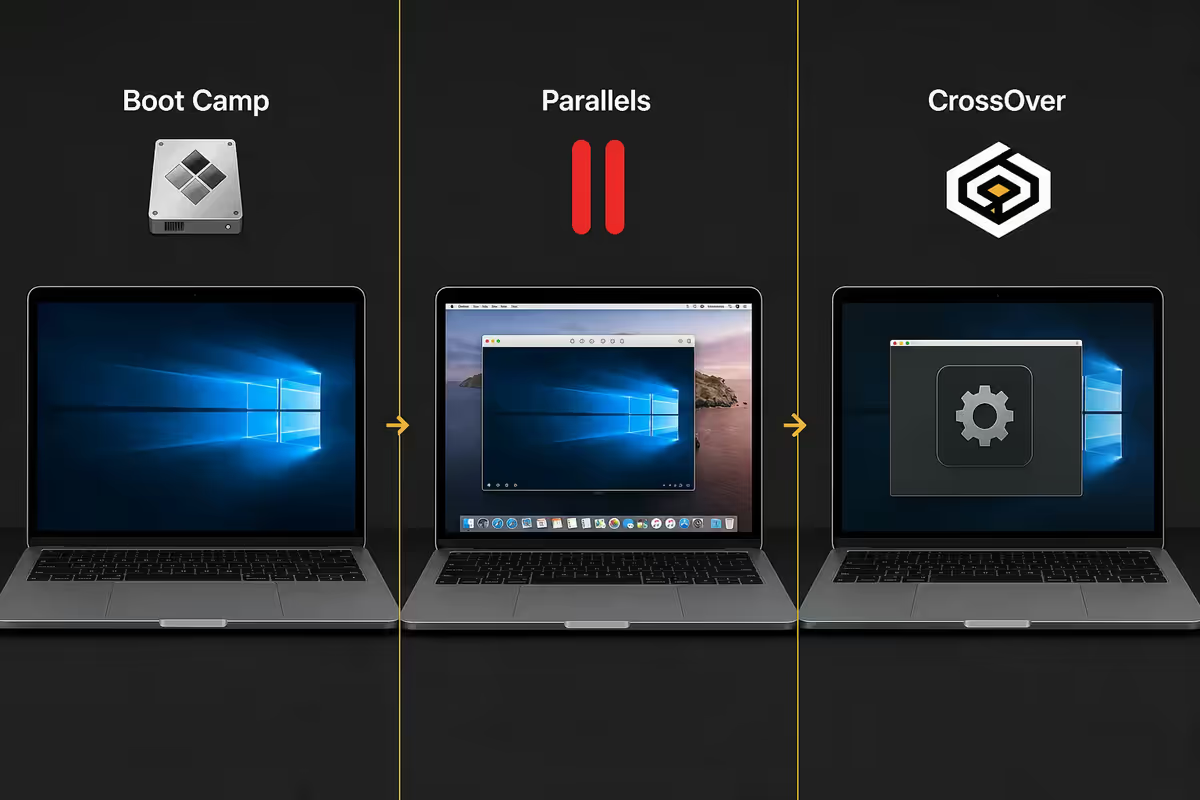
Free utility that lets you install Windows alongside macOS, dual-booting between them at startup. Used to be the gold standard for running Windows on a Mac. No longer available on Apple Silicon Macs (any Mac with M1 or later, which is everything Apple has sold since November 2020). If you have an Intel Mac from 2019-2020, Boot Camp is still available but Microsoft has limited Windows 11 official support on these machines.
For practical purposes, Boot Camp is a dead path for new Mac purchases. The remaining two options are virtual machines.
Parallels Desktop (R1,500/year subscription)
The polished commercial option. Installs Windows 11 ARM in a VM that runs alongside macOS with near-native speed on Apple Silicon. Key benefits:
- Coherence mode — Windows apps appear in the Mac Dock as if they were native Mac apps, no visible Windows shell.
- Shared filesystem — Mac Desktop and Documents accessible from Windows, and vice versa.
- Gaming optimisations — DirectX 11/12 translation layer for running Windows games at usable framerates.
- Snapshot system — save VM state, roll back if Windows breaks.
- Touch Bar and Apple Pencil support in Windows applications.
Worth it if you live in Windows VMs daily. Overkill if you only need Windows occasionally.
VMware Fusion Pro (free for personal use as of 2024)
Broadcom made VMware Fusion Pro free for personal use in 2024. It's now the best free option for running Windows on Mac. Slightly less polished than Parallels but functionally similar — Windows 11 ARM runs well, file sharing works, gaming performance is usable.
UTM is another free option, open-source and based on QEMU. Less polished but flexible — runs Windows, Linux distros, even old Mac OS versions.
CrossOver (R600 one-time licence)
Different approach: instead of running Windows in a VM, CrossOver translates Windows API calls in real time so apps run "natively" on macOS. Much lower overhead than a VM — apps appear as Mac apps in the Dock. Compatibility is per-app: some Windows software runs flawlessly, others crash or have visual glitches. Check the CrossOver compatibility database before purchase.
When CrossOver makes sense: running one or two specific Windows apps that have known good CrossOver compatibility (older games, specific business software). Not a general-purpose Windows runtime.
When to keep a Windows machine around
It's not "Mac vs Windows" — it's "what's the right tool for each job". Many of our customers run both. Here's when keeping Windows around makes sense:
Serious PC gaming. Steam, Epic Games Store, Battle.net, Xbox Game Pass. Even with GeForce NOW and CrossOver, dedicated PC gaming is better on Windows. A budget Windows desktop (R12,000-R18,000) or a Steam Deck OLED (R10,500 imported) covers gaming while your MacBook covers productivity.
Specialised CAD and engineering software. SolidWorks, Autodesk Inventor, AutoCAD with industry-specific plugins, ANSYS, PTC Creo. Most have no native Mac versions and don't run reliably under Parallels. If your work depends on these, Windows is the right primary platform.
Enterprise line-of-business apps. Microsoft Access-based databases, legacy ERP systems, specific government compliance tools, certain accounting software (especially older Pastel/Sage versions used widely in SA). If your employer's stack is Windows-tied, switching to Mac as your primary may cause more friction than it's worth.
Hardware tinkering. Many peripheral configuration apps (gaming mouse software, RGB control, fan curve utilities, monitor calibration tools) are Windows-first. Companies are improving Mac support but the Windows version is usually feature-complete first.
Budget Windows machines that pair well with a Mac: Beelink SER series mini-PCs (R7,500-R12,000), refurbished Lenovo ThinkCentre Tiny (R5,500-R8,500), or a basic Windows laptop for occasional remote work (R8,000-R12,000). The dual-machine approach often costs less than struggling to make a single platform handle every workflow.
Key takeaways
- Start with AlternativeTo.net, then the publisher's website, then Reddit r/macapps — most switchers find their answer there.
- Microsoft 365, Adobe CC, Spotify, Discord, Zoom all run natively on Mac with full feature parity.
- For truly Windows-only apps: Parallels Desktop (premium polish) or VMware Fusion Pro (free).
- Boot Camp is dead on Apple Silicon — every Mac since November 2020 uses VMs instead of dual boot.
- Keep a Windows machine for serious gaming, specialised CAD, or enterprise line-of-business apps.
Frequently asked questions
How do I find a Mac alternative to a Windows app?
Search AlternativeTo.net first, filter to Mac, sort by Likes. Then check if the original publisher has a native Mac version. Then check Reddit r/macapps for community curation.Can I run Windows software on a Mac?
Yes — Parallels Desktop (R1,500/year), VMware Fusion Pro (now free), or CrossOver (R600 once-off). Boot Camp is Intel-Mac-only and no longer available on Apple Silicon.Which Windows apps have no Mac alternative?
Microsoft Visio, Microsoft Access, many CAD/engineering tools (SolidWorks, Inventor), some legacy enterprise apps, certain Windows-only games. Most have workable alternatives but not 1:1 replacements.What's the best Mac alternative to Microsoft Office?
Microsoft 365 itself — Word, Excel, PowerPoint, Outlook all run natively on Mac with full feature parity. R150-R250/month in SA. Apple's free iWork suite (Pages, Numbers, Keynote) is excellent for personal use.Can I game on a Mac?
Better than ever, but still constrained. ~30% of top Steam titles run natively on Mac. GeForce NOW streams Windows games at 1080p/60. For serious PC gaming, keep a Windows machine.Is Parallels worth the subscription cost?
Worth it if you live in Windows VMs daily. For occasional use, free VMware Fusion Pro is sufficient. Parallels' polish (Coherence mode, gaming optimisations) justifies the subscription for heavy users.Are Mac alternatives usually more expensive?
Mixed. Premium Mac apps (Things, Bear, Ulysses) cost more, but macOS includes Pages, Numbers, Keynote, GarageBand, iMovie free. Net cost is roughly similar over 3 years.When should I keep a Windows machine around?
Keep Windows for serious PC gaming, specialised CAD (SolidWorks, Inventor), enterprise line-of-business apps, or hardware tinkering. A budget Windows mini-PC (R6,000-R10,000) plus your Mac is often the right answer.
Get the Evetech app
Exclusive app-only prices, daily flash sales, and free delivery on orders over R4,000 — download the app and start saving.