Budget Gaming · SA
Gaming on a tight budget. — Real options. No fluff. Just rand.
The "you need R30k minimum" gatekeeping is wrong. A genuinely good 1080p esports rig costs under R12,000 in 2026. Here's the honest map of what your money buys — entry rigs, refurbished cards, the used market, the free-to-play roster and the math on saving vs buying now.
- budget builds
- R8-15k
- esports targets
- 100+ fps
- free-to-play roster
- R0
The three honest budget tiers
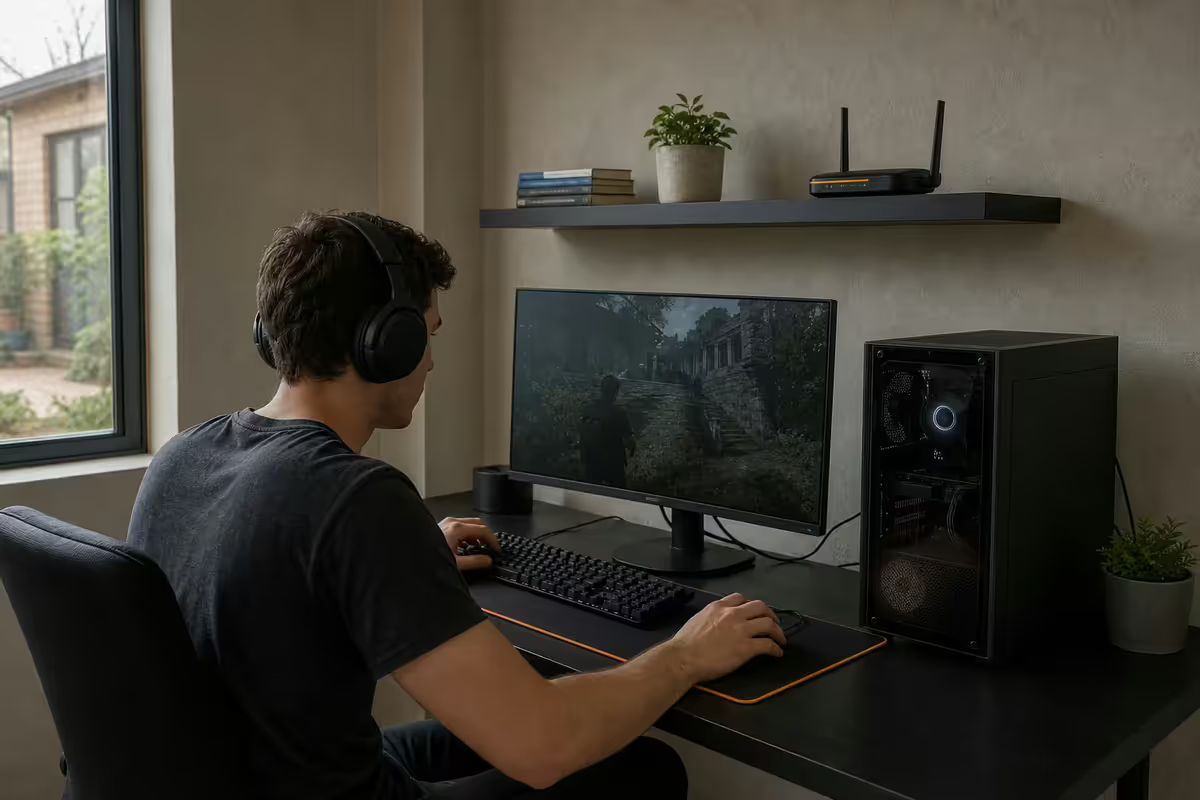
"Budget gaming" covers a wider range than the internet usually admits. R6,000 buys a different machine to R15,000 — both are valid, both are budget, neither needs apologising for. Here's the practical map of where the rand stops:
| Tier | Price range | Name | Key components | Performance target |
|---|---|---|---|---|
| Tier 1 · Entry | R6-8k | iGPU-based esports rig | Ryzen 5 8500G / 8600G (with Radeon iGPU), 16GB DDR5, 500GB NVMe, 500W PSU, basic case | Valorant, CS2, Fortnite Performance Mode 60-100 fps |
| Tier 2 · Sweet spot | R10-12k | Discrete GPU 1080p | Ryzen 5 5500 or i3-14100F, 16GB DDR4, RX 6600 or RTX 3060 refurb, 650W bronze PSU | 1080p high 100-200 fps esports |
| Tier 3 · Stretch | R13-15k | High-refresh 1080p | Ryzen 5 7600 or i5-13400F, 16-32GB DDR5, RX 7600 or RTX 4060, 650W gold PSU | 1080p ultra 144Hz with headroom |
Each tier above is the tower only. Add R2,500-R4,000 for a monitor, R600-R1,200 for a keyboard and mouse combo, and R500-R1,500 for headphones if needed. A complete Tier 2 desk costs around R14,000-R16,000 all-in for everything except the chair.
Under R10,000 — what's actually possible
The under-R10k segment used to be a cynical wasteland of corner-cut PCs that died within 18 months. In 2026 it's genuinely usable territory, mostly because two things shifted: integrated graphics finally caught up to entry esports (AMD's 8000G "Phoenix" iGPUs run Valorant at 1080p high above 100 fps), and last-generation Radeon and GeForce cards keep dropping in price faster than they lose usefulness.
| R8k complete tower | Spec | SA price |
|---|---|---|
| CPU | AMD Ryzen 5 8500G (with Radeon 740M iGPU) | R2,800 |
| Motherboard | A620M (mATX) | R1,400 |
| Memory | 16GB DDR5-5600 (2x8GB) | R900 |
| Storage | 500GB NVMe Gen 4 | R700 |
| Case + PSU | Aerocool / Tecware budget case + 500W bronze PSU | R1,400 |
| Cooling | Stock cooler (Wraith) | Included |
| Windows 11 (OEM) | Genuine OEM license | R700 |
| Tower subtotal | ~R7,900 |
What this rig actually does: Valorant at 1080p high settings — 110-150 fps. CS2 — 100-130 fps competitive. Fortnite Performance Mode — 130-180 fps. Marvel Rivals — 60-90 fps medium. Apex Legends — 75-100 fps medium. League of Legends and Dota 2 — 200+ fps. Genshin Impact — 60 fps locked at high. Triple-A games (Cyberpunk, Baldur's Gate 3, Hogwarts Legacy) run at 30-50 fps on low-medium settings — playable but not premium.
Add a R2,500 1080p 75Hz monitor, R600 keyboard+mouse combo, R500 headset and a Pargo Point collection — total R11,500 for a complete gaming setup. Two years ago this was R18,000 territory.
R10,000 to R15,000 — the genuine sweet spot
The R10-15k band is where SA budget gaming stops feeling like a compromise. A discrete GPU enters the picture, the PSU becomes properly reliable, the case has airflow rather than a vague gesture in that direction, and there's enough headroom that you'll still be gaming on it in 3-4 years without immediate upgrade pressure.
| R12k esports tower | Spec | SA price |
|---|---|---|
| CPU | AMD Ryzen 5 5500 (or Intel Core i3-14100F) | R1,900 |
| Motherboard | B550 / B760 mATX | R1,400 |
| Memory | 16GB DDR4-3200 dual rank | R650 |
| GPU | AMD Radeon RX 6600 (8GB) — new or refurbished | R3,800-R4,400 |
| Storage | 1TB NVMe Gen 4 | R1,100 |
| PSU | 650W 80+ Bronze (Cooler Master, Corsair, Aerocool Lux) | R1,000 |
| Case | Mesh-front mid-tower with 3 fans | R900 |
| Windows 11 OEM | R700 | |
| Tower subtotal | ~R11,500-R12,100 |
What this rig actually does: 1080p high settings at 100+ fps on virtually every competitive multiplayer game in 2026. Triple-A games run at 1080p medium-high at 60-80 fps with FSR or DLSS quality mode. Pair with a 144Hz 1080p monitor and you have a competitive esports setup that costs less than an iPhone Pro.
The stretch to R15k buys: stronger CPU (Ryzen 5 7600 or i5-13400F), DDR5 instead of DDR4, an RX 7600 or RTX 4060 (which adds ray tracing and DLSS frame generation), and a 32GB memory kit. Same 1080p resolution but at ultra settings with 144 fps locked, and meaningful future-proofing for the next 4 years.
The used market — discipline, not desperation
The SA used market is real, active and a legitimate budget tool. It's also where the most expensive lessons get learned by anyone who skips the discipline.
Where to look:
- Facebook Marketplace SA — biggest pool, lots of legitimate sellers (kids upgrading, parents clearing space) and a long tail of scammers. Filter by sellers with profile age 1+ year and at least one prior sale.
- Carbonite — SA-built secondary marketplace, more PC-literate buyers and sellers, lower scam rate, higher prices.
- Carousell SA — quieter, better for individual components than complete builds.
- Local subreddits (r/jhbtech, r/cptmarket) — small but vetted communities, sellers have post history that's checkable.
- Friends-of-friends — the genuinely best price-quality combo. Ask in WhatsApp gaming groups.
The non-negotiable rules:
- Physical inspection or no sale. Meet at a coffee shop or shopping centre, never at someone's home or a quiet street. If they refuse to meet, walk away.
- Stress-test before paying. Bring a USB stick with FurMark, OCCT and 3DMark portable. Run the GPU for 15 minutes minimum and watch the temps and the artifacts.
- Original invoice required. Proves age, proves stolen-property origin isn't a risk, and might preserve manufacturer warranty for the remaining period.
- Avoid mining-era cards. RX 5700, RTX 3060/3070 cards from late 2020 to early 2023 were often run 24/7 at high temperatures. Check the fans (excessive wear), the BIOS revision (mining BIOS = avoid), and the seller's story.
- Pay in person, in cash or instant EFT. Avoid PayShap from a stranger's phone — verify the account name matches the seller's ID before transferring.
- Get a written receipt with both parties' IDs and contact details. Protects you if the part fails within a week and the seller goes silent.
Refurbished GPUs — the middle path
Refurbished and certified pre-owned (CPO) GPUs sit between new retail and the wild used market. Evetech rotates warranty-return cards through a refurbishment process, then resells them with a shorter warranty at a substantial discount.
What refurbishment involves:
- 4+ hour stress test under load — confirms thermal stability and detects artifacts.
- Disassembly, paste replacement, fan inspection and lubrication.
- Visual inspection for capacitor swell, PCB damage, mining residue.
- BIOS reset to manufacturer-default, mining BIOSes flashed off.
- Cosmetic clean — anti-static cleaning, fan grilles dust-blown.
- Final QC by senior technician before sale.
| Card | New retail | Refurbished (typical) |
|---|---|---|
| Radeon RX 6600 (8GB) | R4,800 | R3,000-R3,400 |
| Radeon RX 6700 XT (12GB) | R7,500 | R4,800-R5,400 |
| GeForce RTX 3060 (12GB) | R6,200 | R3,900-R4,500 |
| GeForce RTX 3060 Ti (8GB) | R7,000 | R4,500-R5,200 |
| GeForce RTX 4060 (8GB) | R6,800 | R4,800-R5,500 |
Refurbished cards come with a 90-day Evetech warranty and are returnable within 14 days if performance disappoints. Stock fluctuates weekly — these are pulled from warranty returns, not bulk imports. The 6700 XT is often the highest-value pick: 12GB VRAM gives genuine future-proofing at 1080p.
The free-to-play roster — zero rand of game cost
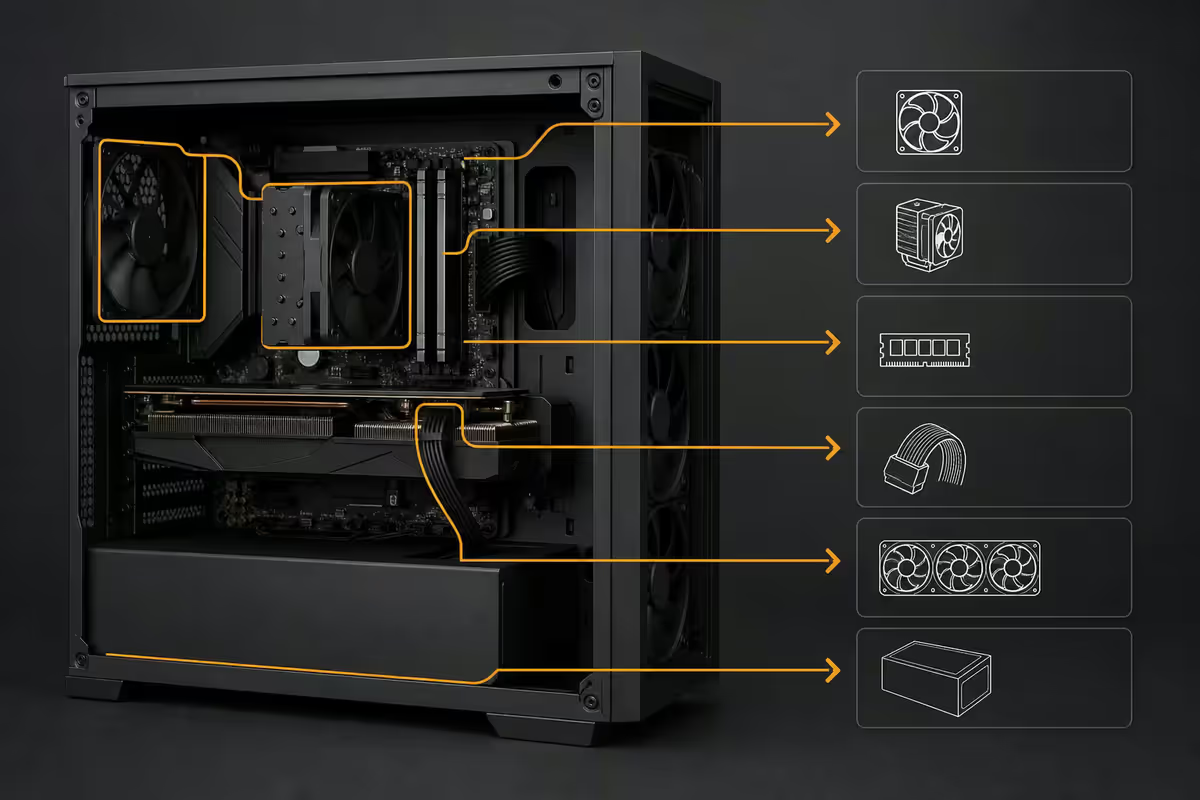
A budget gaming PC has an enormous advantage: the highest-quality competitive games on the market in 2026 are all free. Total cost to access the roster below is zero rand and a Steam, Epic Games or Battle.net account.
| Game | Genre | Why it runs well on budget |
|---|---|---|
| Valorant | Tac shooter | Built to run on toasters; 200+ fps on R12k rigs |
| Counter-Strike 2 | Tac shooter | Optimised for high frame rates; SA servers in CT |
| Fortnite (Performance Mode) | Battle royale | DX11 path is light; SA Joburg servers |
| Apex Legends | Battle royale | Runs 120+ fps on entry RX 6600 |
| Call of Duty Warzone | Battle royale | Heavier; 80-120 fps on R12k tier |
| Marvel Rivals | Hero shooter | Optimised UE5 — 100+ fps with DLSS |
| Overwatch 2 | Hero shooter | Famously light; 250+ fps |
| Rocket League | Sports | Locks at 200+ fps easily |
| League of Legends + Dota 2 | MOBA | Both run at 200+ fps on any post-2018 hardware |
| Path of Exile 2 | ARPG | Free-to-play, well-optimised |
| Genshin Impact / Wuthering Waves | Open world RPG | 60 fps high on RX 6600 |
| War Thunder + World of Tanks | Vehicle sim | SA-active player base, decent perf |
For paid games, Steam's regular SA-Rand-priced sales (Summer Sale July, Autumn Sale November, Winter Sale December) consistently put recent triple-A titles in the R200-R400 range. Wait six months past launch and almost any game is 60-70% off.
Settings that make a budget rig look high-end
The difference between "this looks budget" and "this looks great" at 1080p is settings tuning, not hardware. The right settings hide 80% of the visual compromise; the wrong ones make a R15k rig look like a R6k rig.
What to keep high (zero performance cost if VRAM allows):
- Texture quality. Costs VRAM, not framerate. If you have 8GB+ VRAM, push textures to High or Ultra — it's the single biggest visual quality lever.
- Anisotropic filtering 16x. Effectively free on modern GPUs and dramatically cleans up surfaces at angle.
- Ambient occlusion. Adds depth and contact shadows; modest performance cost; big visual win.
- Shadow resolution medium. Don't disable shadows — the absence is more visible than low-quality shadows.
What to drop (heavy cost, low or negative visual gain):
- Motion blur — off. Costs frames, blurs detail, masks framerate dips. Always off, including for screenshots.
- Depth of field — off. Same reasoning. Often makes games look worse by softening the background.
- Chromatic aberration — off. Wastes performance to simulate a defect.
- Film grain — off. Same.
- Volumetric clouds / volumetric fog — medium or low. Heavy frame cost, modest visual gain at 1080p.
- Ray tracing — off on budget GPUs. Wait for RTX 4060/RX 7700 tier or above before considering it.
What to enable for "free" performance:
- AMD FSR (FidelityFX Super Resolution) Quality mode on Radeon and older NVIDIA cards.
- NVIDIA DLSS Quality mode on any RTX card. DLSS 3.5+ at Quality is genuinely indistinguishable from native at 1080p.
- Intel XeSS Quality mode as the universal fallback.
- Frame Generation if your card supports it (RTX 4000+ for DLSS-FG, RX 7000+ for FSR-FG).
Save for upgrade vs buy now — the math
The genuine question for many SA buyers isn't "what can I afford right now" but "should I wait six months and buy better, or buy now and game now". The answer depends on three variables.
Variable 1: How long will the wait actually be?
A 3-month wait that adds R2,500 to your budget moves you from Tier 1 to Tier 2 — meaningful upgrade. A 6-month wait that adds R5,000 moves you from Tier 2 to Tier 3 — strong upgrade. A 12-month wait that adds R10,000 puts you in a R20-25k mid-range build — major upgrade but you missed a year of gaming. Beyond 12 months, the gaming value lost generally exceeds the hardware tier gained.
Variable 2: Will the money actually be saved?
Be honest. If R500/month into a saving pot is realistic, the math works. If it'll get raided for petrol, takeaways or a wedding gift, it won't. Many "save and upgrade" plans fail not because the math is wrong but because the savings discipline isn't there.
Variable 3: Hybrid path — buy now, upgrade GPU in 18 months
The genuinely smart play for many SA buyers: buy a R12k Tier-2 build now, game for 18-24 months, then drop R6,000-R8,000 on a GPU upgrade alone. The CPU, RAM, motherboard, case and PSU you bought first time round will easily host the new GPU. Total spend after 2 years: R18-20k for what would have been a R25k single-purchase rig — but with no gaming gap. This is the path we recommend to roughly half the budget buyers who ask us.
Key takeaways
- Three honest tiers: R6-8k entry iGPU, R10-12k sweet-spot discrete, R13-15k high-refresh stretch.
- Free-to-play roster (Valorant, CS2, Fortnite, Apex, Warzone, Marvel Rivals) all hit 100+ fps on R12k hardware.
- Used market saves 30-50% but requires discipline: physical inspection, stress test, original invoice, in-person payment.
- Evetech refurbished GPUs (RX 6600, 6700 XT, RTX 3060/4060) come tested with 90-day warranty at 35-50% below new pricing.
- Hybrid path beats both "save and wait" and "settle for less" — buy R12k Tier-2 now, upgrade GPU in 18 months.
Frequently asked questions
Can you build a complete gaming PC for under R10,000 in South Africa?
Yes — an entry tower runs around R8,000 (Ryzen 5 8500G iGPU or Ryzen 5 5500 + RX 6600). Add R2,500-R4,000 monitor and R600-R1,200 peripherals for a complete setup under R12k. Hits 100+ fps on esports titles at 1080p.Is buying a used gaming PC in SA a good idea?
Used can save 30-50% with discipline. Inspect in person, stress-test the GPU before paying, demand original invoice. Facebook Marketplace and Carbonite are active SA channels. Avoid mining-era cards and no-invoice imports.What refurbished GPUs does Evetech sell?
Tested refurbished RX 6600, 6700 XT, RTX 3060, 3060 Ti and RTX 4060 cards from trade-ins and warranty rotations. All units load-tested 4+ hours, repasted, fans inspected, 90-day Evetech warranty. Typically 35-50% below new pricing.What free-to-play games run well on a budget gaming PC?
Valorant, CS2, Fortnite, Apex Legends, Warzone, Marvel Rivals, Overwatch 2, Rocket League, League of Legends, Dota 2, Path of Exile 2, Genshin Impact, War Thunder. All run 1080p high on a budget rig. Zero cost of entry.What settings tweaks make a budget PC look high-end at 1080p?
Native 1080p, textures high, anisotropic 16x, ambient occlusion on, FSR/DLSS Quality mode. Motion blur, depth of field, chromatic aberration and film grain all off. Shadows medium, ray tracing off.What esports framerate can budget hardware achieve?
R12k Tier-2 rig at 1080p competitive: Valorant 250-400 fps, CS2 200-300, Fortnite Performance 200-300, Apex 120-180, Warzone 100-140. Pair with a 144Hz 1080p monitor for genuine competitive setup under R16k total.Should I save and buy better, or buy budget now?
3-6 month wait that adds R2,500-R5,000 is usually worth it. 12+ month waits usually aren't — gaming value lost exceeds hardware tier gained. Hybrid path: buy R12k Tier-2 now, upgrade GPU in 18 months. Often the best route.What is the difference between cheap and budget gaming PCs?
Cheap cuts corners that fail: undersized PSUs, OEM motherboards, recycled RAM. Budget chooses strategically: reliable PSU, last-gen but proven CPU, one strong component, acceptable corners on aesthetics. Same R10k, very different lifespans.
Get the Evetech app
Exclusive app-only prices, daily flash sales, and free delivery on orders over R4,000 — download the app and start saving.