Creative Skills · Free Path
Learn 3D modeling for free. — Blender, a donut, twelve months.
Maya costs R20k/year. ZBrush is R10k+. Cinema 4D charges by the subscription month. Meanwhile Blender — used by Pixar, Ubisoft and half the indie game studios on Steam — is free. The skill gap is real. The software gap isn't.
- software cost
- R0
- to portfolio
- 12 months
- per week
- 5-10 hrs
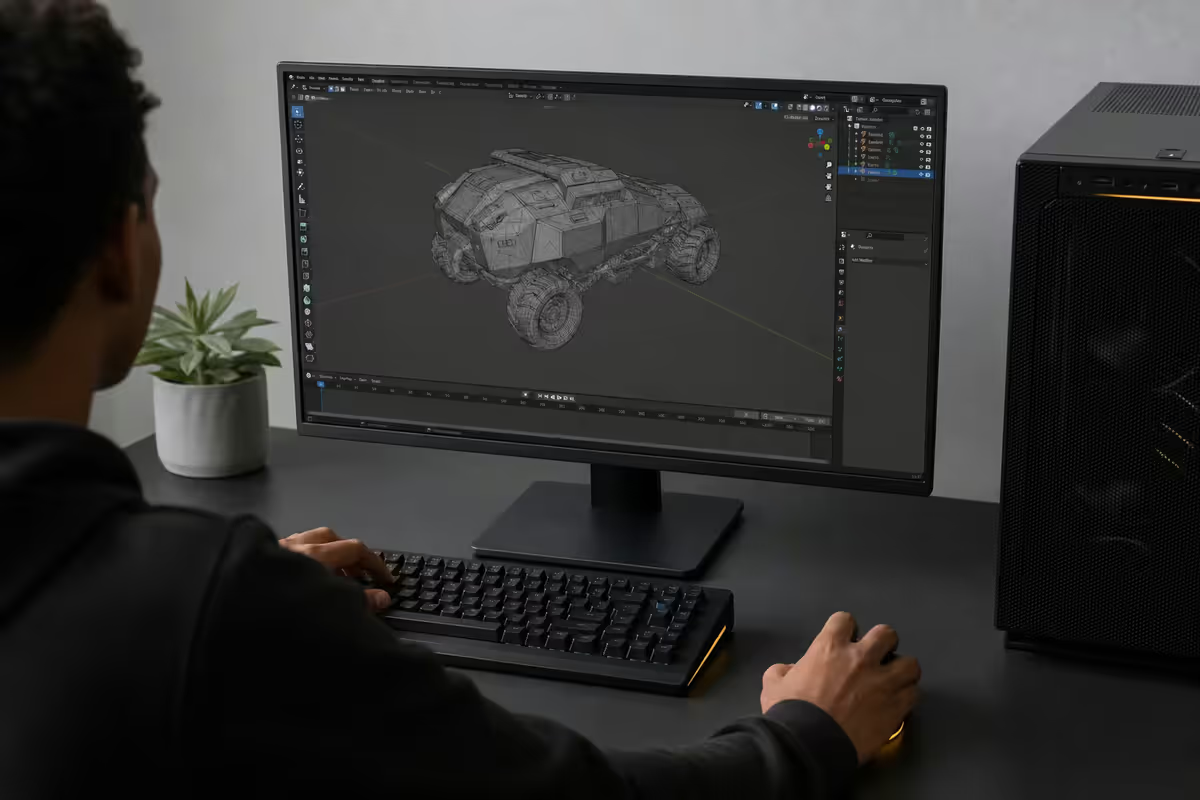
Free vs paid 3D software — why Blender wins for beginners
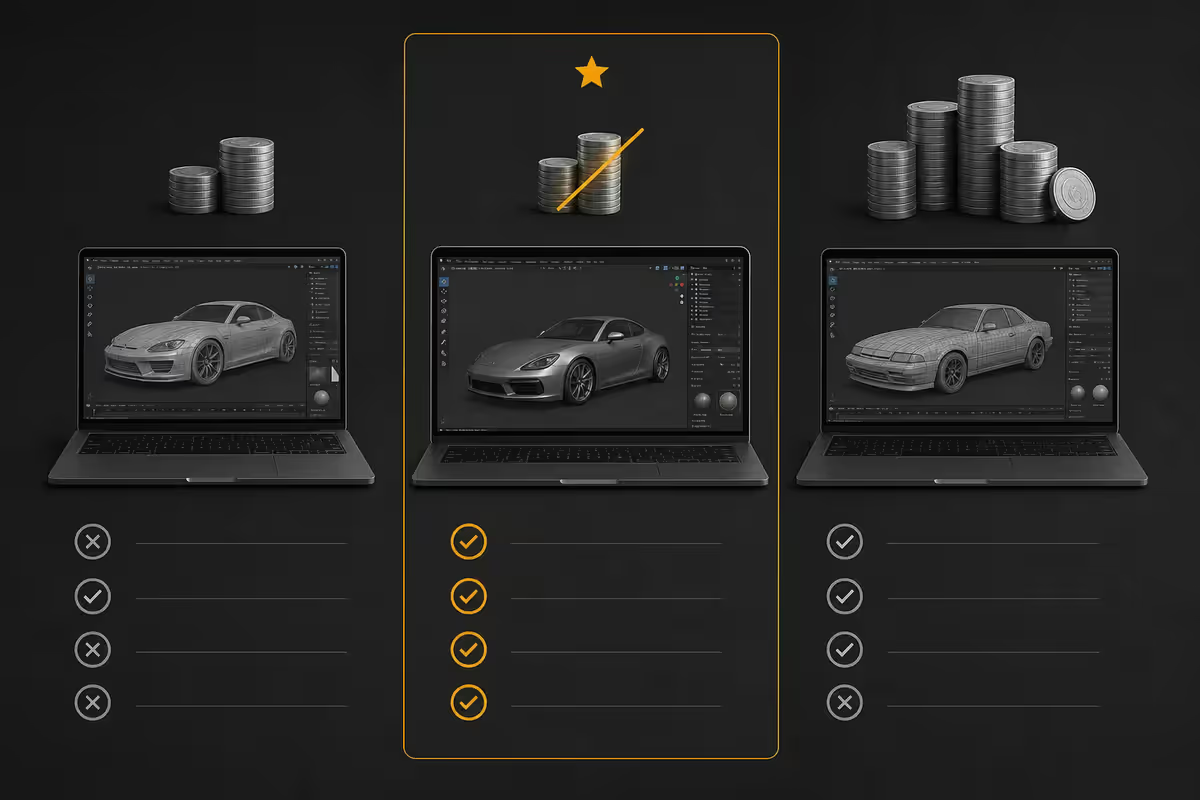
In 2026, the conversation around "what 3D software should I learn first" basically ends at one word: Blender. Not because the paid alternatives are bad — Maya, ZBrush, Cinema 4D and 3ds Max are all genuinely excellent — but because Blender has closed the feature gap dramatically while remaining completely free, with no watermarks, no render-time limits, and zero commercial restrictions.
| Software | Annual cost (ZAR) | Beginner verdict |
|---|---|---|
| Blender 4.x | R0 forever | Start here. Full pipeline coverage. |
| Autodesk Maya | ~R22,000/yr sub | Studio standard. Overkill for solo learners. |
| ZBrush (Maxon) | ~R7,500-R10,500/yr | Sculpting king. Layer later, not first. |
| Cinema 4D | ~R18,000/yr sub | Motion design pro tool. Not free path. |
| 3ds Max | ~R22,000/yr sub | Archviz / game art. Niche-specific. |
| Houdini Apprentice | Free (non-commercial) | VFX/sims later, after Blender basics. |
Five years ago you'd hear "Blender is fine for hobbyists, but real studios use Maya." That argument has quietly died. Embark Studios shipped The Finals partially on Blender. Tangent Animation built two Netflix features in it. Ubisoft Animation Studio adopted it for production. The studio gatekeeping is over — what's left is taste.
A realistic 12-month free roadmap
The mistake most beginners make is treating "learn 3D" as one skill. It's actually about eight stacked sub-skills. Trying to learn them in parallel ends in frustration. The path below sequences them in the order that compounds best.
- Months 1-2
Interface & basics
Complete the Blender Guru Donut tutorial (all 4 parts). Don't worry about retention — the goal is exposure to the interface, hotkeys and modifiers. Re-do small portions if something refused to click. - Months 3-4
Modeling fundamentals
Build 5-8 small hard-surface models from reference photos: a mug, a wireless mouse, a desk lamp, a chess piece, a kettle. Focus on clean quad topology, not realism. Grant Abbitt's "Modeling for Beginners" playlist is the right companion here. - Months 5-6
Materials, UVs & lighting
Take those models and properly UV-unwrap, texture and light them. Learn the Principled BSDF inside-out. Render product-photography-style turntables of each piece for your first portfolio entries. - Months 7-8
A specialty choice
Pick a lane: character art (sculpting + retopology), environment art (modular kits, vegetation), product visualisation (archviz, advertising) or motion design (animation, rigid-body physics). Going deep beats going wide. - Months 9-10
A flagship piece
One single ambitious project — a fully lit, fully composed final image or 10-second animation. This is your portfolio's hero shot. Expect 60-100 hours over six weeks. - Months 11-12
Portfolio polish & outreach
Build an ArtStation page with 6-8 best pieces. Cross-post to Sketchfab and r/blender. Apply for first freelance gigs on Upwork in the R400-R1,200/model bracket to build paid-work momentum.
The best free tutorials and channels in 2026
The free 3D-education landscape is overwhelming — YouTube alone has tens of thousands of Blender videos. These four channels are the ones working artists keep recommending:
- Blender Guru (Andrew Price) — the Donut tutorial is the canonical beginner starting point. Re-recorded for Blender 4.x, ~10 hours total. The pacing is brisk but he's a phenomenal explainer.
- Grant Abbitt — gentler, slower pace. Excellent dedicated beginner playlists, hand-painted texturing series and a long-running "Imphenzia low-poly" collaboration. Best second-pass channel after Donut.
- CG Cookie — free tier covers a surprisingly wide curriculum. Paid tier (~R280/month) unlocks structured paths. The quality of the free tier alone justifies a subscription to Polygon Runway-style monthly support.
- Polygon Runway (Roman Klčo) — stylised low-poly environment art. The work is gorgeous; the tutorials are paid (~R380/month) but the free YouTube channel is full of high-value process videos.
Honourable mentions: Default Cube (advanced shading magic), Ian Hubert's "Lazy Tutorials" (60-second masterclasses on environment workflow), Imphenzia (10-minute low-poly game-art bursts), and Erindale (geometry nodes deep-dives once you're past month 6).
The "Donut" path → your first portfolio piece
Andrew Price's Donut tutorial isn't famous because donuts are interesting. It's famous because it touches every major Blender subsystem on a single small object — modeling, sculpting, particle systems, materials, lighting, compositing, rendering. By the end you've cargo-culted your way through a full pipeline.
After the Donut, the right move isn't another tutorial. It's a self-directed remix of the same exact workflow on a new subject. Pick something with similar complexity — a cinnamon bun, a stack of pancakes, a cup of espresso, a fortune cookie. Apply the same modeling → texturing → lighting steps without watching a tutorial. This is when actual learning happens.
Most working artists describe this remix piece as the single most valuable exercise in their first year. It's where you stop copying and start thinking in Blender.
When to layer the paid tools (ZBrush, Substance, Marvelous)
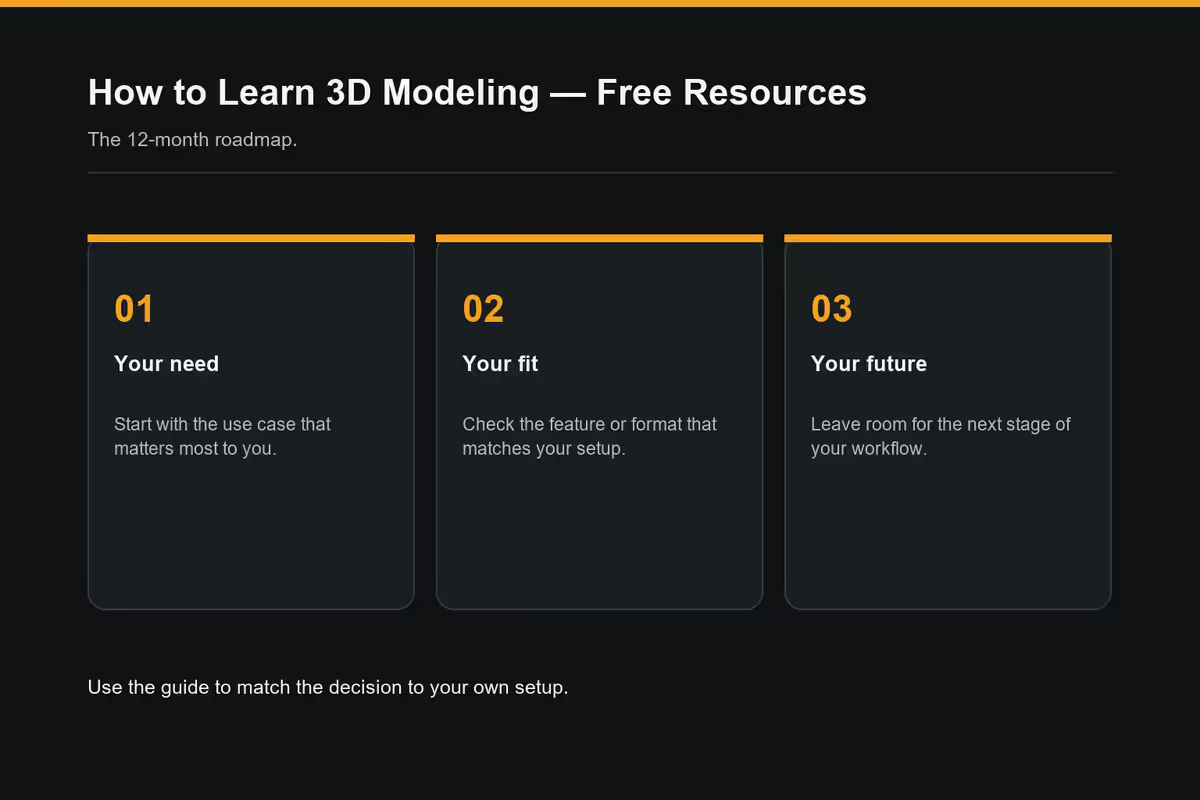
Around month 9-12, you'll feel Blender getting in your way for one of three specific tasks. That's the signal to layer in a paid specialist — not before.
ZBrush (R10,000-R14,000 perpetual). Add this if your specialty is character art, creatures or miniatures and you're hitting the wall on dense-mesh sculpting. Blender 4.x sculpt mode is good — ZBrush is still better for 20M+ poly detail work. Don't add it for environment or product work.
Substance Painter (~R450/month sub or R8,000 perpetual). Add this if you're doing PBR texturing of complex hero assets — characters, weapons, vehicles. The smart-material library and procedural masks genuinely save hours per asset. Blender's texture-paint mode is fine for first-year work; Substance becomes worth it once you're shipping multiple assets per month.
Marvelous Designer (~R900/month sub). Add this only if you're doing character clothing simulation. There is no Blender equivalent that comes close. Niche tool. Skip until you specifically need cloth.
The rest — Quixel Megascans (free with Epic account), PolyHaven (free CC0 HDRIs and textures), Blender Market add-ons — are free or one-time small purchases that supplement rather than replace your core stack.
Hardware reality — what you actually need
Blender is one of the more graceful pieces of demanding software — it'll run on weak hardware (slowly) and scale beautifully on strong hardware. The bottlenecks shift as your work gets more ambitious.
Memory. 16GB RAM is the realistic minimum for serious learning. 32GB is the sweet spot — once scenes get past ~500k polys with textures, 16GB starts swapping. 64GB only matters for big environment work or complex Geometry Nodes setups.
GPU. Cycles loves NVIDIA's CUDA + OptiX combo — an RTX 4060 (8GB) at ~R8,500 punches massively above its weight for render times. AMD's HIP-RT is improving but still 1.3-1.8× slower than equivalent NVIDIA. Mac M-series (M2 Pro and up) is the surprise of the past two years — Metal RT in Blender 4.x makes M3 Pro/Max chips genuinely competitive with mid-range RTX cards while sipping power.
CPU. Matters less than GPU for Cycles render time, but more than people realise for viewport responsiveness, sculpting performance and Eevee. A Ryzen 7 7700 or Core Ultra 7 245K is the sweet spot for solo creators. Don't pair a flagship GPU with a budget CPU — Blender's viewport will feel sluggish even with an RTX 4080.
Storage. SSD non-negotiable. A 1TB NVMe is the baseline — 3D project files balloon fast once you start saving asset libraries, HDRIs and external textures. Add a 2TB secondary SSD by month 9.
| Tier | Build | SA price |
|---|---|---|
| Donut-ready entry | Ryzen 5 7600 + RTX 4060 + 16GB | R18,000-R22,000 |
| Comfortable learning | Ryzen 7 7700 + RTX 4060 Ti 16GB + 32GB | R28,000-R34,000 |
| Portfolio production | Ryzen 7 7800X3D + RTX 4070 Super + 32GB | R38,000-R46,000 |
| Mac M-series option | MacBook Pro M3 Pro 18GB | R44,000-R52,000 |
| Pro freelance rig | Ryzen 9 7900X + RTX 4080 Super + 64GB | R58,000-R72,000 |
Where to share work and get real feedback
3D is one of those skills where progress accelerates dramatically once you're posting work publicly and receiving critique. Posting privately to Instagram doesn't count — you need replies from people who model.
ArtStation is the industry-standard portfolio platform. Free tier is enough. Recruiters and art directors live here. Build a clean profile, post finished work only, link from your CV.
Sketchfab hosts interactive 3D viewers — embed turntables of your models in CVs, websites and DMs. The free tier allows 50 uploads. Great for showing topology, not just final renders.
Polycount forum is the legendary game-art community. Harder edge, deeply technical critique. Post here when you can take honest feedback. The "What Are You Working On" threads are gold.
Blender Artists forum is friendlier and broader — modeling, motion, archviz, abstract art all welcome. The Focused Critique subforum is the right place to ask for specific feedback.
Reddit r/blender is high-volume, mixed-quality but useful for early validation. r/3Dmodeling and r/CGI are slower but more substantive.
Discord is where real-time community lives now. The Blender 3D server, Stylized Station, CGBoost and Smirnov School Discord servers are where artists ask questions and share WIPs daily. Local SA Discords (Cape Town Blender Meetup, Joburg 3D Artists) run intermittently — search Meetup.com for current ones.
Key takeaways
- Blender is the right starting tool for 95% of new 3D artists in 2026. Free, full pipeline, studio-grade. Don't agonise over the choice.
- Blender Guru's 4-part Donut tutorial is still the consensus best starting point. Grant Abbitt is the gentler second-pass channel.
- 9-12 months at 5-10 hours/week of focused practice gets you to entry-level freelance portfolio quality. Consistency beats talent.
- Layer paid tools (ZBrush, Substance, Marvelous) only when Blender visibly limits a specialty — not before month 9.
- Hardware floor: 16GB RAM, 6GB+ VRAM GPU, SSD. RTX 4060 + 32GB at ~R28k is the comfortable sweet spot for solo creators.
Frequently asked questions
Can I really learn 3D modeling for free in 2026?
Yes. Blender is fully free and open-source — no watermarks, no render-time limits, full commercial rights. Combine it with free YouTube tutorials, CG Cookie's free tier, Blender Cloud, PolyHaven and Sketchfab and you have a complete R0 learning path.Is Blender good enough versus Maya or 3ds Max?
For 95% of beginner-to-intermediate work, yes. Blender 4.x handles modeling, sculpting, UVs, texturing, animation and rendering at a level that rivals Maya. Studio gap exists only in rigging/animation pipeline depth and legacy plugin ecosystems.How long until I can freelance with 3D skills?
9-12 months of consistent practice (5-10 hours/week) gets entry-level freelance work at R400-R1,200/model on Upwork. By month 18-24 with a focused portfolio, R8,000-R25,000/month part-time income is realistic for SA-based artists.What hardware do I need to start?
Minimum 16GB RAM, GPU with 6GB+ VRAM (GTX 1660/RTX 3050), an SSD. Ideal 32GB RAM with RTX 4060/4070 for OptiX-accelerated Cycles. Mac M-series (M2 Pro+) is genuinely excellent thanks to Metal RT.Should I learn ZBrush instead of Blender?
No — start with Blender. ZBrush is still king for high-end digital sculpting, but has a steeper curve and costs ~R10k+. Blender 4.x sculpt mode is sufficient for the first 12-18 months. Layer ZBrush on later if sculpting becomes your specialty.Is the Donut tutorial still the best starting point?
Yes — still the consensus answer. The 4-part series (updated for Blender 4.x) covers 80% of Blender's core interface across one small project in ~8-10 hours. Grant Abbitt's playlists are a gentler alternative.Do I need a drawing tablet?
Not at first. Hard-surface modeling, UVs, retopology and rendering are mouse-and-keyboard tasks. A tablet only matters for serious sculpting and texture painting. Wacom Intuos S (R1,800) or Huion HS610 (R1,400) is plenty for the first 2-3 years.Where do I share 3D work and get feedback in SA?
ArtStation for portfolio (industry standard). Sketchfab for interactive viewers. r/blender and the Blender Artists forum for beginner critique. Polycount for game-art portfolios. Discord servers (Blender 3D, Stylized Station, CGBoost) for real-time feedback.
Get the Evetech app
Exclusive app-only prices, daily flash sales, and free delivery on orders over R4,000 — download the app and start saving.