Blender 3D Workstation · 2026
Best PC for Blender 3D. — Cycles + RTX OptiX is the sweet spot.
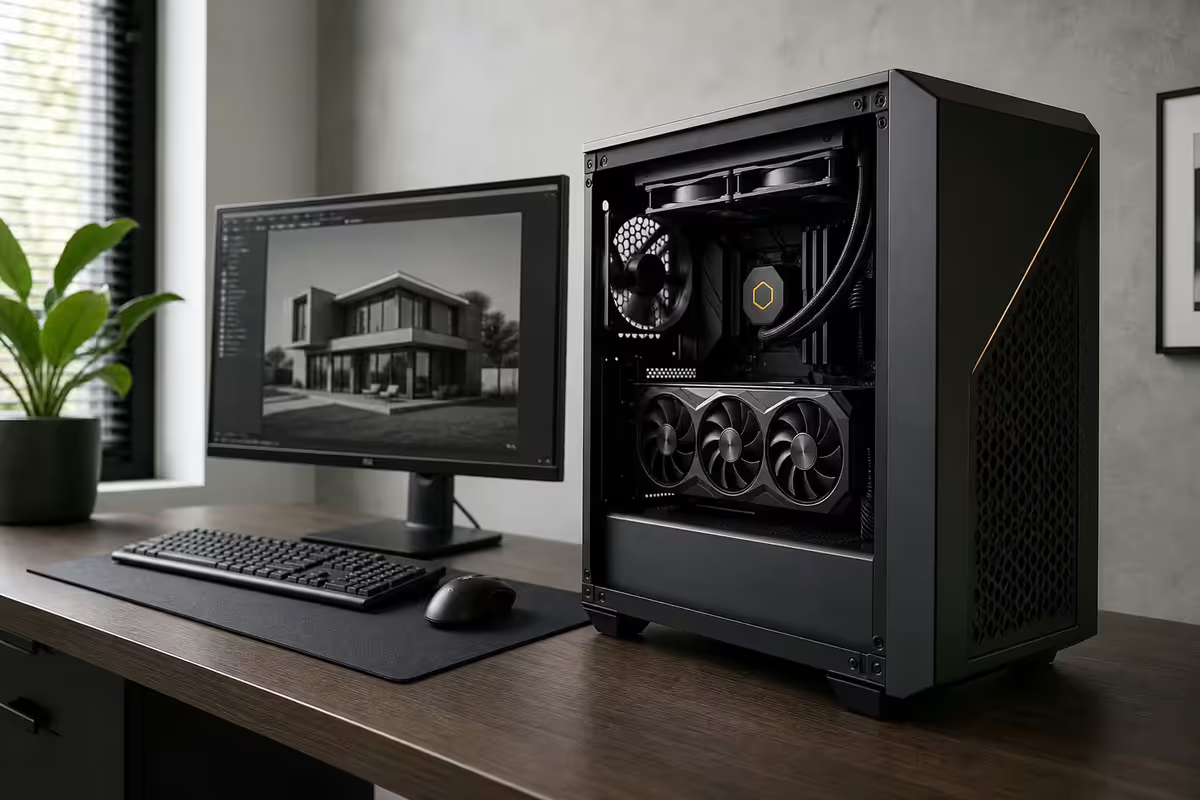
Cycles GPU rendering means the GPU does 80% of the heavy lifting. The rest is RAM, NVMe scratch, and just enough CPU for sculpting and physics. Here's the SA build that hits the budget tier you actually need.
- 50% of budget
- GPU
- RAM minimum
- 32 GB
- SA build tiers
- R30-85k
Cycles vs Eevee — what dominates the build
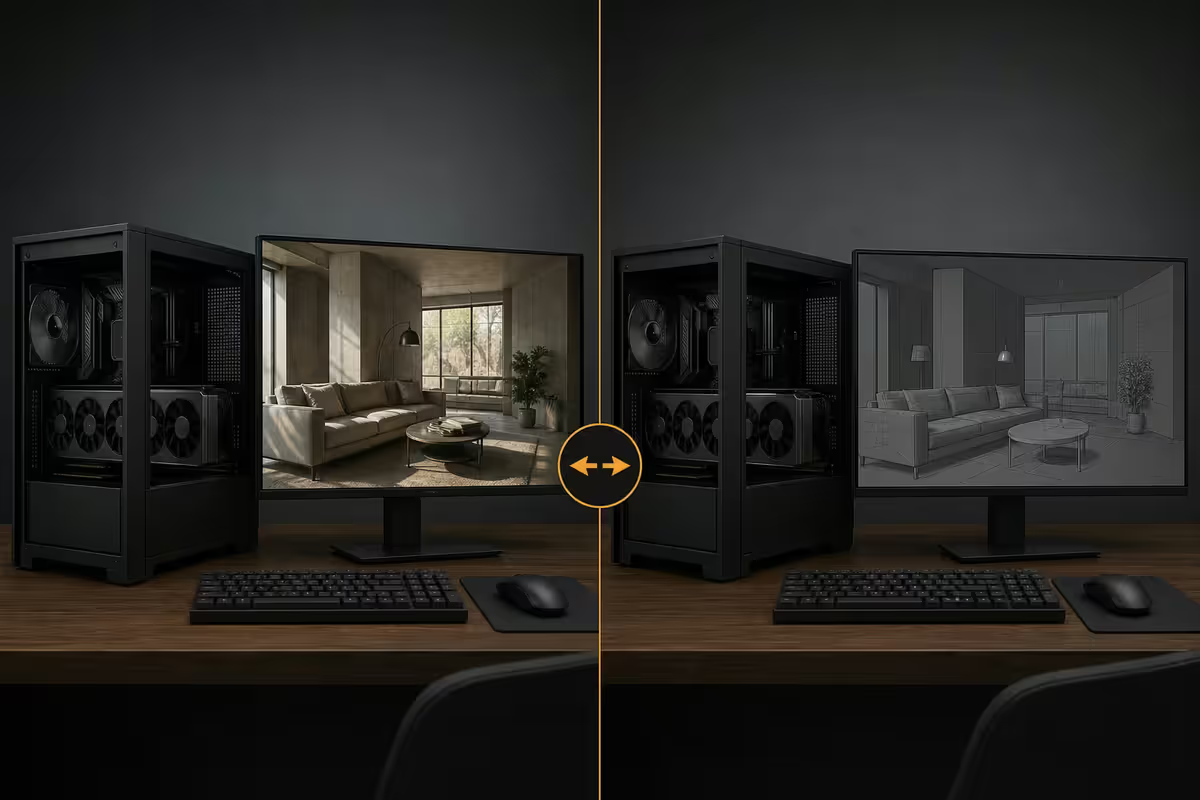
Blender ships with two renderers, and your build priorities depend on which one drives your time:
- Cycles — physically-accurate path tracer. Photo-realistic output. Loves GPU compute (OptiX on NVIDIA RTX, HIP-RT on AMD). This is the final-render engine for product viz, architectural viz, animation, VFX.
- Eevee Next — rasterizer with screen-space reflections (Blender 4.3+). Real-time viewport response. Used for previews, motion graphics, lookdev, anything where speed beats absolute realism.
Most professionals work in Eevee for animation and viewport response, then render final frames in Cycles. Build for Cycles (GPU-heavy) and Eevee runs fast as a side effect.
GPU — OptiX vs HIP-RT, the real numbers
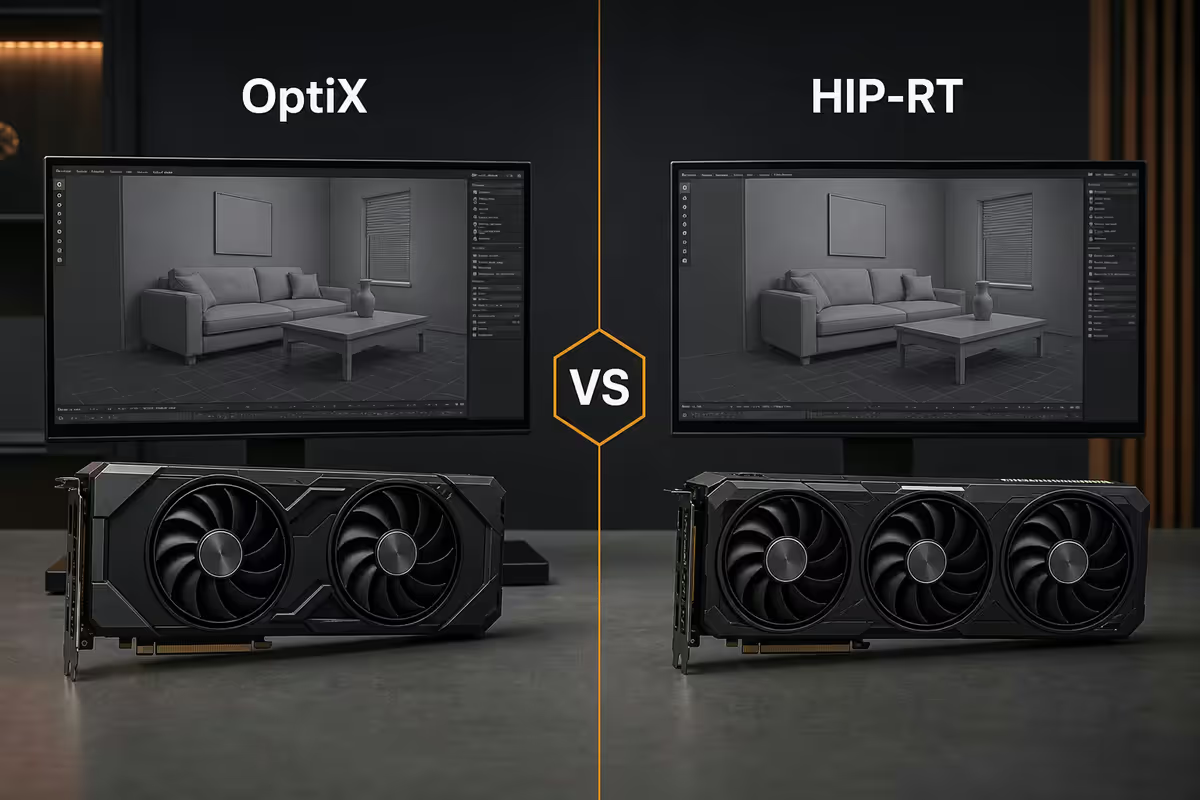
Cycles supports three GPU backends: OptiX (NVIDIA RTX), HIP-RT (AMD RDNA 3/4), and Metal (Apple Silicon). On equivalent-tier hardware, the performance order is consistent:
| GPU | VRAM | Classroom benchmark |
|---|---|---|
| RTX 5090 | 32 GB | ~18 sec |
| RTX 5080 | 16 GB | ~28 sec |
| RTX 5070 Ti | 16 GB | ~38 sec |
| RTX 5070 | 12 GB | ~45 sec |
| RX 9070 XT | 16 GB | ~55 sec |
| RX 9070 | 16 GB | ~65 sec |
| Mac Studio M4 Ultra | unified 64-128 GB | ~52 sec |
| RTX 5060 | 8 GB | ~78 sec |
The takeaway: NVIDIA OptiX is roughly 25-40% faster than AMD HIP-RT at equivalent tiers, and roughly 30-50% faster than Apple Metal. For pure Blender, NVIDIA is the safer pick. AMD's value advantage (R2k-R3k cheaper) might still make sense for mixed workloads.
VRAM matters as much as raw speed. An RTX 5060 with 8 GB renders simple scenes fast but chokes on complex ones (out-of-core fallback adds 20-40% time). RTX 5070 12 GB is the entry sweet spot for serious work; RTX 5080 16 GB the professional pick; RTX 5090 32 GB for film-quality scenes.
Why CPU still matters — sculpting and sims
Cycles rendering is GPU-bound, but the rest of Blender lives on the CPU:
- Sculpting (Dyntopo, multires) — single-thread CPU performance dominates. A faster CPU = more responsive sculpt brushes on dense meshes.
- Physics simulation — cloth, soft body, smoke and fluid (Mantaflow) run on CPU. 8+ cores is meaningfully faster than 6 for these workloads.
- Geometry nodes — procedural geometry evaluation hits CPU before GPU rendering.
- Scene loading, BVH build — the time between hitting render and the GPU starting work.
- Animation playback — Eevee viewport scrubbing leans on CPU + GPU together.
Recommended for 2026: Ryzen 5 9600X (6c/12t) for entry, Ryzen 7 9700X (8c/16t) for professional, Ryzen 9 9950X (16c/32t) for heavy sim work. Intel Core Ultra 5 245K / 7 265K / 9 285K are equivalent options — slightly more single-thread, slightly less multi-core efficiency.
RAM & NVMe — the second priority pair
RAM:
- 32 GB — minimum for any serious Blender work. Simple scenes, single character animation, freelance learning.
- 64 GB — recommended for typical professional workloads. Architectural viz with high-poly trees, product viz with multiple 4K textures, character work with cloth sims.
- 128 GB — for complex sims, film-quality scenes, large environments, ZBrush-to-Blender pipelines with 50M+ poly meshes.
NVMe scratch:
- 1 TB Gen 4 NVMe — minimum. Holds OS + Blender + current projects.
- 2 TB Gen 4 NVMe — recommended. Project files, simulation caches, asset libraries.
- 4 TB Gen 4/5 NVMe scratch — for heavy simulation users. Smoke / fluid caches eat hundreds of GB per scene; you don't want them on a slow drive.
Mac Studio for Blender — the honest take
Mac Studio M4 Ultra (64 GB or 128 GB unified memory) is genuinely competitive for certain Blender workloads — unified memory means the GPU has access to the full system RAM, so scenes that would exceed a 16 GB NVIDIA card's VRAM fit in a 64 GB Mac without out-of-core fallback.
Where Mac Studio wins:
- Very large scenes where VRAM would otherwise be the bottleneck.
- Quiet workflow — Mac Studio is near-silent compared to multi-fan PC builds.
- Power efficiency — runs cool and uses far less wall power than equivalent PC.
Where Mac Studio loses:
- Cycles GPU rendering on Metal is roughly 30-50% slower than equivalent NVIDIA OptiX at same price.
- OctaneRender, Redshift and other commercial renderers have weaker macOS support.
- Many Blender add-ons assume Windows or have macOS install friction.
- Plug-in ecosystem (Substance Painter / 3D-Coat / Marvelous Designer) more frictionless on Windows.
Net: for Blender-only with massive scenes and quiet preference, Mac Studio M4 Ultra is a contender. For mixed-pipeline production or absolute render speed, NVIDIA on Windows wins in 2026.
SA build tiers — Blender workstation 2026
| Tier | Configuration | SA price |
|---|---|---|
| Entry (learning, freelance) | R5 9600X · RTX 5070 12GB · 32GB DDR5-6000 · 1TB Gen 4 NVMe · 750W Gold | R30k-R34k |
| Sweet spot pro | R7 9700X · RTX 5070 Ti 16GB · 64GB DDR5-6000 · 2TB Gen 4 NVMe · 850W Gold | R42k-R48k |
| Professional | R7 9700X · RTX 5080 16GB · 64GB DDR5-6000 · 2TB Gen 4 NVMe · 1000W Gold | R52k-R58k |
| Heavy / film | R9 9950X · RTX 5090 32GB · 128GB DDR5-6000 · 4TB Gen 5 NVMe · 1200W Plat | R85k-R110k |
| AMD alt (sweet spot) | R7 9700X · RX 9070 XT 16GB · 64GB DDR5-6000 · 2TB Gen 4 NVMe · 850W Gold | R38k-R44k |
| Dual-GPU render rig | R9 9950X · 2× RTX 5070 Ti 16GB · 64GB DDR5-6000 · 2TB Gen 4 NVMe · 1200W Plat | R62k-R68k |
| Mac Studio M4 Ultra (64GB unified) | Mac Studio M4 Ultra · 64GB · 2TB SSD | R85k-R92k |
Dual-GPU rendering — when it pays back
Cycles scales near-linearly with multiple GPUs of the same vendor — two RTX 5070 Ti cards render roughly 1.85× faster than one. But:
- VRAM isn't pooled on consumer cards. Each GPU needs to hold the full scene in its own VRAM (or out-of-core fallback both cards).
- PSU and case requirements jump — 1200W+ PSU, full-tower case with good airflow, motherboard with adequate PCIe spacing.
- Diminishing returns on simple scenes — short renders don't justify the dual-GPU coordination overhead.
When dual-GPU justifies itself: overnight animation render farms at home, indie studios producing 24+ second animation per project, anyone whose render time is the project bottleneck. For most freelancers and learners, one strong GPU (RTX 5080 or 5090) is more practical than two weaker ones.
Common Blender workstation mistakes
Buying the biggest CPU instead of the biggest GPU. Cycles is GPU-bound. A Ryzen 5 9600X with RTX 5080 outperforms a Ryzen 9 9950X with RTX 5070 for rendering — every time.
Skimping on VRAM. RTX 5060 8 GB is fine until your scene grows. RTX 5070 12 GB is the entry that holds up for years.
Buying 16 GB RAM. Blender 4.x uses noticeably more RAM than 3.x. 32 GB is the floor for any serious work in 2026.
Cheap NVMe for simulation caches. QLC drives slow down once filled past ~70%. Use TLC drives (Samsung 990 Pro, WD Black SN850X) for project drives.
Ignoring the PSU on dual-GPU builds. 1200W Platinum is the floor for 2× RTX 5070 Ti. Cheap 850W PSUs will trip under sustained dual-GPU render load.
Choosing AMD purely on price. R2-3k savings is real, but if you render daily, OptiX's 25-40% time advantage pays the gap back inside a month of work.
Key takeaways
- Cycles + NVIDIA RTX OptiX is the 2026 Blender sweet spot — 25-40% faster than AMD HIP-RT.
- GPU gets 50% of budget. RTX 5070 12GB entry, RTX 5080 16GB pro, RTX 5090 32GB heavy.
- 32 GB RAM minimum for serious work; 64 GB for professional; 128 GB for film-quality sims.
- CPU still matters for sculpting and physics — Ryzen 7 9700X is the sweet spot.
- SA tiers: R30k entry, R55k pro, R85k+ heavy. Dual-GPU pays back only for animation farms.
Frequently asked questions
What's the most important component for Blender in 2026?
The GPU — Cycles is GPU-bound via OptiX (NVIDIA) or HIP-RT (AMD). Weight: GPU 50%, CPU 25%, RAM 15%, NVMe 10% of budget.Cycles or Eevee — which renderer should I build my PC around?
Cycles for final renders, Eevee for real-time. Build for Cycles (GPU-heavy) and Eevee runs fast too.How much VRAM do I need for Blender?
8 GB minimum for simple scenes, 12 GB for typical work, 16 GB for complex, 24+ GB for film-quality.Is OptiX (NVIDIA) actually faster than HIP-RT (AMD) for Blender?
Yes — 25-40% faster on equivalent tiers. For pure Blender, NVIDIA is the safer pick.Does Blender benefit from dual-GPU rendering?
Yes — Cycles scales near-linearly. But VRAM isn't pooled on consumer cards; one strong GPU is more practical for most users.What about Mac Studio for Blender — honest answer?
M4 Ultra is competitive for huge scenes via unified memory. 30-50% slower than NVIDIA OptiX. Good for Blender-only quiet workflows.How much should I budget for a Blender PC in South Africa in 2026?
R30k entry, R55k professional, R85k+ heavy. AMD alternatives R2-3k cheaper at each tier.Why does CPU still matter if Cycles uses the GPU?
Sculpting, physics simulation, geometry nodes and scene loading all run on CPU. 8+ cores meaningfully helps these workloads.
Get the Evetech app
Exclusive app-only prices, daily flash sales, and free delivery on orders over R4,000 — download the app and start saving.