Spotlight Power User Guide
Use Spotlight Search like a pro. — Cmd-Space is the only shortcut you need.
Spotlight is the most under-used feature on every Mac. Most people use it to launch apps. The rest of the iceberg — calculator, currency, file preview, Quick Look — sits there ignored.
- launches Spotlight
- ⌘ Space
- Quick Look preview
- Spacebar
- Sequoia & later
- macOS 15+
The basics — Cmd-Space is everything
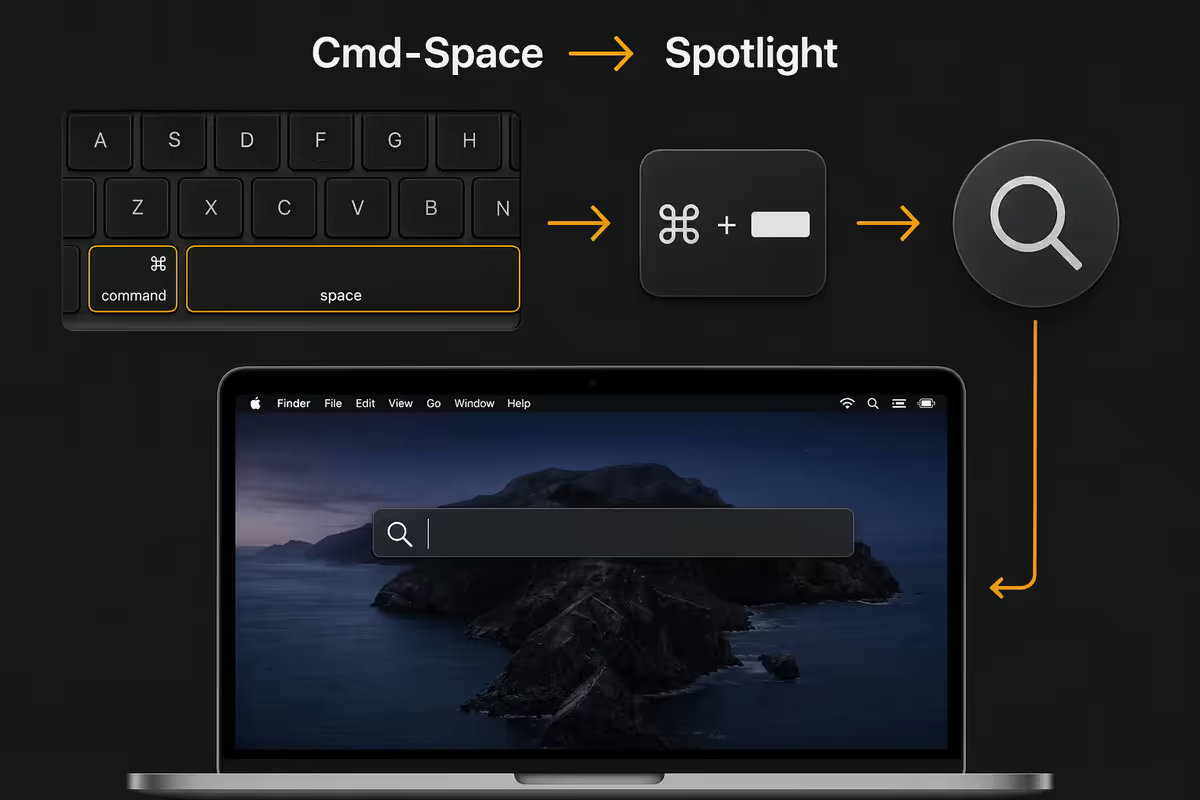
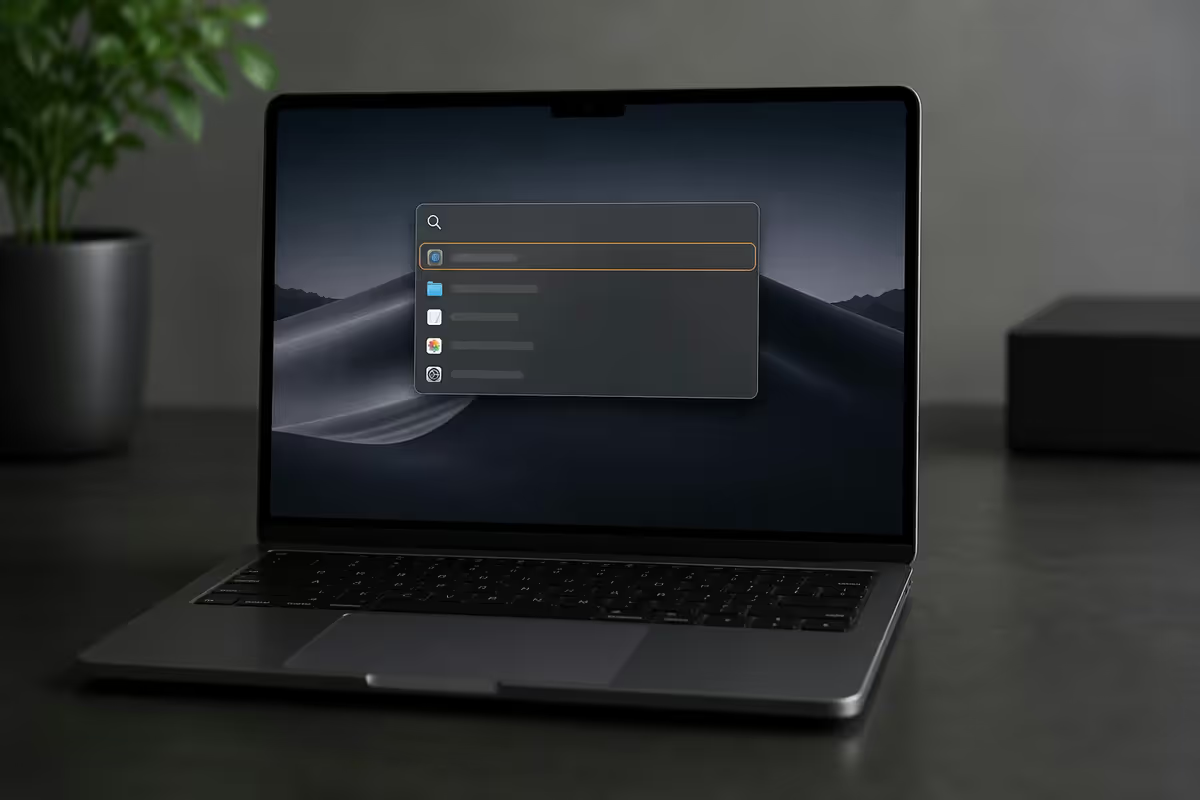
Press ⌘ Space anywhere in macOS and Spotlight opens centred on your screen. Start typing — results appear instantly. Use arrow keys to navigate, Return to open, Escape to dismiss. If you remember nothing else from this guide, remember this shortcut.
For most Mac users, Spotlight should replace:
- The Applications folder. Don't browse — type the app name and hit Return. Faster every time.
- Finder navigation for specific files. If you know the filename, Spotlight beats clicking through folders.
- The Dock for less-used apps. Keep the Dock minimal; let Spotlight launch anything else.
- Opening Calculator or Calendar just to do a quick conversion or check a date.
- Opening a browser for a quick Wikipedia lookup or definition.
Tab key tip: when results appear, press Tab to dive into a specific category (e.g. "Search With Google" rows). This lets you take a Spotlight query straight to a web search without typing it twice.
Maths, currency and unit conversions
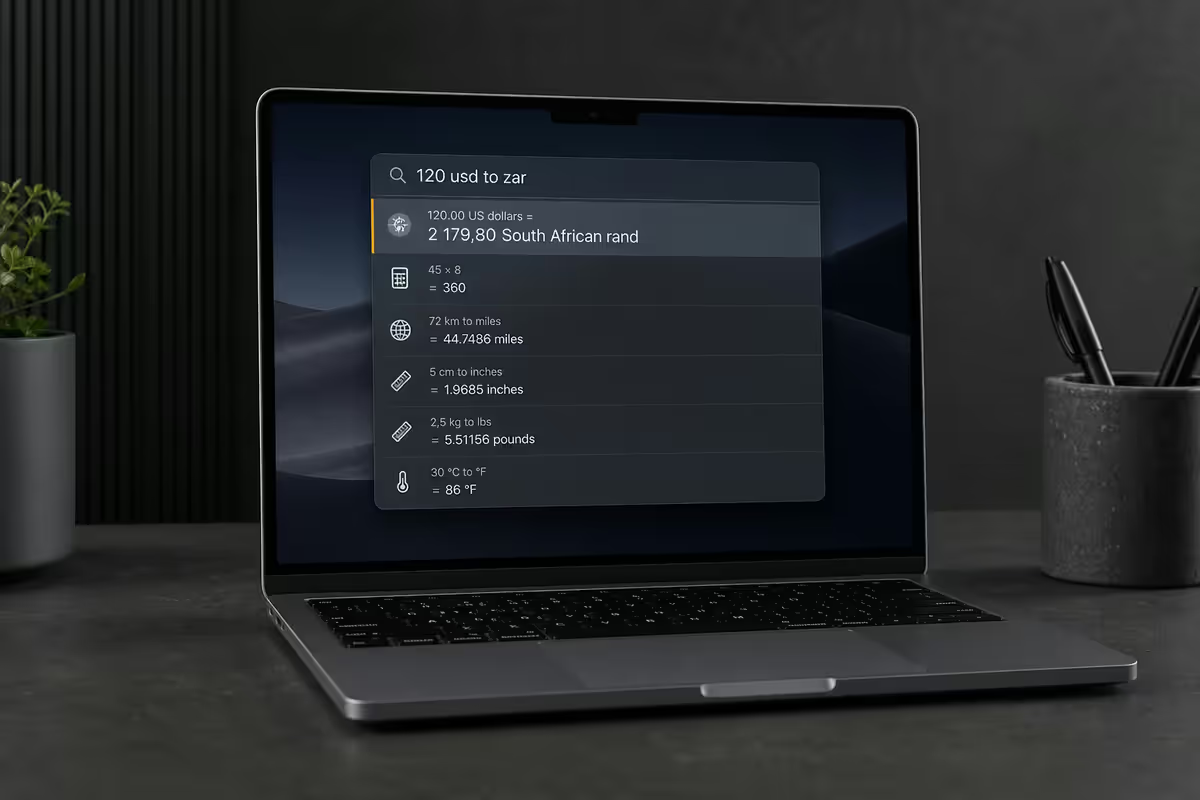
Spotlight is a full-featured calculator the second you type any expression. The result appears in the first result row — no need to even press Return.
Maths examples Spotlight handles:
- Basic arithmetic.
450 * 1.15gives 517.50 (handy for adding VAT). - Percentages.
15% of 8000works directly. - Scientific.
sqrt(144) + sin(45)works as expected. - Currency.
100 USD in ZARuses live exchange rates. - Units.
25 km in milesor500g in lbs. - Mixed.
90°F in °C,3000ml in cups.
Currency conversion is particularly underrated for SA users — quick "R5000 in USD" or "200 GBP in ZAR" beats opening a browser every time. Apple's exchange rates update via the system data feed, generally within an hour of mid-market rates.
File search and Quick Look preview
Spotlight indexes filename, file content, metadata and tags. You don't need to remember exactly what a file was called — partial matches work, and Spotlight ranks results by how recently you've accessed them.
The Quick Look trick: highlight any file result with arrow keys and press Space. A full preview opens — PDFs scroll, images show full size, videos play, code files display with syntax. No opening the parent app. Press Space again or Escape to close.
Filter your file search by type:
kind:pdf invoice— find all PDF files with "invoice" in the name or content.kind:image trip— image files matching "trip".date:yesterday— files modified or created yesterday.author:John kind:pages— Pages documents by a specific author tag.
Hover-to-preview: in modern macOS, hovering over a file result expands a side panel with metadata and preview. This is great for distinguishing between similarly-named files quickly without leaving Spotlight.
Natural language and inline answers
macOS Sequoia and later boosted Spotlight's natural language understanding considerably. Try these queries:
- Dictionary lookup. Type any word — definitions appear inline.
- Wikipedia summary. Type a proper noun (person, place, topic) for a concise summary right in the panel.
- Weather. Type "weather Centurion" or "weather Cape Town" for current conditions.
- Stocks. Ticker symbols (e.g.
AAPL) show price and chart. - Sports scores. "Springboks vs All Blacks" gives match info during seasons.
- Time zones. "Time in Tokyo" or "Time in New York" works inline.
Reminders integration: "Remind me to buy milk tomorrow at 8pm" creates a parsed Reminder without opening the app. Same logic works for notes ("New note: meeting points").
Mail, Notes, Reminders and beyond
Spotlight isn't just a file searcher — it pulls from every built-in macOS app's data store. Search results are merged into the same panel.
- Apple Mail. Search by sender name, subject, or body content. Results show the message preview inline.
- Notes. Note titles and content are indexed. Inline preview shows the matching note.
- Reminders. Active and completed reminders surface in results.
- Messages. Conversations and message content searchable across iCloud-synced devices.
- Calendar. Event titles and descriptions appear inline; Return jumps to the event.
- Safari history. Visited pages and bookmarks searchable.
- Contacts. Names, emails, phone numbers — Return opens the contact card.
Third-party app integration. Apps that implement Apple's CoreSpotlight API contribute their content too: Notion (notes and pages), Bear, DEVONthink, Obsidian (with plugins), and many others. Check each app's settings for a "Spotlight indexing" toggle.
When Spotlight stops finding files
Three common reasons Spotlight misses files you know exist:
1. Excluded locations. Open System Settings → Siri & Spotlight → Privacy. Anything in this list won't be indexed. Sometimes apps add folders here without telling you (e.g. encrypted cloud sync folders).
2. Corrupt index. Add your hard drive to the privacy list, wait 10 seconds, then remove it. macOS will rebuild the entire index — takes a few minutes to a few hours depending on drive size and SSD speed. Fixes most "Spotlight is broken" symptoms.
3. External drives not indexed. External drives need to be plugged in for at least a few minutes on first connection for indexing to complete. Some network volumes (SMB shares) never index unless you mount them specifically.
When to upgrade to Raycast or Alfred
Spotlight covers 90% of what most users need. But there are situations where you genuinely benefit from a third-party launcher.
| Feature | Spotlight | Raycast / Alfred |
|---|---|---|
| App launching | Excellent | Excellent |
| File search | Excellent | Excellent |
| Calculator / units | Built-in | Built-in |
| Clipboard history | No | Yes |
| Snippet expansion | No | Yes |
| Window management | No | Yes (Raycast) |
| Plugin ecosystem | Limited | Extensive |
| Workflow automation | No | Yes |
| Price | Free | Free / R600 one-off (Alfred) |
Raycast (free) is the modern pick — actively developed, generous free tier, huge plugin ecosystem covering Notion, Linear, GitHub, 1Password and hundreds more. The free version covers almost everything; Pro tier (R150/month) unlocks AI integration and shared workflows.
Alfred is the long-standing veteran. Free core, R600-R900 one-off for the "Powerpack" that unlocks workflows. Loyal fanbase but the UI feels dated next to Raycast in 2026.
Stick with Spotlight if: you just want a launcher and calculator. Upgrade to Raycast if: you want clipboard history, window management, snippets, or you connect to many SaaS tools. Most power users we know moved from Spotlight to Raycast in the last two years.
Key takeaways
- ⌘ Space is the only Mac shortcut you really need — replace the Applications folder forever.
- Type maths, currency, units directly — instant inline answers without leaving Spotlight.
- Spacebar on a file result triggers Quick Look — full preview without opening apps.
- Rebuild a broken index by adding then removing your drive in Spotlight Privacy settings.
- Upgrade to Raycast (free) when you want clipboard history, snippets, and a plugin ecosystem.
Frequently asked questions
What is the keyboard shortcut to open Spotlight on Mac?
⌘ Space (Command + Space) opens Spotlight from anywhere. Remap in System Settings → Keyboard → Shortcuts → Spotlight if there's a conflict.Can Spotlight do calculations and unit conversions?
Yes — full calculator, percentages, scientific functions, currency (live rates), unit conversion. Type the expression and the answer appears inline.How do I search the web from Spotlight?
Type your query, look for "Search With" results, Tab to highlight, Return to open. Inline definitions and Wikipedia summaries appear without leaving Spotlight.Can Spotlight create calendar events?
Reminders yes — natural language parsing works. Native Calendar events need Raycast or Alfred plugins.How do I preview files in Spotlight without opening them?
Hover for sidebar preview, or arrow-key + Spacebar for full Quick Look. Works on PDFs, images, videos, and most document types.What's the difference between Spotlight, Raycast and Alfred?
Spotlight: free, built-in, great basics. Raycast: free, extensible, modern. Alfred: paid Powerpack, mature workflows. Raycast is the recommended 2026 upgrade.Why doesn't Spotlight find some of my files?
Excluded locations, corrupt index, or external drives not yet indexed. Rebuild by toggling the drive in System Settings → Siri & Spotlight → Privacy.Can Spotlight search inside email and notes?
Yes — Mail, Notes, Reminders, Messages, Safari history all indexed. Third-party apps (Notion, Bear, Obsidian) add their content via CoreSpotlight API.
Get the Evetech app
Exclusive app-only prices, daily flash sales, and free delivery on orders over R4,000 — download the app and start saving.