Mac Guide · Microsoft 365
Microsoft Office on Mac. — Yes. Native. Fast. Mostly parity.
Microsoft has built Office for Mac since 1985. In 2026, Microsoft 365 launches in under a second on an M3 Air with Apple Silicon native binaries. Here's exactly what works, what doesn't, and what it costs in Rands.
- M365 Personal
- R150/mo
- Windows parity
- 95%
- OneDrive included
- 1 TB
Does Microsoft Office actually run on Mac?
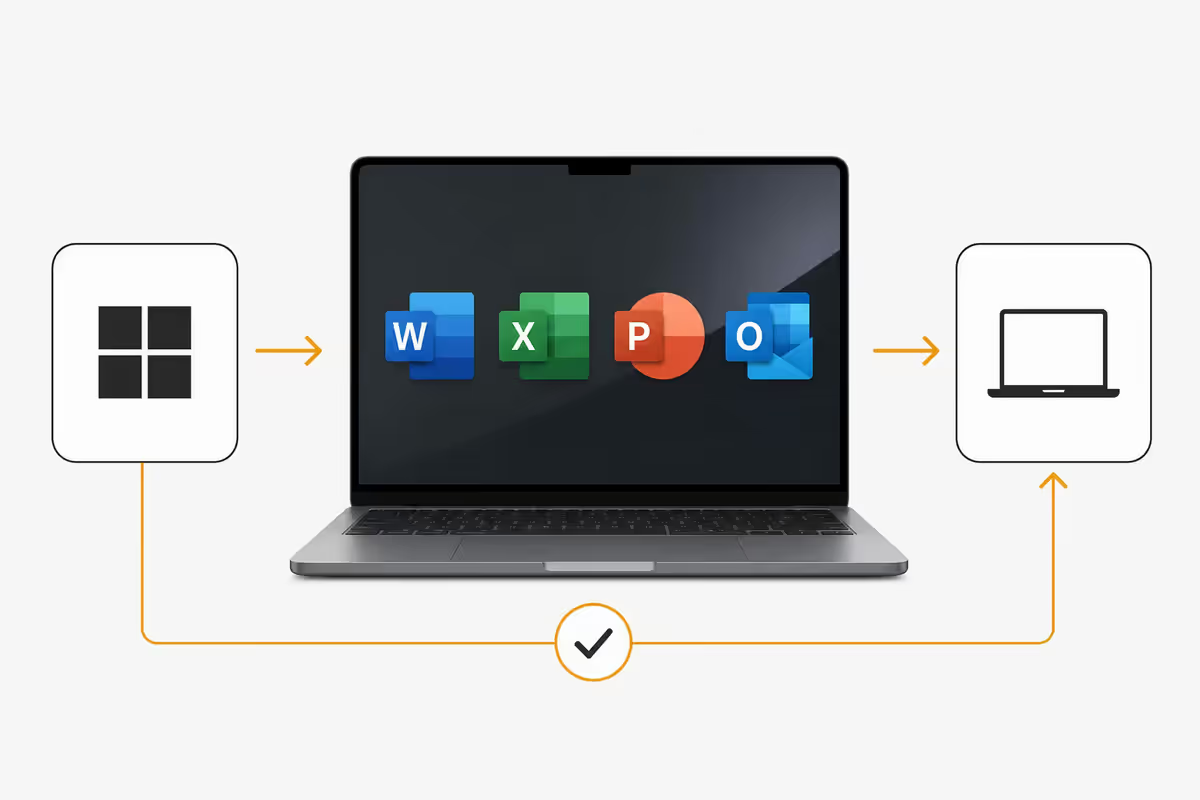
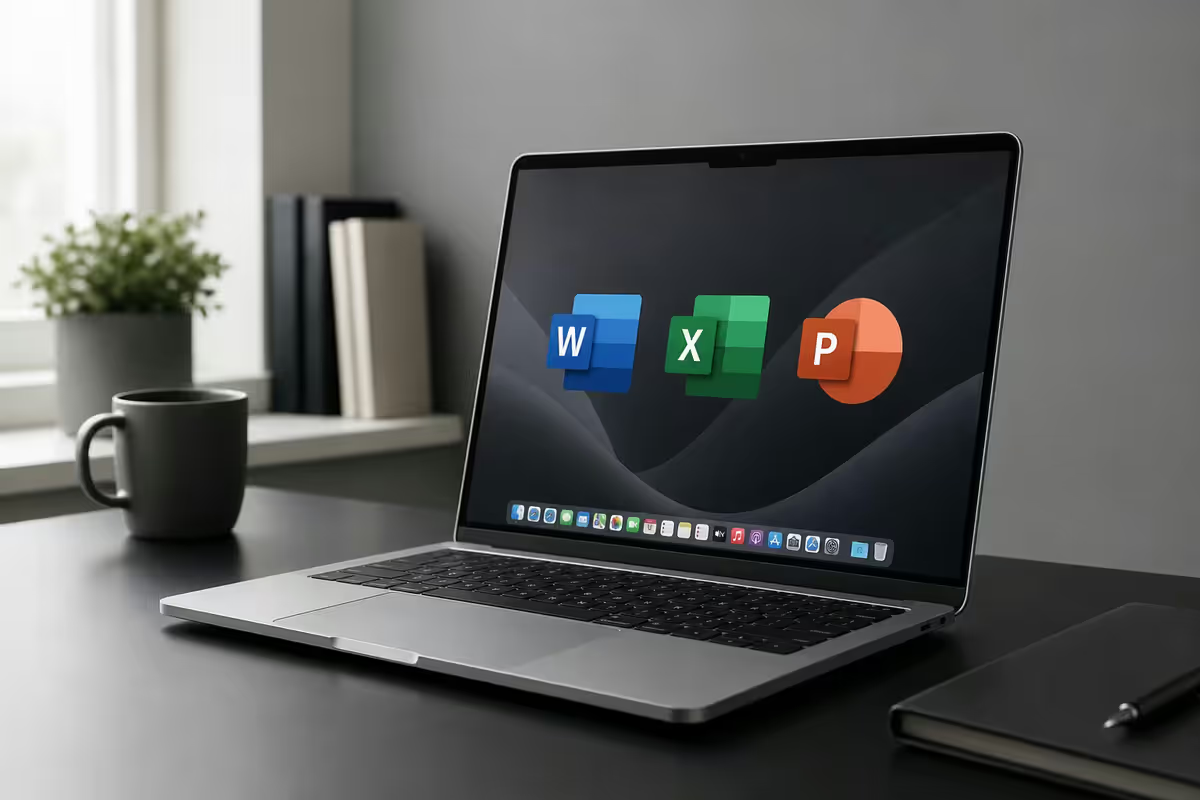
Yes — and it has, well, since 1985. The popular myth that Office "doesn't really work" on Mac is at least a decade out of date. Microsoft 365 in 2026 ships as a Universal Binary, meaning every app runs natively on Apple Silicon (M1, M2, M3, M4, M5) with no emulation layer. Word opens in 0.8 seconds on an M3 Air. Excel handles 100,000-row spreadsheets without breaking a sweat. PowerPoint exports 4K video at near-Windows speeds.
There's also a more boring truth nobody mentions: Microsoft makes more revenue from Office on Mac than most people realise. Mac users tend to be designers, executives, students at top-tier universities and freelancers — all heavy Office buyers. Microsoft funds a dedicated Mac engineering team and ships parallel feature updates.
What's included in Microsoft 365 for Mac
A single Microsoft 365 subscription gives you every Office app on Mac, iPad, iPhone and the web — installable across all your devices.
| App | What it does | Mac-specific notes |
|---|---|---|
| Word | Documents, reports, CVs | Full feature parity. Native ⌘ shortcuts. |
| Excel | Spreadsheets, analysis, finance | VBA works with caveats. Power Query supported. |
| PowerPoint | Slide decks, presentations | Designer AI, Morph, recording — all present. |
| Outlook | Email, calendar, contacts | New Outlook for Mac uses native macOS rendering. |
| OneNote | Notes, research, journaling | Apple Pencil supported on iPad sync. |
| Teams | Video meetings, chat | Native ARM build. Less battery drain than Zoom. |
| OneDrive | 1 TB cloud storage | Finder integration via File Provider. |
Windows vs Mac — the 5% gap
For 95% of Office work, Mac and Windows are functionally identical. Files open identically, formatting holds, cloud sync is the same. But there is a 5% gap worth knowing about before you commit.
Excel — the VBA macro reality
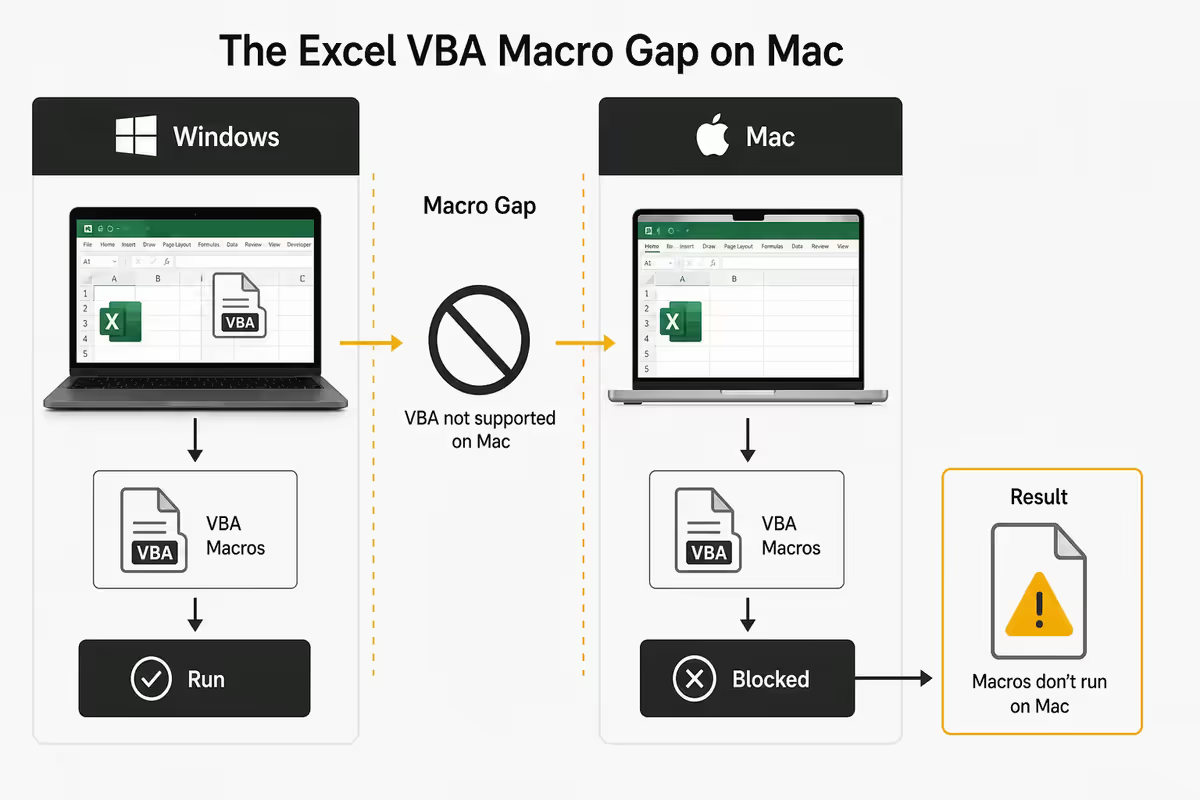
Standard VBA works. Loops, functions, range manipulation, named ranges, formulas — all execute on Mac. The gaps: ActiveX controls (use form controls instead), Windows-specific API calls (file system, registry access), and some COM automation (Outlook scripting, IE automation — both deprecated anyway).
If your workflow centres on a 5,000-line VBA macro inherited from a Windows-only finance department, run Excel for Windows inside Parallels Desktop (R900/year) on your Mac. Apple Silicon Parallels runs Windows 11 ARM almost natively.
PowerPoint — animation parity
All modern transitions, animations and Morph effects work identically. Missing on Mac: a handful of legacy SmartArt graphics from 2010-era PowerPoint, 2-3 obscure Morph variants, and older WordArt presets nobody should be using anyway. Designer AI, Cameo (video overlay), and Live Captions all present.
Outlook — the email rendering quirk
The "New Outlook" for Mac uses macOS's WebKit engine for HTML email, which renders email slightly differently from Windows Outlook's Word-based renderer. Practical impact: marketing emails sometimes look prettier on Mac. Business impact: minimal, unless you design HTML newsletters.
The iWork alternative — free and excellent
Every Mac ships with Apple's office suite for free: Pages, Numbers and Keynote. They're not a "lite" version — they're full-strength apps that simply take a different design philosophy.
| iWork app | vs Microsoft equivalent | Verdict |
|---|---|---|
| Pages vs Word | Cleaner design, fewer features, better page-layout | Excellent for personal use |
| Numbers vs Excel | Beautiful, multiple tables per sheet, fewer functions | Best for small business / freelance |
| Keynote vs PowerPoint | Far better animations, smoother UI | Better than PowerPoint for design |
| iCloud Drive vs OneDrive | 5 GB free, R29/mo for 200 GB, R149/mo for 2 TB | Cheaper if you only need storage |
The catch: iWork can open and save .docx/.xlsx/.pptx but with occasional formatting drift on complex documents. A simple CV opens perfectly. A 40-page report with tracked changes, mail-merged fields and embedded Excel charts will lose some fidelity round-tripping through Pages.
Free Microsoft Office options
Before you pay, check whether you already have free access:
- SA university students/staff: Most accredited universities (UCT, Wits, Stellenbosch, UP, UJ, UKZN, NMU, Rhodes) provide Microsoft 365 A1 or A3 licences free to active students and staff. Check your student email portal first.
- Office Online (office.com): Free with any Microsoft account. Browser-based Word, Excel, PowerPoint with most features. No install needed. Slight feature trim vs desktop apps.
- Microsoft 365 free trial: One-month full trial available from microsoft.com/en-za. Auto-bills if not cancelled — set a calendar reminder.
- OneNote (standalone): Completely free for everyone, no Microsoft 365 needed. Powerful note-taking app on Mac.
- Teams (free tier): Free for personal use — video calls up to 60 mins, chat, file sharing. Sufficient for casual meetings.
Microsoft 365 pricing in South Africa
| Plan | What you get | SA price (ZAR) |
|---|---|---|
| Microsoft 365 Personal | 1 user, all apps, 1 TB OneDrive | R150/mo or R1,499/yr |
| Microsoft 365 Family | 6 users, all apps, 6 × 1 TB OneDrive | R270/mo or R2,599/yr |
| Office Home & Student 2024 (one-time) | Word, Excel, PowerPoint only — no cloud, no Outlook | R2,499 once-off |
| Microsoft 365 Business Basic | Web apps only, business email, 1 TB OneDrive | R110/user/mo |
| Microsoft 365 Business Standard | Desktop apps, Teams, 1 TB OneDrive | R215/user/mo |
| Microsoft 365 Business Premium | Business Standard + advanced security & Intune | R375/user/mo |
| University student licence (A1/A3) | Same as Personal, via institution | Free with student email |
Which plan should you actually buy?
Solo MacBook user, professional work: Microsoft 365 Personal at R150/mo (R1,499/yr — save 17% paying annually). All apps, 1 TB OneDrive, all your devices.
Household with 2-6 Macs/iPhones: Microsoft 365 Family at R270/mo. Costs less per person than two Personal plans. Each person gets their own 1 TB.
Student at an SA university: Check your student email for A1/A3 licence — usually free. If unavailable, Personal at R150/mo.
Small business / freelancer: Microsoft 365 Business Standard at R215/user/mo. Adds business-grade email ([email protected]), Teams, and centralised admin. The R65 premium over Personal is worth it for any business with clients.
One-off purchaser who hates subscriptions: Office Home & Student 2024 perpetual licence at R2,499. No cloud, no Outlook, no updates after 5 years. Mathematically worse than Personal after 18 months — but you own it.
Light user, occasional documents: Office Online (free) plus iWork (free). Costs you nothing.
Key takeaways
- Microsoft Office runs natively on Apple Silicon Macs — fast, 95% Windows parity, no emulation.
- Microsoft 365 Personal R150/mo or Family R270/mo (6 users, each with 1 TB OneDrive).
- The 5% gap: ActiveX VBA, 2-3 PowerPoint transitions, slightly different Outlook HTML rendering.
- iWork (Pages, Numbers, Keynote) is free, brilliant for personal use, but causes friction with .docx collaboration.
- SA university students usually get Microsoft 365 free via institutional A1/A3 licence — check before paying.
Frequently asked questions
Does Microsoft Office work on Mac in 2026?
Yes — Microsoft 365 runs natively on Apple Silicon (M1 to M5) with universal binaries. Word, Excel, PowerPoint, Outlook, OneNote and Teams all launch quickly. SA pricing R150/month Personal or R270/month Family.Is Microsoft Office for Mac the same as Windows?
95% identical. Core editing, formatting and cloud sync are the same. Minor differences: some legacy VBA features, a few PowerPoint transitions, and slightly different Outlook HTML rendering.What is the price of Microsoft 365 in South Africa?
Personal R150/mo or R1,499/yr. Family R270/mo or R2,599/yr (6 users). Business Standard R215/user/mo. Student/staff at SA universities usually free via institutional licence.Can I use Office for free on Mac?
Yes — Office Online (office.com) is free with any Microsoft account. Browser-based Word, Excel, PowerPoint with most features. Limitations on offline use and advanced features. iWork is also free for Mac users.What is iWork and how does it compare to Microsoft Office?
iWork is Apple's free office suite — Pages (Word), Numbers (Excel), Keynote (PowerPoint). Pre-installed on Mac. Excellent for personal use. Can read/save .docx with occasional formatting drift on complex files.Will my Excel macros work on Mac?
Standard VBA macros work. Limitations: ActiveX controls and Windows-specific API calls fail. For heavy VBA workflows, run Excel in Parallels Desktop. Most macros work fine.Does PowerPoint work the same on Mac?
Yes, with 2-3 minor gaps. Slide editing, animations, Morph, Designer AI, presenter view all work identically. Missing: some legacy SmartArt, niche Morph variants, older WordArt presets.Should I buy Microsoft Office or use iWork on my Mac?
If you collaborate with anyone using .docx/.xlsx files, buy Microsoft 365 — the formatting friction with iWork costs more than R150/month. If your work is entirely personal, iWork is excellent. SA students should check for free institutional licences first.