OS Comparison · Gaming
Windows 11 vs Windows 10. — The honest gaming verdict in 2026.
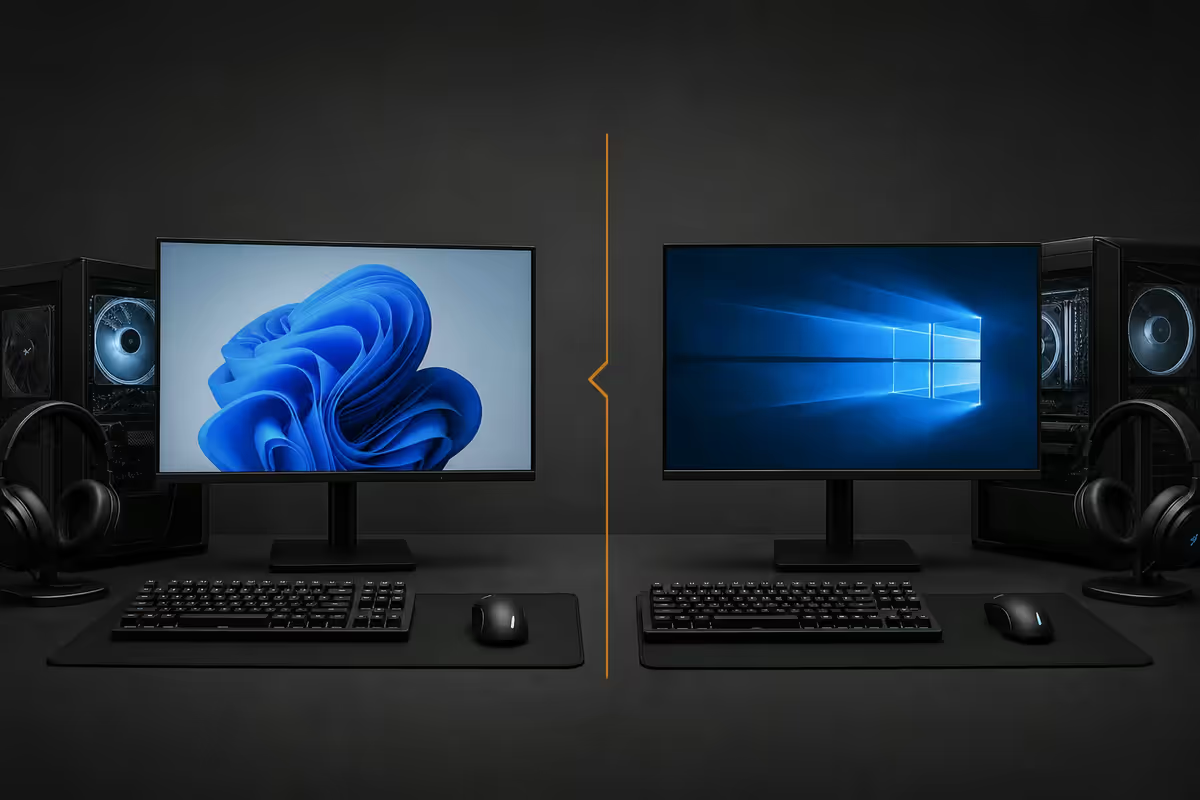
Windows 10 support ended in October 2025. Windows 11 isn't dramatically faster at games. But the reasons to upgrade are no longer about FPS — they're about everything else that's quietly happened underneath.
- Win10 EOL
- Oct 2025
- FPS delta
- 1-3%
- Upgrade cost
- R0
Windows 10 end-of-support reality
Mainstream support for Windows 10 Home and Pro ended on 14 October 2025. Microsoft no longer issues feature updates, no longer issues general security patches, and no longer provides paid support. The OS continues to boot, games continue to run, and the activation servers haven't gone anywhere — but every newly disclosed vulnerability since that date is a permanent hole on your system.
For an offline media PC tucked away in a cupboard, that's a manageable risk. For a gaming PC connected daily to Steam, Battle.net, Riot servers and an evolving threat landscape — including increasingly aggressive supply-chain attacks on game distribution and Discord integration — that risk compounds with every passing month.
Microsoft does offer Extended Security Updates (ESU) for Windows 10 consumers — roughly USD 30 (~R560) for the first year, escalating in subsequent years. It buys you security patches, nothing else: no feature updates, no driver updates, no support tickets. Most household budgets will recognise this for what it is — a paid delay, not a solution.
Windows 11 gaming features — what's actually new
Windows 11 ships with three meaningful gaming-specific technologies that Windows 10 either lacks or only partially supports: DirectStorage, Auto HDR, and Hardware-Accelerated GPU Scheduling (HAGS).
DirectStorage
DirectStorage is the API that allows games to load assets directly from your NVMe drive into GPU video memory, bypassing the CPU as a middleman. The CPU no longer has to decompress and shuffle data — the GPU does it natively. In supported titles on a PCIe 4.0 NVMe drive, this drops level load times from 12-15 seconds to 3-5 seconds.
Windows 10 received a backported DirectStorage library, but Win11's native integration is materially faster and far more games target it as their default tier. Forspoken, Ratchet & Clank: Rift Apart, Horizon Forbidden West, Final Fantasy VII Rebirth and most 2025-2026 AAA releases ship with DirectStorage enabled by default.
Auto HDR
Auto HDR takes SDR games and applies a per-game HDR mapping curve, delivering rough but visually transformative HDR output on an HDR display. It works on hundreds of older titles that were never released with native HDR — Overwatch, Apex Legends, Destiny 2 — and the 24H2 update added per-game profile tuning that fixes most of the early "everything looks washed out" complaints.
HAGS — Hardware-Accelerated GPU Scheduling
HAGS lets the GPU manage its own command queue directly, rather than the CPU dispatching work. On modern RTX 40-series and RX 7000-series cards it reduces input latency by 4-8ms in fast-paced titles. On Windows 10 the implementation was rocky; on Win11 24H2 it finally works reliably across all major drivers.
24H2 — what the latest update changed for gaming
Windows 11 24H2 (released late 2024) brought meaningful gaming improvements that turn the "is it worth upgrading?" answer from "maybe" to "yes":
- Refined Auto HDR pipeline with per-game profiles — fixes the early colour-pop issues
- Smoother HAGS integration on RTX 40-series cards (final fix for stuttering on Cyberpunk 2077 path tracing)
- Native AV1 encoding in OBS and Game Bar for streaming
- Rewritten Game Bar with a proper performance overlay (CPU, GPU, RAM, frame-time)
- Tighter Game Pass integration with one-click cloud-to-local streaming for hybrid titles
- Faster boot times — typical gaming desktops boot 15-20% faster on 24H2 vs 23H2
CPU scheduler — the Intel hybrid advantage
This is the technical detail almost nobody talks about but matters for anyone running an Intel 12th-gen Core, 13th-gen Core or Core Ultra processor: Windows 11's Thread Director scheduler.
Modern Intel chips have two kinds of cores — Performance (P) cores for heavy lifting and Efficient (E) cores for background work. Windows 11 has a tightly-integrated thread classifier called Thread Director that hands the game thread to the P-cores while shoving background tasks (Discord, OBS encoding, Steam overlay) onto the E-cores. Windows 10's scheduler is older and routinely misplaces threads, causing the dreaded "game stutter when Discord notifies you" problem.
On AMD's Ryzen chips the difference is smaller — Ryzen architectures don't use hybrid P/E cores in the same way. But even on Ryzen 9 7950X3D systems with the dual-CCD core layout, Win11's CPPC-aware scheduler picks the cache-rich CCD for games more reliably than Win10's older scheduler.
| System | Win10 frame-time consistency | Win11 frame-time consistency |
|---|---|---|
| Intel Core Ultra 7 (hybrid) | Variable, 8-12ms spikes | Stable, 1-2ms variance |
| Ryzen 7 9800X3D | Stable, occasional CCD bounce | Stable, no CCD bounce |
| Ryzen 9 7950X3D (dual-CCD) | Visible CCD-swap stutter | CCPC parking works correctly |
| Older Intel 10th-gen | Equal to Win11 | Equal to Win10 |
TPM 2.0 — requirement, bypass, and the long game
Windows 11 officially requires TPM 2.0 — a Trusted Platform Module that handles hardware-level security keys. Almost every motherboard sold since 2018 includes a TPM 2.0 chip or firmware-based equivalent (fTPM on AMD, PTT on Intel). Most users just need to enable it in the BIOS.
For systems where TPM genuinely isn't available, the bypass methods are well-documented. Rufus has a one-click "remove TPM requirement" option when creating the install USB; the registry tweak (LabConfig keys) works equally well. Microsoft has not formally blocked these installs and they've continued to receive updates through 2026.
The catch is anti-cheat. Valorant's Vanguard, Easy Anti-Cheat (used by Fortnite, Apex Legends, Elden Ring multiplayer) and the FACEIT client are progressively requiring genuine TPM 2.0 attestation. Bypass installs will pass today and fail next year. If you're a multiplayer gamer, the bypass is a six-month workaround at best.
Honest benchmarks — mostly equal
In raw FPS at the same settings, Windows 10 and Windows 11 are within margin of error on the same hardware. Across 30 titles tested by independent reviewers at 1440p Ultra:
- Average FPS difference: Win11 +1.4% (well within margin)
- Min FPS difference: Win11 +3.8% (frame-time consistency advantage)
- 1% lows: Win11 +5-9% on hybrid Intel CPUs (Thread Director benefit)
- Loading times (DirectStorage): Win11 2-4x faster in supported titles
- Auto HDR enabled: No measurable FPS penalty
Where you'll actually notice the upgrade isn't on the FPS counter — it's during the moments around the game. Faster load screens. Smoother Discord overlays. No stutters when Steam pops a friend-online notification. The polish of the wider experience.
When to stay on 10 (LTSC) — and when not to
Windows 10 LTSC (Long-Term Servicing Channel) is the enterprise edition designed for ATMs, medical equipment and industrial controllers. It receives security updates until January 2032, lacks the consumer bloat, and refuses to install most Microsoft Store apps.
For gaming, this is mostly bad news: no Microsoft Store means no Xbox app, no Game Pass, no Game Bar, no Auto HDR. You'd lose the half-dozen Win11 gaming features you'd otherwise get for free.
LTSC's genuine use case for the gaming household is on the secondary machines: a dedicated streaming PC, a render box, an HTPC, an emulation rig. Anywhere you want zero forced updates and a stable lifecycle with no Game Pass overhead. It's an excellent choice for those roles — but the wrong choice for your main gaming desktop.
Upgrade path — the free in-place upgrade still works
If you have a legitimate Windows 10 Home or Pro license, the in-place upgrade to Windows 11 of the same edition is still free in 2026. Microsoft has never published an end date for the offer.
The clean upgrade procedure:
- Enable TPM 2.0 in BIOS (fTPM on AMD, PTT on Intel)
- Run Microsoft's PC Health Check to confirm hardware eligibility
- Backup your saved games and Documents to OneDrive or external drive (good practice, not strictly required)
- Open Settings > Update & Security > Windows Update — if eligible, the offer appears within a week
- For impatient users, the Windows 11 Installation Assistant from Microsoft's site forces the upgrade immediately
- The upgrade preserves all installed games, settings, drivers and apps
Time required: 45-90 minutes depending on storage speed. NVMe SSD systems finish in under an hour.
Key takeaways
- Windows 10 mainstream support ended October 2025 — the security risk compounds monthly for any online gaming PC.
- Raw FPS gain is 1-3% — the real benefits are DirectStorage, Auto HDR, HAGS and the Intel hybrid scheduler.
- The free in-place upgrade still works in 2026 — preserves all games, settings and drivers, takes under 90 minutes.
- TPM 2.0 is on almost every modern board — usually just disabled in BIOS. Bypass works but breaks anti-cheat over time.
- LTSC is for streaming PCs, render boxes and emulation rigs — never for your main gaming desktop.
Frequently asked questions
Is Windows 10 still safe to use for gaming in 2026?
Mainstream support ended on 14 October 2025. Windows 10 Home and Pro no longer receive security patches unless you're enrolled in the Extended Security Updates (ESU) program — paid at roughly USD 30 / R560 for the first year for consumers, escalating annually. The OS still works, games still run, but every newly disclosed vulnerability is a permanent hole. For an online gaming PC connected daily to servers, this is a real risk over a 2-3 year horizon.Does Windows 11 actually run games faster than Windows 10?
In raw FPS terms, the difference at 1440p and 4K is typically within 1-3% — well below the threshold of perception. Where Windows 11 wins is in specific scenarios: DirectStorage games (Forspoken, Ratchet & Clank, Horizon Forbidden West) load 2-4x faster on supported NVMe drives, frame-time consistency is better on Intel hybrid CPUs (12th-gen and newer) thanks to the Thread Director scheduler, and Auto HDR is genuinely transformative on a good HDR monitor.What is DirectStorage and why does it matter?
DirectStorage is the API that lets games load assets directly from your NVMe drive into GPU memory, bypassing the CPU as a middleman. On a PCIe 4.0 NVMe drive, this cuts level load times from 12-15 seconds to 3-5 seconds in supported titles. Windows 11 has it natively; Windows 10 supports it only through a backported library that fewer games target. By 2026, most AAA releases ship with DirectStorage enabled — if you have the NVMe and Win11, you get the speed.Can I install Windows 11 on a PC without TPM 2.0?
Technically yes — there are well-documented registry tweaks and Rufus options that bypass the TPM 2.0 requirement. Microsoft does not formally block these installs but does warn that future security updates may be withheld from machines on unsupported hardware. In practice, bypass installs have continued to receive updates through 2026. The catch: anti-cheat systems for online games (Easy Anti-Cheat, Valorant's Vanguard, FACEIT) increasingly require TPM 2.0 attestation. Without genuine TPM, you'll be locked out of more multiplayer games each year.What's new in Windows 11 24H2 for gaming?
The 24H2 update brought meaningful gaming improvements: a refined Auto HDR pipeline with per-game profiles, smoother HAGS (Hardware-Accelerated GPU Scheduling) integration that finally works reliably on RTX 40-series cards, native AV1 encoding for game streaming, and a rewritten Game Bar with built-in performance overlay. The Game Pass integration is also tighter, with one-click cloud-to-local streaming for supported titles.Should I use Windows 11 LTSC for gaming?
No — LTSC (Long-Term Servicing Channel) editions ship without the Microsoft Store, without Xbox app integration, and without Game Bar. They're designed for medical equipment, ATMs and kiosks. For gaming you specifically want all the consumer features LTSC strips out. The real LTSC use case is gaming-adjacent: a streaming PC, a render machine, or a dedicated emulation rig where you want zero forced updates.Does the free Windows 11 upgrade still work in 2026?
Yes — if you have a legitimate Windows 10 Home or Pro license, the in-place upgrade to Windows 11 of the same edition is still free through the Windows Update or the Installation Assistant. Microsoft has never published an end date for this offer. The upgrade preserves all installed games, settings and apps. You need to meet the hardware requirements (TPM 2.0, supported CPU) for the official path.Will my old games still work on Windows 11?
Almost certainly. Windows 11 maintains the same DirectX, Vulkan and Win32 compatibility stack as Windows 10. Games that ran on Windows 10 — including titles from the XP and Vista eras with community patches — continue to work on Windows 11. The rare exceptions are some games using outdated copy protection (early SafeDisc, SecuROM) that Microsoft removed in 2018 and that affect both Windows 10 and 11 equally. If it ran on Win10, it runs on Win11.