Gaming Performance · 2026 Threshold
Is 16GB RAM enough for gaming — The honest 2026 answer.
16GB used to be the comfortable sweet spot. In 2026 it's the new minimum — and a fragile one. AAA games are bumping up against the ceiling, and the moment Chrome or Discord is open in the background, you're paging to SSD.
- avg AAA usage 2026
- 14.2 GB
- 16GB ceiling hit rate
- 90%+
- 32GB DDR5 SA cost
- R2,400
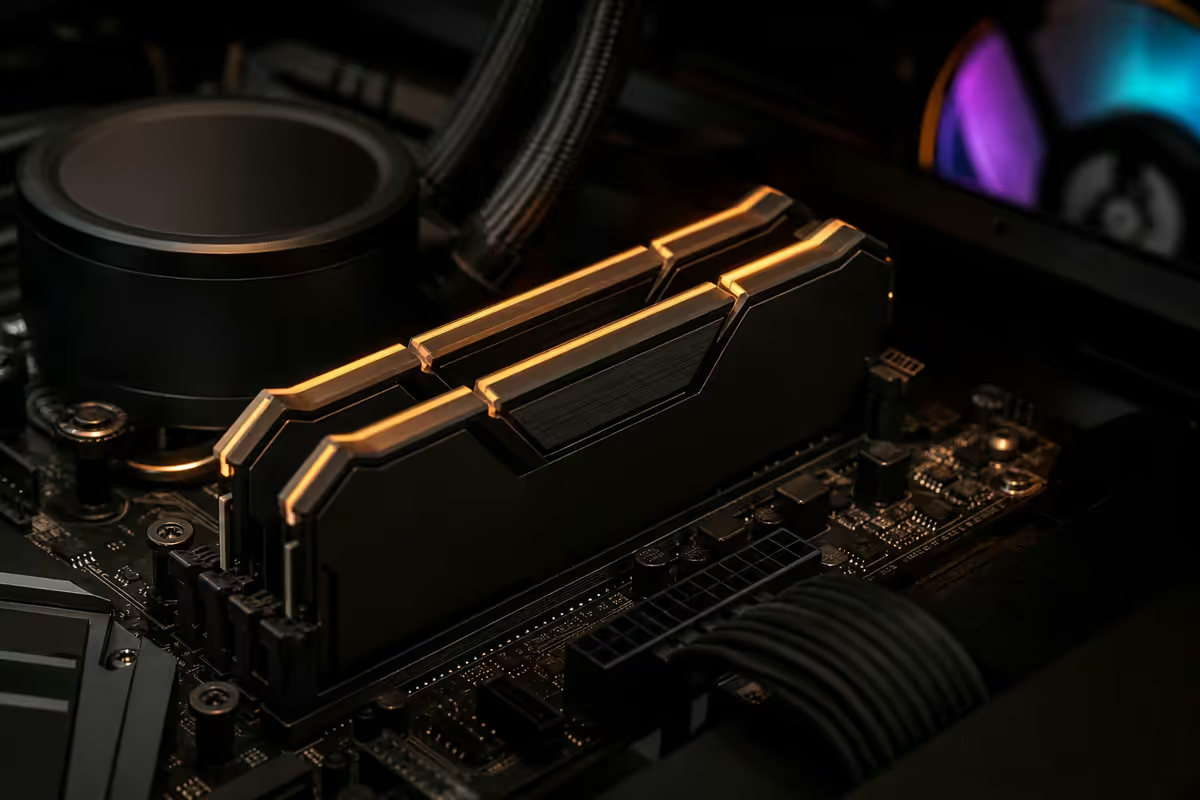
The 16GB ceiling in 2026 — where the limits actually are

For the last decade, 16GB was the safe gaming target. From the era of Witcher 3 through to Cyberpunk 2077 launch, 16GB had clear headroom on almost everything. That era is over.
The current wave of AAA releases — Starfield, Avowed, Indiana Jones: The Great Circle, Black Myth Wukong, Dragon Age: The Veilguard, and the early 2026 Stalker 2 update — comfortably consume 11-14GB in their own right at 1440p Ultra. Add Windows 11's 5GB baseline, a browser session and Discord, and you're regularly past 16GB.
What hitting the ceiling looks like:
- Texture streaming stutter as the OS pages assets to SSD swap file.
- Mid-fight micro-hitches when fresh assets stream in.
- 1% low FPS that drops dramatically below average FPS (the gap is the symptom).
- Discord audio crackling or notifications going missing mid-game.
- Alt-tab freezes lasting 5-15 seconds.
None of these show up in the average FPS number that Steam overlay reports. They show up in 1% lows, frame-time graphs and the felt smoothness of play. Hardware Unboxed and Gamers Nexus benchmarks consistently show 16GB systems delivering identical average FPS but markedly worse 1% lows in 2024+ AAA titles.
| Title (2024-2026) | 1440p Ultra avg RAM use | 16GB safe? |
|---|---|---|
| Counter-Strike 2 / Valorant | 4-6 GB | Yes — comfortable |
| Apex Legends / Fortnite | 7-9 GB | Yes — close anything else |
| Cyberpunk 2077 (Path Tracing) | 11-13 GB | Borderline |
| Starfield / Avowed | 13-15 GB | Risky — depends on background apps |
| Black Myth Wukong (4K) | 14-16 GB | No — 32GB recommended |
| Stalker 2 / Veilguard (1.1 patch) | 15-17 GB | No — 32GB needed |
Chrome, Discord, OBS — the background tax
Few SA gamers play in isolation. The typical Saturday-evening reality looks like this: game running fullscreen, Chrome with 10-15 tabs (Friends are checking event listings, somebody's running a Wordle), Discord open with screen share for the group, Spotify in the background, Steam, GeForce Experience, RGB software, Windows Security.
That stack costs RAM:
- Windows 11 24H2 baseline: 4.5-5.5 GB committed memory.
- Chrome (10 tabs, mixed sites): 1.5-2.5 GB.
- Discord (screen share active): 600-900 MB.
- Steam + helpers: 400-600 MB.
- Spotify desktop: 250-400 MB.
- RGB / fan / monitoring software (iCUE, RGB Fusion, etc): 200-500 MB.
- Antivirus + Windows Defender: 300-500 MB active scan.
That's 8-10 GB consumed before the game launches. With 16GB total, the game has 6-8 GB to work with — and AAA titles need more than that. The OS solves this by paging to SSD, which feels like stutter.
When 16GB still works fine
Let's be fair to 16GB — it's not yet useless, and millions of perfectly enjoyable gaming setups are still on it. 16GB is genuinely fine if:
- You play esports almost exclusively: CS2, Valorant, Apex, Rocket League, Marvel Rivals, Overwatch 2. Memory needs sit comfortably under 10GB total with browser closed.
- You're disciplined about closing background apps: killing Chrome and Discord before launching the game keeps headroom available.
- You play older AAA games: Anything from 2018-2022 generally fits well under 16GB even at Ultra.
- You game at 1080p Medium settings: Texture memory needs drop significantly at lower presets.
- You're not streaming or recording: OBS + game capture adds 1.5-3GB on top of game requirements.
For these profiles, the R800-R1,200 you'd spend upgrading to 32GB is genuinely better spent on a better GPU or a faster SSD. RAM is not a constant priority.
When 32GB pays off
32GB transitions from "nice to have" to "obvious" if any of these describe your use:
- You play 2024+ AAA single-player titles regularly — the memory requirements have crossed 12GB on most flagship releases.
- You stream or record while gaming — OBS, NVENC, browser scene sources, chat overlays add 2-4GB easily.
- You keep Chrome open with 15+ tabs while playing — modern Chrome is memory-hungry, period.
- You run Discord screen share with 3+ friends — encoded video streams add 800MB to 1.5GB.
- You alt-tab to do other things (creator work, light editing, browsing) without quitting the game — the system needs spare capacity to keep both responsive.
- You play modded Skyrim, Cyberpunk, Stalker 2, Bethesda titles in general — heavily modded games can balloon RAM use to 20GB+.
- You're building a system you want to keep for 4-5 years — 2027-2029 titles will continue creeping upward.
Dual-channel matters more than capacity (sometimes)
Here's a counterintuitive truth: a 16GB system running 2x8GB dual-channel will outperform a 32GB system running 1x32GB single-channel by 15-25% in average FPS. The CPU memory controller has two channels, and you need a matched pair to use both.
Every modern motherboard has 2 or 4 DIMM slots. The dual-channel rule:
- 2 sticks: install in slots A2 and B2 (usually the second and fourth slots from the CPU). Check your motherboard manual — the slots are colour-coded.
- 4 sticks: all four slots populated runs dual-channel; expect slightly lower memory speeds compared to 2-stick kits, especially on Ryzen.
- Single stick (avoid): single-channel only, and you lose meaningful FPS.
If you currently have one 16GB stick, the cheapest gaming performance upgrade you can do isn't a new GPU — it's a second matched 16GB stick to enable dual-channel. The FPS improvement is real and free of side effects.
Speed and timings — what actually matters
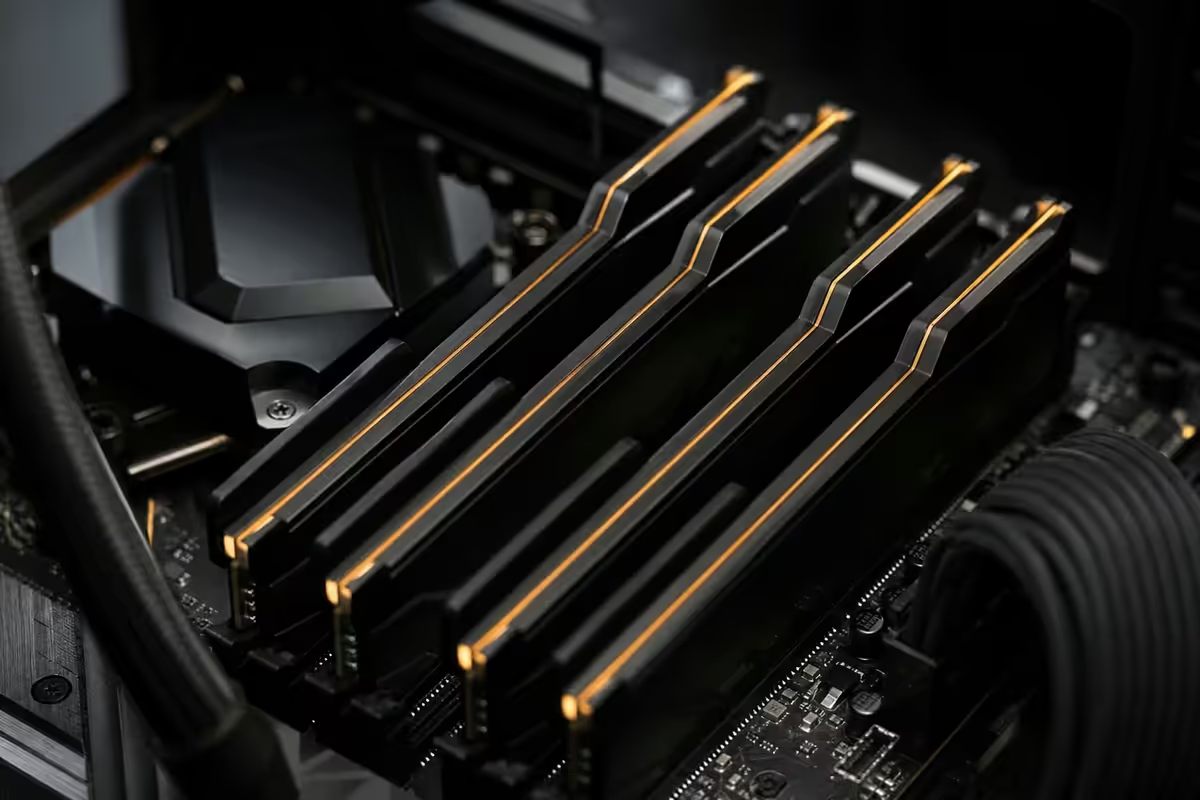
Once you've sorted capacity and dual-channel, the next dial is memory speed (MT/s) and timings (CL). The platform sweet spots in 2026:
AMD Ryzen 7000 / 9000 series (AM5): DDR5-6000 CL30 is the proven sweet spot. This matches the Infinity Fabric clock at 2000 MHz, eliminating a frequency desync that hurts performance. Going to DDR5-6400 or higher introduces a 2:1 ratio that often loses gaming performance despite the bigger number.
Intel Core Ultra 200S series (LGA1851): DDR5-6400 to DDR5-7200 scales well. The Intel memory controller is more tolerant of high frequencies. CL34-36 timings at 7200 MT/s is a solid configuration.
AMD Ryzen 5000 series (AM4): DDR4-3600 CL16 is the budget-platform sweet spot. Don't bother with DDR4-4000+ kits — diminishing returns and Infinity Fabric limitations.
Avoid: DDR5-4800 (JEDEC default, no XMP/EXPO needed) loses 8-15% in average gaming FPS compared to DDR5-6000. The R250-R400 premium for a proper 6000 CL30 kit is worth it every time.
Upgrade path math — when to swap or stack
If you're on 16GB DDR4 (AM4 Ryzen 5000): spend R1,200-R1,700 on a fresh matched 32GB DDR4-3600 CL16 kit. Sell your old 2x8GB sticks on Bid or Cash. The platform lifespan justifies the spend if you're keeping the system another 2-3 years.
If you're on 16GB DDR5 (AM5 Ryzen 7000/9000 or Intel Core Ultra): swap to a 2x16GB DDR5-6000 CL30 kit (Ryzen) or DDR5-6400+ kit (Intel). R2,400-R3,400 for the kit. Mixing is dangerous; sell the 16GB kit on FBM or Bid.
If you have an empty DIMM slot and a single 16GB stick: add a second matched stick (same brand, same model number) if you can find one. This is the cheapest possible gaming performance upgrade (R450-R700) and the FPS gain is significant due to enabling dual-channel.
If you're already on 32GB: stop. 64GB doesn't help gaming performance. Spend the money on a better GPU, a faster SSD, or a better monitor instead.
Common RAM mistakes for gamers
Running JEDEC speeds. A DDR5-6000 kit will boot at DDR5-4800 until you enable XMP (Intel) or EXPO (AMD) in BIOS. You're losing 8-15% gaming performance until you flip this single switch.
Single-channel configuration. One stick costs you 15-25% average FPS. Always pair sticks.
Mixing kits. Buying 2x16GB later to pair with your old 2x8GB is the most common cause of stability complaints. Sell, don't mix.
Chasing the highest speed numbers. DDR5-8000 CL40 on Ryzen 7000 actively performs worse than DDR5-6000 CL30. Bigger MT/s isn't always better.
Buying 64GB for pure gaming. Zero benefit over 32GB in any 2026 title. Save the R2,500-R3,500 difference.
Ignoring the heat spreader. Tall heat-spreader DDR5 kits don't clear large air coolers (NH-D15 family, Phantom Spirit 120 EVO). Check your cooler clearance before buying RGB tower-height memory.
Key takeaways
- 16GB is the new minimum, but it's a fragile one — fine for esports, risky for 2024+ AAA.
- Windows 11 + Chrome + Discord eats 8-10GB before the game launches.
- 32GB DDR5-6000 (Ryzen) or DDR5-6400+ (Intel) is the 2026 default — R2,400-R3,400 in SA.
- Dual-channel beats capacity in many cases — single 32GB stick loses to 2x16GB.
- 64GB is pointless for gaming. Spend the difference on GPU, SSD or monitor.
Frequently asked questions
Is 16GB RAM enough for gaming in 2026?
For esports titles and most pre-2024 AAA games, yes — 16GB still works fine. For 2024-2026 AAA releases (Starfield, Avowed, Indiana Jones, Black Myth Wukong, GTA VI, Dragon Age: The Veilguard) and any game played alongside Chrome, Discord, OBS or browser tabs, 16GB is increasingly the bottleneck. 32GB is the new sensible default for a new build.Will I see better FPS with 32GB vs 16GB?
Not in the average FPS — both can deliver the same peak frame rate. The difference is in 1% lows and stutter. When a game needs more RAM than the system can spare (because Chrome and Discord ate 6GB), it pages to SSD and you get a hitch. 32GB eliminates that scenario. Average FPS gain is 0-3%; 1% low gain can be 15-40%.How much RAM does Windows 11 use by itself in 2026?
A clean Windows 11 24H2 install with no apps open sits at roughly 4.5-5.5GB committed memory. Add Chrome with 10 tabs (1.5-2.5GB), Discord (500-800MB), Steam (400-600MB) and a few background utilities, and you're at 8-10GB before launching a game. That leaves only 6-8GB of 16GB for the game itself.Does dual-channel matter more than total capacity?
For gaming performance, yes — dual-channel 2x8GB beats single-channel 1x16GB by 15-25% in average FPS on the same Ryzen or Core Ultra system. Always run a matched kit of two (or four) modules. If you only have one stick, add a second matched stick before you upgrade capacity.Is 64GB overkill for gaming?
For pure gaming, yes. 64GB shows no benefit over 32GB in any 2026 title. It only makes sense for content creators running heavy Photoshop, Premiere Pro, DaVinci Resolve, large Lightroom catalogues, or virtual machine workflows alongside gaming. For pure play, 32GB is the ceiling that matters.What speed of DDR5 should I buy for gaming?
For Ryzen 7000/9000: DDR5-6000 CL30 is the proven sweet spot (matches the infinity fabric clock). For Intel Core Ultra 200S: DDR5-6400 to DDR5-7200 scales well. Avoid DDR5-4800 (JEDEC default) — it leaves significant FPS on the table. Pay R200-R400 extra for a 6000 CL30 kit; you'll see it in benchmarks.Can I mix 16GB sticks with new 16GB sticks?
Mixing kits — even identical model numbers — frequently causes XMP/EXPO instability, failure to post, or memory training timeouts. Mismatched dies (Hynix vs Samsung vs Micron) on the same channel makes it worse. If you're upgrading from 16GB to 32GB, buy a fresh matched 2x16GB kit and sell the old sticks rather than mixing.How much does a 32GB DDR5 kit cost in South Africa?
A 32GB (2x16GB) DDR5-6000 CL30 kit from G.Skill, Corsair or Kingston runs R2,400-R3,400 in SA at May 2026 retail. Premium RGB versions add R200-R500. 32GB (2x16GB) DDR4-3600 CL16 kits are R1,400-R2,000. The DDR5 premium has narrowed considerably from 2023-2024 levels.
Reviewed by our Centurion build team, who QA-test every system before it ships. Authorised G.Skill, Corsair, Kingston Fury and Crucial partner. Last reviewed: May 2026.
Evetech Build Team · Centurion
Get the Evetech app
Exclusive app-only prices, daily flash sales, and free delivery on orders over R4,000 — download the app and start saving.