Mac Battery · Health Check
MacBook battery health, read it right. — What the numbers mean. How to keep them up.
macOS shows you Maximum Capacity and Cycle Count in two clicks. Reading them correctly tells you whether your MacBook has years of healthy life left or whether the R3,500-R7,500 battery service is justified.
How to check MacBook battery health (the actual steps)
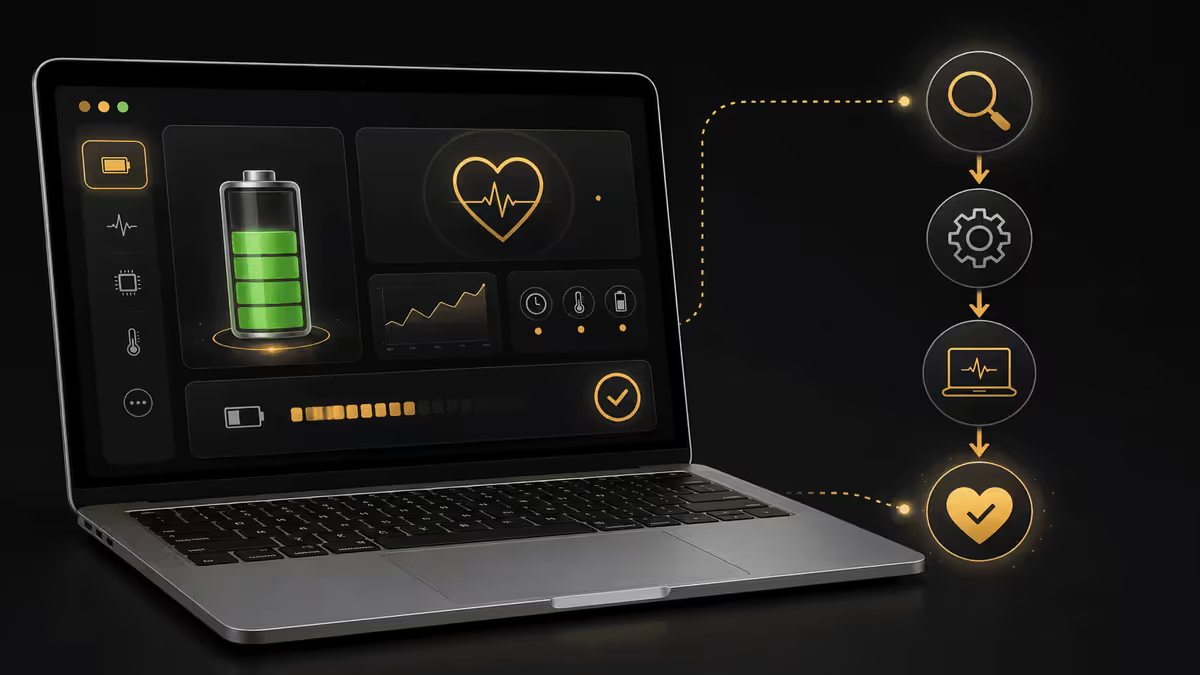
macOS exposes everything you need natively. No third-party apps required. Two locations cover 95% of what you'll want to know.
Path 1 — Maximum Capacity & Condition
- Click the Apple menu (top-left) → System Settings.
- In the sidebar, click Battery.
- On the right pane, find the small Battery Health link (usually near the top right of the panel). Click it.
- A sheet opens showing Maximum Capacity (a percentage) and Condition (Normal or Service Recommended).
Path 2 — Cycle Count
- Hold the Option key and click the Apple menu (top-left).
- Click System Information (this menu item only appears with Option held).
- In the sidebar of System Information, scroll to Hardware → Power.
- Look for the Battery Information section. Cycle Count is listed there.
What the Maximum Capacity numbers actually mean
Maximum Capacity is your battery's current full-charge capacity expressed as a percentage of its original brand-new capacity. A brand-new battery reads 100%. Over time it drops as cells lose chemistry efficiency.
| Maximum Capacity | What it means | Action |
|---|---|---|
| 100% | Brand new or near-new | Nothing — battery is mint. |
| 95-99% | Healthy, < 1 year of use | Nothing — entirely expected. |
| 88-94% | Normal wear, 1-3 years | Nothing — within expected range. |
| 80-87% | Noticeable wear, 3-5 years | Monitor. Battery life slightly shorter than new. |
| 75-79% | Edge of Apple's threshold | "Service Recommended" likely flagged. |
| Below 75% | Significant degradation | Service or upgrade decision time. |
| Below 65% | Heavy degradation | Service strongly advised or replace MacBook. |
Two clarifications about Maximum Capacity:
- The number is an estimate — it's computed from cycle history, voltage curves and chemistry sensors. Real capacity might be a percent or two different in either direction.
- A single big drop (e.g. from 92% to 84% in one week) is unusual and worth investigating. Gradual drift of 1-3% per year is completely normal.
Cycle count explained
One charge cycle equals the cumulative equivalent of one full 0-to-100% discharge. Cycles accumulate — you don't need to discharge a full 100% in one session to count one. Examples:
- Use 50% on Monday, charge to 100%. Use 50% on Tuesday, charge to 100%. → One cycle total.
- Use 20% per day for five days. → One cycle.
- Use 100% in one day, charge fully. → One cycle.
Apple's MacBook batteries since 2009 are rated for 1000 full equivalent cycles before "significant" capacity loss (defined as dropping below ~80% Max Capacity). Most users hit 1000 cycles around year 4-5 of regular daily use. Light users (mostly docked) might never hit 1000 cycles in the MacBook's working life.
| Cycle Count | Typical usage | Expected age |
|---|---|---|
| 0-200 | Light, mostly docked | 0-1 year |
| 200-500 | Mixed, regular travel | 1-3 years |
| 500-800 | Heavy, daily travel use | 3-5 years |
| 800-1000 | Approaching design limit | 4-6 years |
| 1000+ | Past design rating | 5-8 years |
Important nuance: a battery at 800 cycles can still be at 90% Max Capacity if it's been treated well. Cycle count and capacity are loosely related, not strictly linked. Heat and depth-of-discharge habits matter just as much as cycle count.
Heat — the #1 battery killer

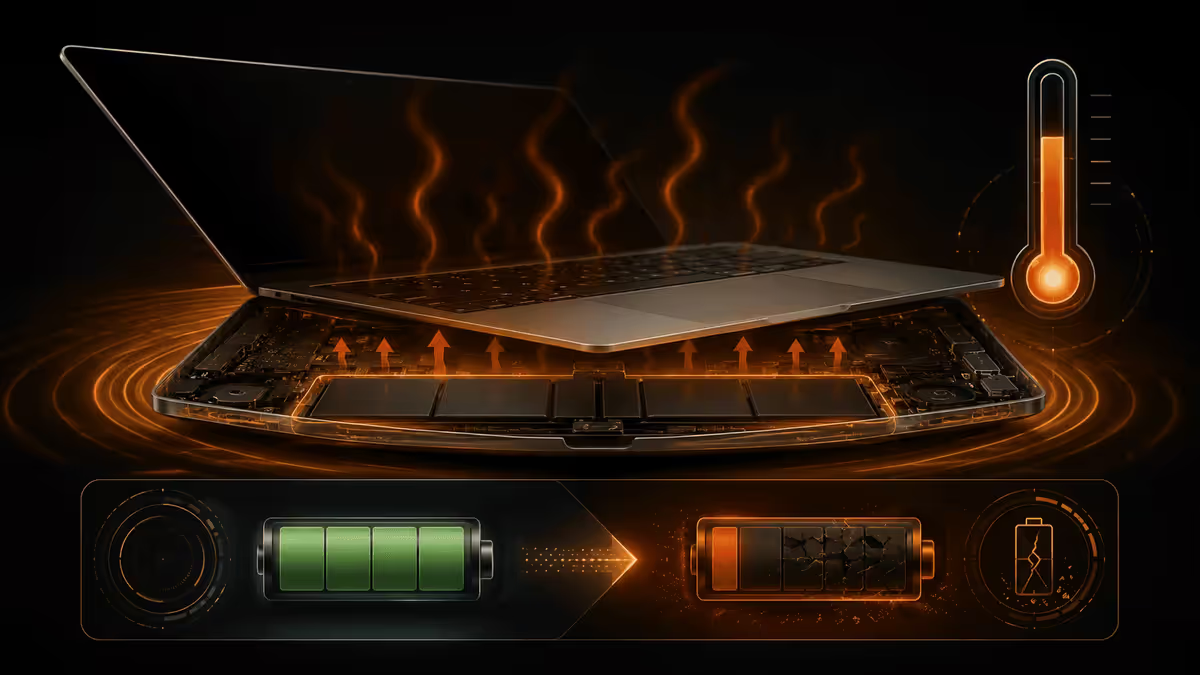
If we could highlight one thing in this entire guide, it would be this: heat damages lithium batteries more than anything else you can do. Above 30°C, every 10°C roughly doubles the chemical degradation rate. Above 40°C, the damage compounds quickly.
Common MacBook heat scenarios:
- Using on a bed, couch or duvet — fabric blocks the ventilation slits along the bottom case. Internal temp climbs 10-15°C above normal. Compound this with charging and the battery itself heats further.
- Hot car interior — in SA summer, a parked car interior reaches 50-70°C. Even an unplugged MacBook sitting on the back seat is being cooked.
- Charging inside a thick laptop sleeve or backpack pocket. The sleeve traps charge heat.
- Heavy workloads in poor airflow — 4K video render, large software compilation, gaming — push CPU/GPU temps high, which transfers to nearby battery cells.
- Direct sunlight on closed MacBook — even a sleeping MacBook will heat up significantly in direct sun through a window.
Heat protection habits:
- Use on hard, vented surface (desk, lap desk, hard tray). Never bed, couch, duvet, pillow.
- Consider a passive cooling stand (R200-R600 — Rain Design mStand, Twelve South Curve, simple aluminium stands).
- Don't charge inside an enclosed sleeve. Take MacBook out first.
- Don't leave in a parked car in SA summer. Take it inside or in a cool boot insulated location.
- Don't put the MacBook in direct sunlight, even closed.
Deep discharges — why running flat hurts
Lithium cells experience the most chemical stress at the very low end of their charge range. Modern macOS forces a shutdown before "true zero" voltage to protect cells from full collapse, but you're still spending stress points every time you push below 20%.
Practical depth-of-discharge guidance:
- 30-80% range — lightest stress on cells. Ideal for permanent docked machines (the 80% Limit lives here).
- 20-100% range — normal use. Slight ageing acceleration but minor.
- 10-20% — start of stress. Plug in when you hit 20%.
- 0-10% — meaningful chemical stress. Try not to make this routine.
- 0% sustained — the controller has shut down, but cells are at lowest safe voltage. Don't leave a flat MacBook unplugged for weeks — recharge soon.
Software drain — what's actually using your battery
Battery drain when unplugged isn't always battery health — sometimes it's software constantly waking the CPU.
Check what's draining: click the battery icon in the menu bar → see "Apps Using Significant Energy." If something unexpected appears (a misbehaving Slack, a stuck Chrome tab, a sync process), force-quit and see if drain returns to normal.
Worst offenders for battery drain we routinely see:
- Chrome and Brave — significantly more battery-hungry than Safari. Switch to Safari for unplugged work.
- Spotify with offline downloads syncing.
- Dropbox / Google Drive / OneDrive initial syncs of large folders.
- Zoom and Teams in long calls — CPU pegged, screen on, mic active.
- Adobe Creative Cloud background services — disable Adobe Update Service on battery.
Preservation strategies that actually move the needle
Ranked by impact, here are the actions that genuinely affect long-term MacBook battery health:
- Keep Optimised Battery Charging on. Default-on in macOS Catalina and later. Single biggest contributor to slowing calendar ageing.
- Avoid sustained heat. Use on vented hard surfaces; never in direct sun or hot cars.
- Don't routinely run below 20%. Plug in when you hit 20%, not 5%.
- Enable 80% Limit if essentially desktop-docked. System Settings → Battery → Battery Health → 80% Limit toggle. Best for users who rarely travel.
- Keep macOS updated. Apple ships battery-management improvements in point releases.
- Use a quality USB-C charger. Apple, Anker, Belkin, UGREEN — not unbranded.
- If you store a MacBook unused for months, store it at ~50% charge in a cool dry place, not at 100% or 0%.
- Service swelling immediately. A puffed battery is a safety issue. Don't keep using a MacBook with visible swelling.
What "normal decline" actually looks like
Here's what we see on typical Mac customers' batteries:
| Age | Typical Max Capacity | Typical Cycles |
|---|---|---|
| 0-12 months | 95-100% | 0-200 |
| 1-2 years | 90-97% | 200-400 |
| 2-3 years | 85-94% | 400-600 |
| 3-4 years | 80-90% | 500-800 |
| 4-5 years | 75-87% | 700-1000 |
| 5-6 years | 70-82% | 900-1200 |
| 7+ years | 65-78% | 1100+ |
If your MacBook is significantly worse than this table at its current age, ask why — heat? heavy daily discharge to 0%? Sometimes a single bad year (bed-use during studies, hot summer with no AC) accelerates ageing visibly.
Apple battery service pricing in South Africa (2026)
Out-of-warranty pricing at iStore Apple Service and Apple Authorised Service Providers in SA, current 2026 figures:
| Model | Battery service price | Typical turnaround |
|---|---|---|
| MacBook Air (M1-M4) | ~R3,500 | 3-7 working days |
| MacBook Air 15" | ~R3,800 | 3-7 working days |
| MacBook Pro 13" (last gen) | ~R4,500 | 3-7 working days |
| MacBook Pro 14" (M-Pro/Max) | ~R5,500 | 5-10 working days |
| MacBook Pro 16" (M-Pro/Max) | ~R7,500 | 5-10 working days |
Under AppleCare+: battery service is free if Max Capacity has dropped below 80%. AppleCare+ for MacBook in SA costs R4,200-R6,800 for three years' coverage depending on model. The economics work in your favour if your battery degrades early (year 2-3).
Under standard warranty (12 months): battery service is free only if Max Capacity is below 80% AND Apple's diagnostics confirm it's a defective battery, not normal use. Rare to qualify in year 1.
Where to service in SA — Apple Authorised providers
Apple service in SA happens through Apple's authorised network. Verify any provider on Apple's locator (support.apple.com/locate-service) before booking.
Gauteng
- iStore Apple Service — Sandton City, Menlyn Park, V&A Waterfront (Cape Town also). Direct Apple service. Premium experience.
- AMTech — Apple Authorised Service Provider with branches in Sandton and Centurion. Trusted for years.
- Smart Mac Repair Centurion — local Centurion AASP. Convenient for Centurion / Pretoria area customers.
- iStore Hyde Park — service desk attached to retail store.
Cape Town
- iStore V&A Waterfront — premium direct Apple service.
- iStore Cavendish — Southern Suburbs convenience.
- Core Group AASP — multiple Cape Town locations.
Durban
- iStore Gateway — Umhlanga, full service desk.
- iStore Pavilion — Westville.
When to service vs replace MacBook entirely
Battery service costs R3,500-R7,500. A new MacBook costs R20,000-R65,000. The break-even depends on your MacBook's age and overall health.
Service the battery if:
- MacBook is under 5 years old and Max Capacity is below 80%.
- You still find the MacBook fast enough for your work.
- macOS version still supported (M1 will be supported through approximately 2029).
- Screen, hinge, ports, trackpad and keyboard all in good condition.
Upgrade to a new MacBook if:
- MacBook is 6+ years old and multiple components are showing wear (battery, hinge, port wobble, screen ghosting).
- You're hitting macOS performance ceilings — slow app launches, swap-thrashing on 8GB RAM, GPU bottlenecks on heavy work.
- Your Intel MacBook is approaching macOS support end-of-life.
- Apple Silicon performance gains genuinely benefit your workflow (video editing, Logic Pro mixing, ML, large builds).
- The battery service quote plus expected residual life is more than 50% of a current-gen replacement.
Common MacBook battery mistakes
Trusting battery health to third-party menubar apps blindly. Apps like coconutBattery, Battery Monitor and AlDente surface useful data, but macOS's built-in Battery Health screen is the authoritative source. Use third-party for monitoring; use macOS Settings for decisions.
Calibrating by full discharge cycles monthly. Outdated by 15 years. M-series batteries don't need calibration — the controller tracks state-of-charge precisely. You're just spending cycles for no benefit.
Worrying about a one-percentage-point monthly drift. Maximum Capacity reading isn't fixed digital truth — it's an estimate that fluctuates by 1-2% measurement to measurement. A drop from 92% to 91% then back to 92% is noise, not degradation.
Ignoring a sudden Max Capacity drop. Conversely, a sudden drop of 5-10% in a few weeks is unusual and worth investigating. Could be a failing cell. Book Apple diagnostics if this happens.
Choosing the cheapest unauthorised battery service. Apple's Max Capacity reading blanks out, future warranty work is harder, refurbished cells fail unpredictably. Pay the authorised premium.
Key takeaways
- Check battery health in two clicks: System Settings → Battery → Battery Health link. Cycle Count via System Information → Power.
- Maximum Capacity 90%+ = healthy. 80-89% = normal wear. Below 80% = Apple's "Service Recommended" threshold.
- Heat is the #1 killer by a wide margin. Avoid bed/couch use, hot cars, charging inside thick sleeves.
- Apple battery service in SA: Air ~R3,500, Pro 14 ~R5,500, Pro 16 ~R7,500. Use authorised service centres only.
- Service if MacBook is < 5 years old and capacity below 80%. Replace MacBook if 6+ years old and multiple components are wearing.
Frequently asked questions
How do I check MacBook battery health?
System Settings → Battery → click the Battery Health link. Shows Maximum Capacity % and Condition. Cycle Count via Option-click Apple menu → System Information → Power.What does Maximum Capacity percentage mean?
Your battery's current full-charge capacity as a percentage of original brand-new capacity. 100% = like new. Drops gradually over time. Apple flags below 80% as Service Recommended.What is a charge cycle on MacBook?
One cumulative full discharge equivalent. Partial charges aggregate — 50% twice = one cycle. Apple designs for 1000 cycles before significant degradation, typically 4-5 years of use.At what battery health should I get a MacBook battery service?
Apple flags Service Recommended below 80% Max Capacity. Practically, service if MacBook is under 5 years old and at 75-80%. Over 5 years and below 75%, weigh service vs replacement.How much does Apple battery service cost in South Africa?
2026 SA out-of-warranty pricing: MacBook Air ~R3,500, Pro 14" ~R5,500, Pro 16" ~R7,500. Free under AppleCare+ if below 80% Max Capacity.What damages MacBook battery health fastest?
Heat (#1 — bed use, hot car, blocked vents). Repeated deep discharges below 20%. Very high cycle counts. Physical damage. Calendar ageing.Should I let my MacBook battery drain to 0% sometimes?
No — outdated advice from the nickel-cadmium era. Modern lithium cells are stressed by deep discharges. Top up at 20%, no calibration cycles needed.Where can I service my MacBook battery in South Africa?
iStore Apple Service (Sandton, V&A, Menlyn, Gateway) for direct Apple service. AMTech and Smart Mac Repair Centurion for Gauteng AASPs. Verify authorisation on Apple's locator.
Get the Evetech app
Exclusive app-only prices, daily flash sales, and free delivery on orders over R4,000 — download the app and start saving.