Mac for University · SA 2026
The right MacBook for your degree. — Buy once. Last the whole degree.
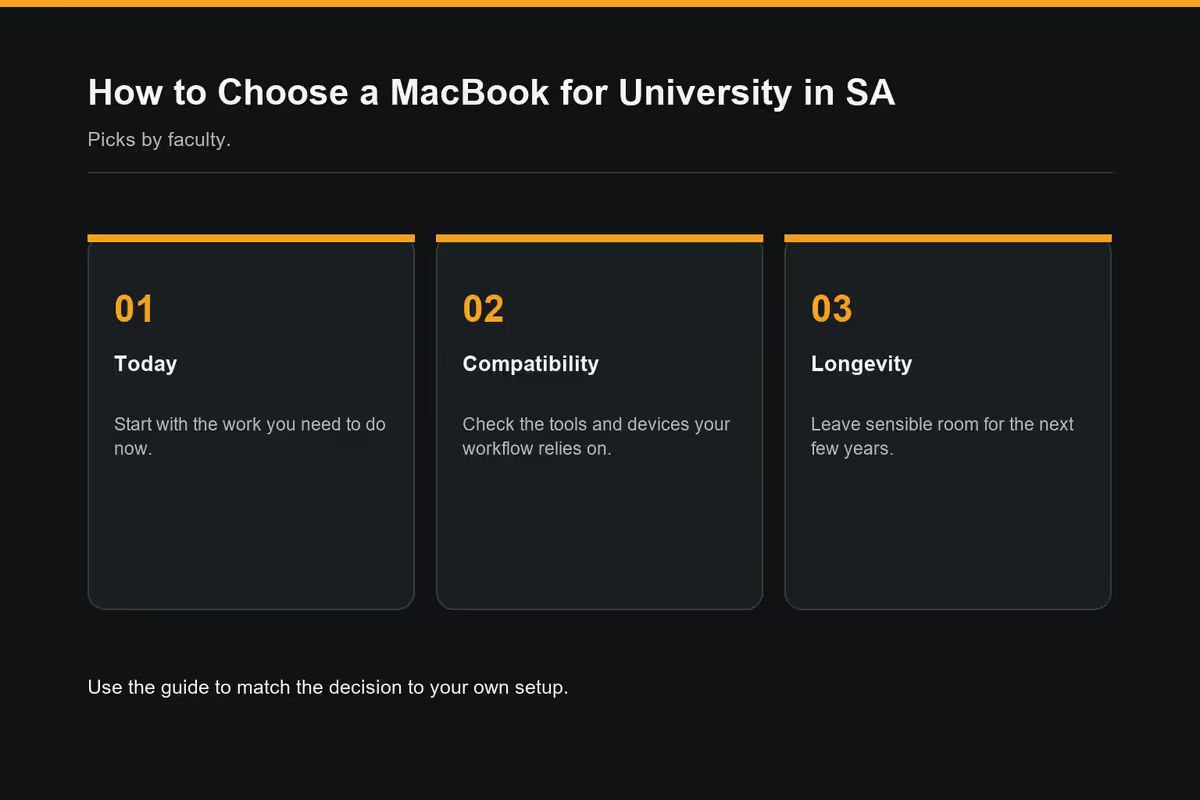
Different faculties hammer MacBooks in different ways. Commerce works mostly in a browser; Engineering renders CAD; Architecture shifts huge Rhino files; Design runs Adobe Suite all day. Here's the honest faculty-by-faculty pick — plus the Apple Education stack that makes it affordable.
- Air M4 with Edu
- R23.5k
- Pro 14 with Edu
- R48.5k
- degree lifespan
- 4-yr

Why MacBook for university in 2026?
Three years ago, picking a Mac for SA university was a slightly defiant move. In 2026, it's the default for most degrees:
- Battery life that actually lasts a day. Air M4 hits 18-22 hours real-world — survives a 9am-to-9pm campus day with no charger.
- No sweat, no fans during note-taking. Lectures, libraries and tutorials stay silent.
- macOS handles every standard academic tool. Office, Adobe Suite, MATLAB, RStudio, Python, statistics packages, Zoom, all native.
- Resale value at degree-end is dramatically better. 4-year-old Air M4 trades for R8k-R12k; equivalent Windows laptop trades for R3k-R5k.
- Buy once, last the whole degree. 4-year Honours or 5-year combined degree timelines fit MacBook lifespan well.
Faculty-specific picks
Different degrees stress MacBooks differently. Here's the honest, faculty-by-faculty pick:
Commerce, Accounting, Economics, Business
Pick: MacBook Air M4 13" 16GB / 512GB (R26,499, Edu R23,499)
Browser-heavy workload, Microsoft Office daily, occasional Excel modelling with VBA. The Air handles it all with hours to spare. Spend the saved money on a 24" external monitor for split-screen Excel + lecture notes.
Humanities, Law, Education, Languages, Social Sciences
Pick: MacBook Air M4 13" 16GB / 512GB (R26,499, Edu R23,499)
Reading-and-writing degrees thrive on Air's portability. Long library sessions, Zoom seminars, Word/Pages essay drafting. The 13" Air slips into any backpack. Consider the 15" Air (R31,499) if you read a lot of long-form PDFs and want extra screen real estate.
Science (most disciplines), Statistics, Maths
Pick: MacBook Air M4 13" 16GB / 512GB (R26,499, Edu R23,499)
R, Python, MATLAB and Mathematica all run beautifully on M4 Air. Only step up if you're doing heavy ML training or genomic sequencing locally — and most undergrads use lab servers for that anyway.
Engineering, IT, Computer Science
Pick: MacBook Pro 14" M5 16GB / 512GB (R42,999, Edu R39,499) — or M5 Pro 24GB / 1TB (R52,999, Edu R48,499) if you'll keep it through Masters
Docker, Xcode, multiple IDEs, simulations, VS Code with 10 extensions. Engineering students who run AutoCAD or SolidWorks on Windows-only need Parallels Desktop (R900/year). For pure software/IT/CS, the Pro 14 with M5 Pro is comfortable headroom for years.
Medicine, Dentistry, Pharmacy
Pick: MacBook Pro 14" M5 Pro 24GB / 1TB (R52,999, Edu R48,499)
Anatomy 3D apps (Visible Body, Complete Anatomy), DICOM imaging, large textbook PDFs with annotations, clinical statistics. Alternative on budget: Air M4 15" 16GB / 512GB (R31,499) — bigger screen for studying, still capable. Avoid Air 13" — anatomy diagrams in textbooks demand screen real estate.
Architecture, Built Environment
Pick: MacBook Pro 14" or 16" M5 Pro 24-36GB / 1TB (R52,999-R85,999, Edu R48,499-R79,999)
Rhino, Revit (via Parallels), SketchUp, large CAD files. These workloads punish underpowered machines. Architecture is the one degree where buying down hurts you daily. The 16" screen helps for floor plan editing. Plan to keep this machine 5+ years.
Design, Fine Art, Film, Animation
Pick: MacBook Pro 14" M5 Pro 24GB / 1TB (R52,999, Edu R48,499)
Adobe Creative Cloud (Photoshop, Illustrator, InDesign, Premiere Pro, After Effects), Figma, DaVinci Resolve, Logic Pro for sound design. Design programs render hard. Pro 14 with M5 Pro is the sweet spot. Film students editing 4K should consider M5 Max 36GB+.
Music, Sound Engineering
Pick: MacBook Air M4 16GB / 512GB OR Pro 14 M5 16GB / 512GB
Logic Pro, GarageBand, Pro Tools, Ableton Live, FL Studio all run smoothly. Light producers can use Air; heavy sample-library users with 100-track sessions want Pro 14 for fans and sustained loads.
Apple Education Store — the always-on discount
The Apple Education Store offers verified SA students R2,000-R5,000 off MacBook retail year-round. The discount stacks with Back to School free AirPods (June-September) for the deepest legitimate saving in SA.
Who qualifies in SA
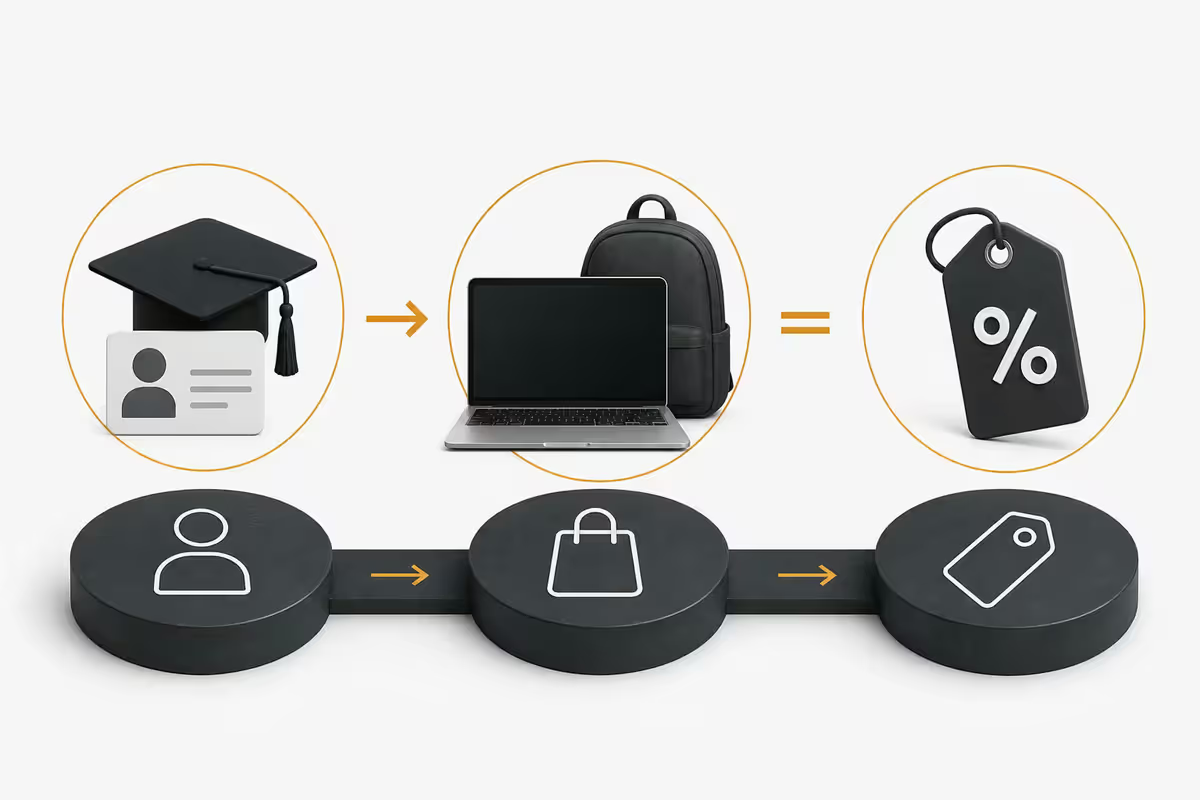
- Active students at any SA accredited university (UCT, Wits, Stellenbosch, UP, UJ, UKZN, NMU, Rhodes, UWC, NWU, TUT, CPUT, DUT and others)
- Parents purchasing for active SA students in the household
- TVET college students at recognised institutions
- Postgraduate students, including Masters and PhDs
- Recently admitted students (with acceptance letter as proof)
How to claim in SA
- Visit istore.co.za/education (primary SA Apple Education channel)
- Verify via student email (.ac.za domain) or upload of institutional ID
- Some universities use Sheer ID (third-party verification) — same outcome, slightly different UX
- Education pricing applies immediately at checkout
- In-store at iStore branches: bring student card + photo ID for same discount
AppleCare+ for breakage reality
University Macs lead a harder life than office Macs. They're carried daily across campus, opened/closed dozens of times, dropped onto tutorial-room floors, knocked off res-room desks, and occasionally meet spilt drinks. Accidental-damage claims on student-owned Macs are common enough in the first 3 years to make the cover worth it.
AppleCare+ pricing in SA (2026)
| Model | AppleCare+ 3yr | Accidental damage fee |
|---|---|---|
| MacBook Air M4 (Student) | ~R2,999 | R699/incident |
| MacBook Pro 14" (Student) | ~R3,499 | R999/incident |
| MacBook Pro 16" (Student) | ~R4,499 | R999/incident |
The maths: a cracked Air screen out-of-warranty costs roughly R8,500 to repair. The R2,999 AppleCare+ + R699 deductible (total R3,698) saves R4,800 on a single incident. Given the 14% claim rate, the expected-value maths comes out positive for almost every student.
Skip AppleCare+ if: you live like a monk, never carry the laptop, and trust yourself completely. Get it if: you commute, use coffee shops, share a res room, or have ever broken a phone screen before.
Trade in old devices to bring the cost down
SA students sit on a goldmine of trade-in value via old iPhones, iPads, AirPods and older Apple Watches. Typical 2026 SA trade-in values via iStore Trade Up:
| Device | Condition: Good | Condition: Excellent |
|---|---|---|
| iPhone 15 Pro 256GB | R11,500 | R14,000 |
| iPhone 14 Pro 128GB | R8,500 | R11,000 |
| iPhone 13 128GB | R4,500 | R6,500 |
| iPad Pro 11" 2022 | R6,500 | R9,500 |
| iPad Air 2024 | R4,000 | R6,000 |
| Apple Watch Series 9 | R2,500 | R3,800 |
| AirPods Pro 2 (original case) | R900 | R1,400 |
| MacBook Pro 14" M1 Pro | R12,000 | R18,000 |
Stacking example: trading in iPhone 14 Pro + iPad Air 2024 + AirPods Pro 2 = R11,000 + R5,000 + R1,200 = R17,200 off the new MacBook. Combined with R2,500 Education discount and free BTS AirPods bundle, a R26,499 Air M4 can come down to R6,800 net out-of-pocket for a well-equipped student.
SA university software compatibility
In 2026, almost every standard academic tool runs natively on Mac. The exceptions are narrow and addressable:
| Software | Mac native? | Notes |
|---|---|---|
| Microsoft Office 365 | Yes | Often free via SA university A1/A3 licence |
| Adobe Creative Cloud | Yes | Student R220/month |
| SPSS, Stata, SAS | Yes | Native Mac builds |
| MATLAB | Yes | Native, includes Simulink |
| RStudio, R, Python, Anaconda | Yes | Native, faster than Windows on M-series |
| Xcode, iOS dev tools | Yes | Mac-only, in fact |
| Zoom, Teams, Meet | Yes | Native ARM builds |
| AutoCAD 2D/3D | Yes (Mac version) | Less feature-complete vs Windows version |
| SolidWorks | No — Windows only | Run via Parallels Desktop (R900/yr) |
| Revit | No — Windows only | Run via Parallels Desktop |
| Rhino + Grasshopper | Yes (Mac version) | Some Grasshopper plugins Windows-only |
| DaVinci Resolve | Yes | Free version, optimised for Apple Silicon |
| Logic Pro, Final Cut Pro | Yes | Mac-only, students discount |
| SA university VPN, eduroam Wi-Fi | Yes | Full support on macOS |
SA university IT support reality
A decade ago, SA university IT desks were Windows-first and shrugged at Mac users. In 2026, that's largely flipped:
- Wits, UCT, Stellenbosch, UP, UJ, NMU, Rhodes, UWC — full Mac IT support including eduroam config, VPN setup, printer drivers, library system access, software licensing portals.
- UKZN, NWU, UFS, WSU — Mac-friendly with most services. Occasional gaps on specialty software.
- TVET colleges and smaller campuses — vary widely. Some are fully Mac-supportive; some still Windows-first.
Before you commit: check your specific faculty's required software list. Engineering and Architecture sometimes have Windows-only modules that need Parallels. Med schools occasionally require Windows-only e-portfolio systems. 95% of degrees have zero Mac friction.
Key takeaways
- Commerce, Humanities, Law, most Science — Air M4 16GB/512GB at R26,499 (Edu R23,499).
- Engineering, IT, Medicine, Design — Pro 14 M5 or M5 Pro 24GB/1TB at R42,999-R52,999.
- Architecture, Film — Pro 14 or 16" M5 Pro / Max 24-36GB minimum.
- Apple Education Store saves R2k-R5k year-round. Stack with Back to School for max value.
- AppleCare+ Student at ~R3k is positive expected value — accidental damage on student Macs is common enough to make it pay.
Frequently asked questions
Which MacBook is best for a South African university student?
For 80% of SA degrees: Air M4 16GB/512GB at R26,499 (Edu R23,499). For Engineering, IT, Medicine, Architecture, Design: Pro 14 M5 Pro 24GB/1TB at R52,999 (Edu R48,499).Is the MacBook Air enough for university?
Yes for most degrees. M4 Air 16GB handles Office, MATLAB, Python, R, Xcode, Zoom and standard academic software. Falls behind only on heavy sustained loads (4K video, ML training, 3D rendering).Do I qualify for Apple Education discount in South Africa?
Yes if you're active at any SA accredited university or TVET college, or a parent buying for one. Saves R2,000-R5,000 off retail. Apply via istore.co.za/education.Should I get AppleCare+ for my university MacBook?
Yes — accidental damage on student Macs is common over 3 years. AppleCare+ Student is R2,999-R3,499 with R699-R999 deductible. Positive expected value for most students.Can I trade in my old iPhone or iPad for MacBook discount?
Yes — iStore Trade Up accepts iPhone, iPad, AirPods, Apple Watch and older MacBooks. iPhone 14 Pro fetches R8k-R12k; iPad Air R4k-R6k. Stacks with Education and BTS.Is MacBook compatible with SA university software?
Mostly yes. Office, MATLAB, RStudio, Python, Adobe, SPSS, Stata all native. Exceptions: SolidWorks, Revit (run via Parallels). Verify your faculty's software list.What is the best MacBook for medicine in SA?
Pro 14 M5 Pro 24GB/1TB at R52,999 (Edu R48,499) — handles anatomy 3D, DICOM, statistics. Budget alternative: Air M4 15" 16GB/512GB for the bigger screen.Does SA university IT support work with MacBook?
Yes — Wits, UCT, Stellenbosch, UP, UJ, NMU and other major SA universities provide full Mac support including eduroam, VPN, printing, library systems and software portals.
Get the Evetech app
Exclusive app-only prices, daily flash sales, and free delivery on orders over R4,000 — download the app and start saving.