SA Back to School Guide
Back to school tech for SA. — Laptop first. Everything else later.
January back-to-school is the second-best buying season of the year — post-Black-Friday stock at promo prices, before VAT-cycle increases hit. The trick is sequencing the purchase so accessories actually fit the laptop.
- deepest discounts
- Jan-Feb
- laptop spend
- R4k-R25k
- core kit list
- 7 items
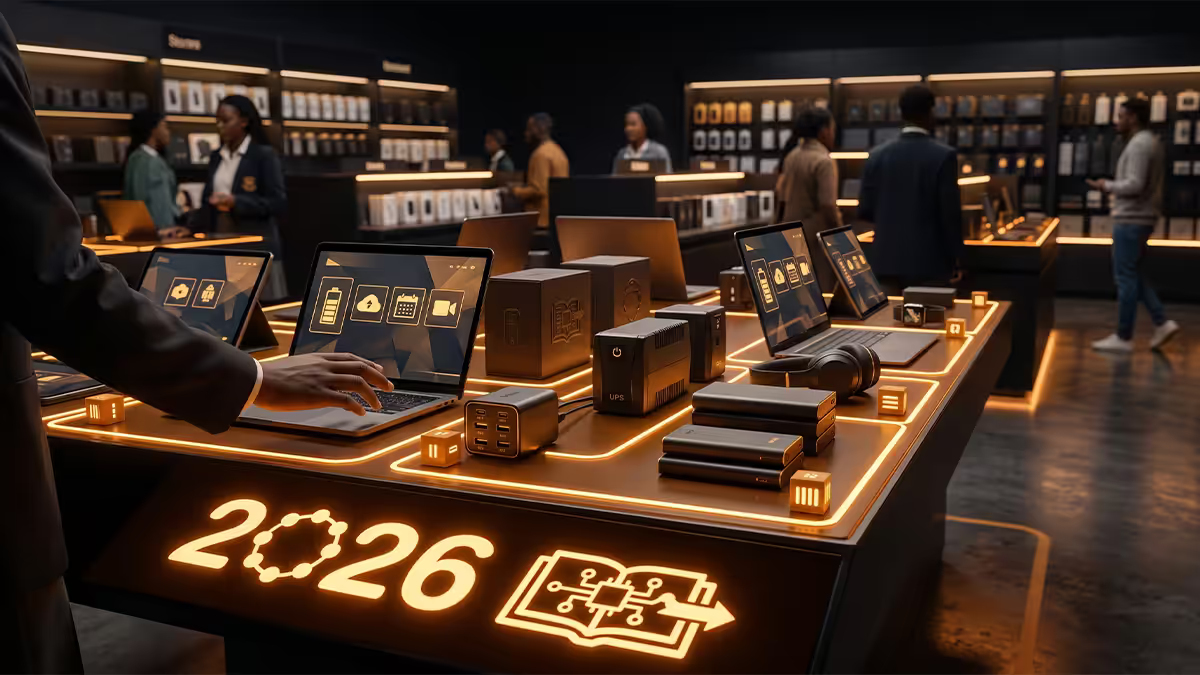
Best buying window — mid-January, not December
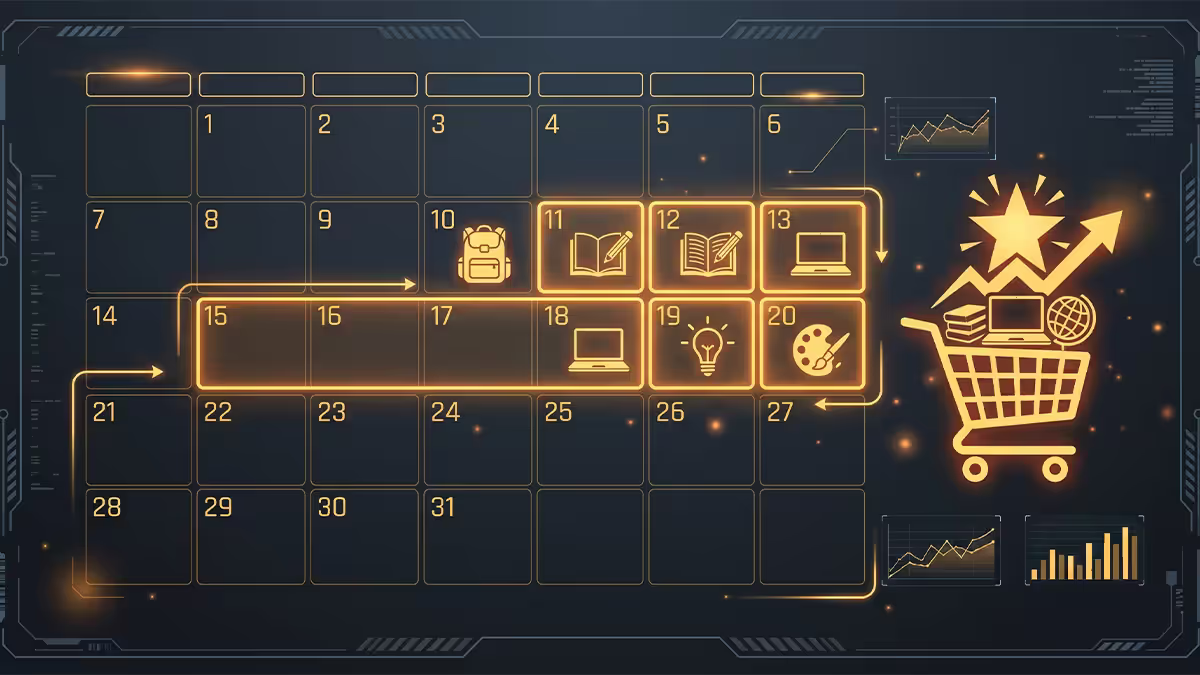
Most SA parents start panicking in late January when schools reopen. By then the best stock is gone and the prices have crept. The sweet spot is the first two weeks of January, when retailers actively promote back-to-school bundles on stock cleared from the Black Friday cycle.
| Window | What's discounted | Best for |
|---|---|---|
| Late November (Black Friday) | Premium laptops, peripherals | Tertiary spend > R15k |
| Mid-December | Cyber Monday leftovers | Opportunistic laptop deals |
| 1-15 January | Back-to-school bundles, bags, stationery | Primary & high school full kit |
| 16-25 January | Final clearance, some bundles | Accessory top-ups |
| Last week of January | Limited — prices creep back up | Avoid if possible |
| February onwards | Normal pricing returns | Replacement only |
The reality: Black Friday clears the previous year's premium stock — that R23,000 laptop with last-gen Intel Core Ultra is R16,500 on 28 November. By January it's gone. So the Black Friday window is the right call for genuine premium laptops; the January window is the right call for everything else.
Buy in this order — laptop first, accessories later
The single most expensive mistake is buying the bag and sleeve before deciding on the laptop. Every accessory depends on the laptop's exact dimensions, ports, charger and OS.
The correct sequence:
- Week 1. Decide and buy the laptop. Get the school's BYOD spec sheet first.
- Week 2. Bag with laptop sleeve (sized to the laptop's exact screen size — 13", 14" or 15.6").
- Week 2. Spare charger for permanent home use (matches the laptop's PD wattage).
- Week 2. Mouse (USB-A or USB-C wireless dongle to match the laptop's ports).
- Week 2. Headphones (3.5mm jack still ideal — schools often block Bluetooth).
- Week 3. Cable adapters if needed (USB-C to USB-A or HDMI for older school projectors).
- Week 3. Stationery, lever arch files, scientific calculator, etc.
Why this order matters in practice: a 15.6" laptop doesn't fit a 14" sleeve. A USB-C-only laptop needs different mouse and charger choices than one with USB-A. A Chromebook doesn't need a Windows-licensed antivirus you might bundle in. Buying out of order means returning items.
Grade-tier laptops — Gr 4-7, Gr 8-12, Tertiary

SA schools have wildly different IT requirements depending on the level. Spending Grade-12 money on a Grade-4 child is wasted; spending Grade-7 money on a tertiary student is sabotage. Match the spec to the tier.
Grade 4-7 — Chromebook territory
Most primary schools standardise on Google Workspace for Education — Docs, Sheets, Slides, Classroom. A Chromebook handles all of those natively, boots in 8 seconds, has 12+ hour battery life and costs R4,000-R7,000. The Acer Chromebook 314, Lenovo IdeaPad Flex 3 Chromebook, or HP Chromebook 14 are all solid picks.
When NOT to buy a Chromebook for primary: if the school uses Windows-specific applications (occasional in tech-focused schools), or if there's a sibling progression where it'll need to last into high school. In those cases, a budget Windows laptop is the safer call.
Grade 8-12 — Windows 11 with 16GB RAM
High school workload demands Windows 11 with adequate RAM. Office 365, Chrome with 20+ tabs, Zoom for remote lessons, and the occasional CAD or graphics app all run simultaneously. The floor is 16GB RAM, 512GB SSD, Ryzen 5 / Core Ultra 5. Screen: 1920x1080 IPS, 14-15.6". Budget R12,000-R18,000.
Recommended specs and models: Asus Vivobook 16 OLED, Lenovo IdeaPad Slim 5, HP Pavilion 15, Acer Aspire 5. Avoid anything with 8GB RAM (Windows 11 + Office + Chrome chokes) and avoid 1366x768 screens (eye strain after 30 minutes).
Tertiary — real laptop, real spec
University and TVET workloads need a proper laptop. Engineering students need integrated graphics that can run AutoCAD or SolidWorks viewers; medical students need fast SSD for anatomy app loads; CompSci students need a real keyboard and enough RAM for a VM. The floor: Ryzen 7 or Core Ultra 7, 16GB RAM (32GB ideal), 1TB SSD, 14-16" screen, 6+ hours real battery, decent keyboard, build quality that survives 4 years.
Recommended picks: Asus Vivobook Pro 15, Lenovo IdeaPad Pro 5, HP Envy 14, Asus Zenbook 14 OLED. Budget R15,000-R25,000. NSFAS-funded students should sit in the R10,000-R14,000 range to leave headroom for the rest of the year's allowances.
The 7-item core back-to-school tech kit
| Item | SA price range | Notes |
|---|---|---|
| Laptop (Grade-tier matched) | R4,000-R25,000 | Buy first. Everything else follows. |
| Backpack with laptop sleeve | R350-R1,200 | Targus, Volkano, Belkin or Decathlon Kipsta |
| Spare charger (USB-C PD) | R350-R650 | Anker, Baseus or OEM. Match PD wattage. |
| Wireless mouse | R150-R450 | Logitech M185, M331 or M650. USB-A dongle. |
| Wired 3.5mm headphones | R200-R800 | JBL T110, Sony MDR-ZX110. Schools often block BT. |
| USB-C hub / dongle (if needed) | R250-R750 | USB-A + HDMI ports for older projectors. |
| Microfibre screen cloth + cable bag | R80-R200 | Boring, mandatory. |
| Optional: scientific calculator | R450-R900 | Casio fx-991ES Plus is the SA school standard. |
The full core kit lands between R1,400-R3,300 on top of the laptop. Schools rarely require all seven items, but the spare charger and headphones consistently get overlooked and bought in panic in March at full price.
NSFAS reality — what's funded and what isn't
National Student Financial Aid Scheme funds tuition, accommodation, food and a one-time laptop allowance for qualifying tertiary students. The laptop allowance is the part most parents misunderstand.
How the laptop allowance works in 2026:
- Reimbursement up to R10,000 for one laptop per qualification (not per year).
- Paid into the student's allowance account after registration is confirmed — typically 4-8 weeks after the academic year starts.
- Student buys the laptop first, then claims via proof of purchase (invoice and serial number).
- Strict claim window — typically 6 weeks after first allowance payment. Miss it and the reimbursement lapses.
- Doesn't cover accessories — bag, charger, mouse all come out of the personal allowance.
The practical NSFAS laptop: at R10,000 in 2026 prices, you can land a solid Windows 11 laptop with Ryzen 5 or Core 5, 16GB RAM, 512GB SSD, 15.6" 1080p screen. Asus Vivobook 15, HP 250 G10, Lenovo V15 Gen 4 all fit. Pre-paying with a credit card and reclaiming when the disbursement lands is the standard pattern — parents who can front the cash, do so.
SA retailer comparison — where to buy what
| Retailer | Best for | Watch out for |
|---|---|---|
| Evetech | Laptops, custom builds, real warranty handling | Smaller bag/accessory range |
| Wootware | Laptops at honest specs, transparent stock | Cape Town-based, allow shipping time |
| Incredible Connection | In-store one-stop bundles, instant collection | Premium pricing on accessories |
| Game | Bundle deals, lay-by options | Limited tertiary-spec laptops |
| Takealot | Bags, sleeves, mice, headphones, accessories | Returns process for laptops can be slow |
| Makro | Calculators, stationery bundles | Limited tech selection |
| PriceCheck (comparison) | Price history verification | Not a retailer — confirms before purchase |
| Facebook Marketplace | Caution only | Stolen, grey-imported, no warranty |
Common back-to-school tech mistakes
Buying the laptop in late January. By 20 January the BTS stock is depleted and prices creep. Buy on 5-10 January or wait until February.
Skipping the BYOD spec sheet conversation. Schools change requirements yearly. Last year's "Windows 10 OK" might be "Windows 11 24H2 or later required" this year. The 60-second phone call to the IT coordinator is mandatory, not optional.
8GB RAM laptops to "save money." A R9,499 Windows 11 laptop with 8GB will be unusable by Grade 11. Either step up to 16GB or step down to a Chromebook — the in-between is the worst category.
Buying a single charger. Original lives in the bag, gets left at school, gets lost. A second charger at R350-R650 prevents the 7pm "I can't do homework" crisis.
Forgetting Microsoft 365. Many SA universities and high schools include free Microsoft 365 with the student email. Check before paying R1,200/year for personal Office.
No antivirus on Windows tertiary laptops. Windows Defender is genuinely fine for most students in 2026. Don't get pressured into a R900/year Norton or McAfee bundle at point of sale — Defender does the job.
Key takeaways
- Phone the school's IT coordinator for the BYOD spec sheet before buying anything.
- Buy laptop first, accessories after — sleeve, charger and adapters all depend on the exact laptop.
- Mid-January is the sweet spot — premium laptops on Black Friday, accessories in early January.
- Grade 4-7 Chromebook R4k-R7k. Grade 8-12 Windows 11 + 16GB R12k-R18k. Tertiary R15k-R25k.
- NSFAS reimburses up to R10,000 for the laptop — buy first, claim later, 6-week window.
- Evetech & Wootware for laptops. Takealot for accessories. Avoid Marketplace unbranded "deals."
Frequently asked questions
When is the best time to buy back-to-school tech in South Africa?
Mid-January for accessories, late November (Black Friday) for premium laptops. Avoid the last week of January when stock runs low and prices creep.What laptop should I buy for a Grade 8-12 high schooler in South Africa?
Windows 11 laptop with Ryzen 5 or Core Ultra 5, 16GB RAM, 512GB SSD, 14-15.6" 1080p IPS. Budget R12,000-R18,000. Avoid 8GB RAM and 1366x768 screens.Is a Chromebook good enough for primary school in South Africa?
For Grade 4-7, yes — most primary schools use Google Workspace. R4,000-R7,000 for an Acer or Lenovo Chromebook. Confirm with the school first.Should I buy the laptop first or all the accessories at once?
Laptop first. Bag sleeve size, charger PD wattage, mouse port type and OS-specific accessories all depend on the exact laptop. Buying out of order means returns.How do I know what the school requires for IT?
Phone the school's IT coordinator or office and request the current BYOD spec sheet. Don't trust last year's document. The 60-second call saves you returning the wrong laptop.What about NSFAS-funded students and tertiary laptops?
NSFAS reimburses up to R10,000 per qualification after registration. Student buys first, claims via proof of purchase within ~6 weeks. Doesn't cover accessories.Where should I shop for back-to-school tech in South Africa?
Evetech and Wootware for laptops, Incredible Connection and Game for bundles, Takealot for accessories. Avoid Marketplace and unbranded sellers without proper tax invoices.What is the most overlooked back-to-school accessory?
A spare charger. The original gets lost or left at school. R350-R650 for a second one with matching PD wattage. Buy Anker, Baseus or OEM — never unbranded.
Get the Evetech app
Exclusive app-only prices, daily flash sales, and free delivery on orders over R4,000 — download the app and start saving.