Keycap Buying Guide
How to choose keycaps.
Keycap upgrades change a R2,000 keyboard into a R4,000 one — for R600. But the plastic, profile and printing method most people pick are wrong for the way they actually type. Here's how to get it right first time.
- plastic default
- PBT
- profile default
- Cherry
- SA price band
- R300-R2k+
ABS vs PBT — pick PBT
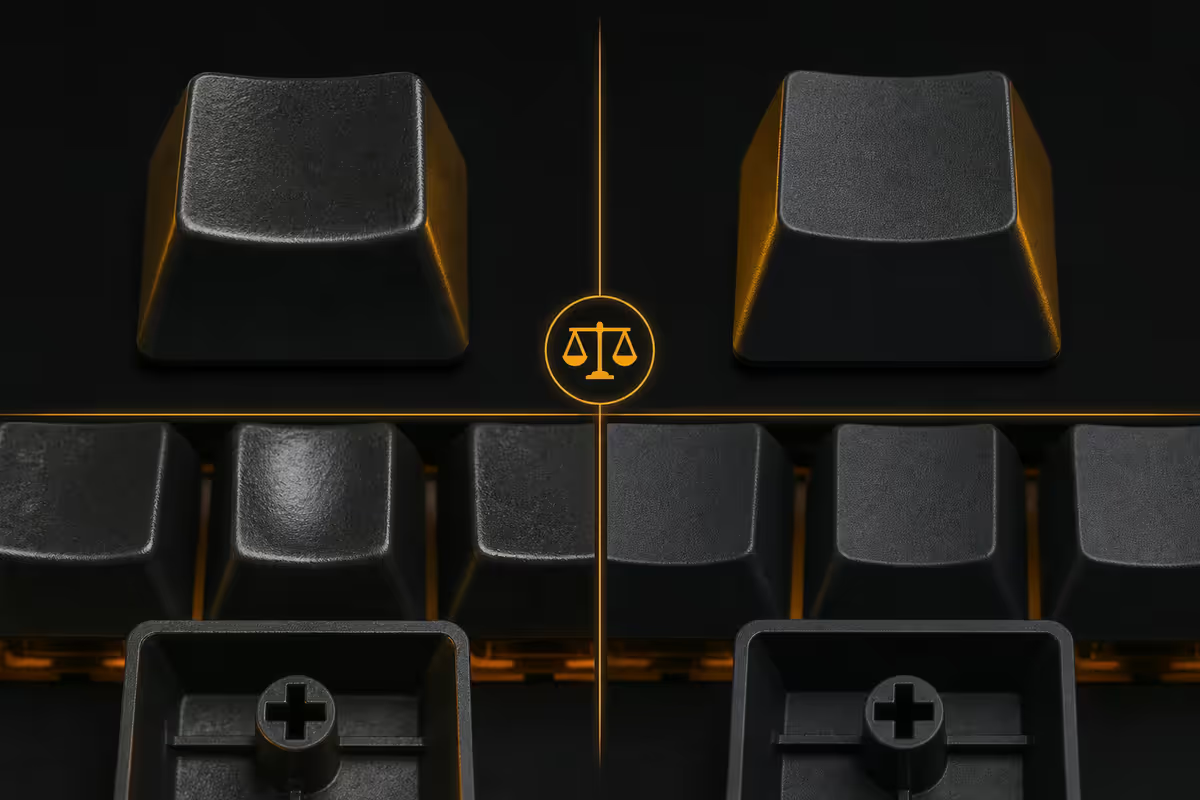
Modern keycaps are moulded from one of two plastics. The differences sound technical but the user experience over a year of typing is dramatic.
| Property | ABS | PBT |
|---|---|---|
| Texture | Smooth, slightly slick | Textured matte |
| Long-term wear | Glosses up in 6-12 months | Holds finish for years |
| Sound profile | Higher-pitched, sharper | Deeper, more muted |
| Colour vibrancy | Brighter, sharper detail | Slightly muted |
| Typical price | Often cheaper | Slightly more expensive |
| Best for | Themed artisans, sharp graphics | Daily-driver typing |
The shine problem. ABS plastic reacts to skin oils. Within 6-12 months of heavy daily use, the most-touched keys (E, A, S, T, Space) develop a visible glossy patch. It's not damage — it's just polish. But once it starts, you can't reverse it. PBT resists this almost completely.
The sound difference. PBT keycaps sound deeper and more "thocky" — the bass-heavy sound modern keyboard enthusiasts chase. ABS sounds sharper and clackier. Neither is wrong; PBT is the more popular preference.
Profile — the shape of each row
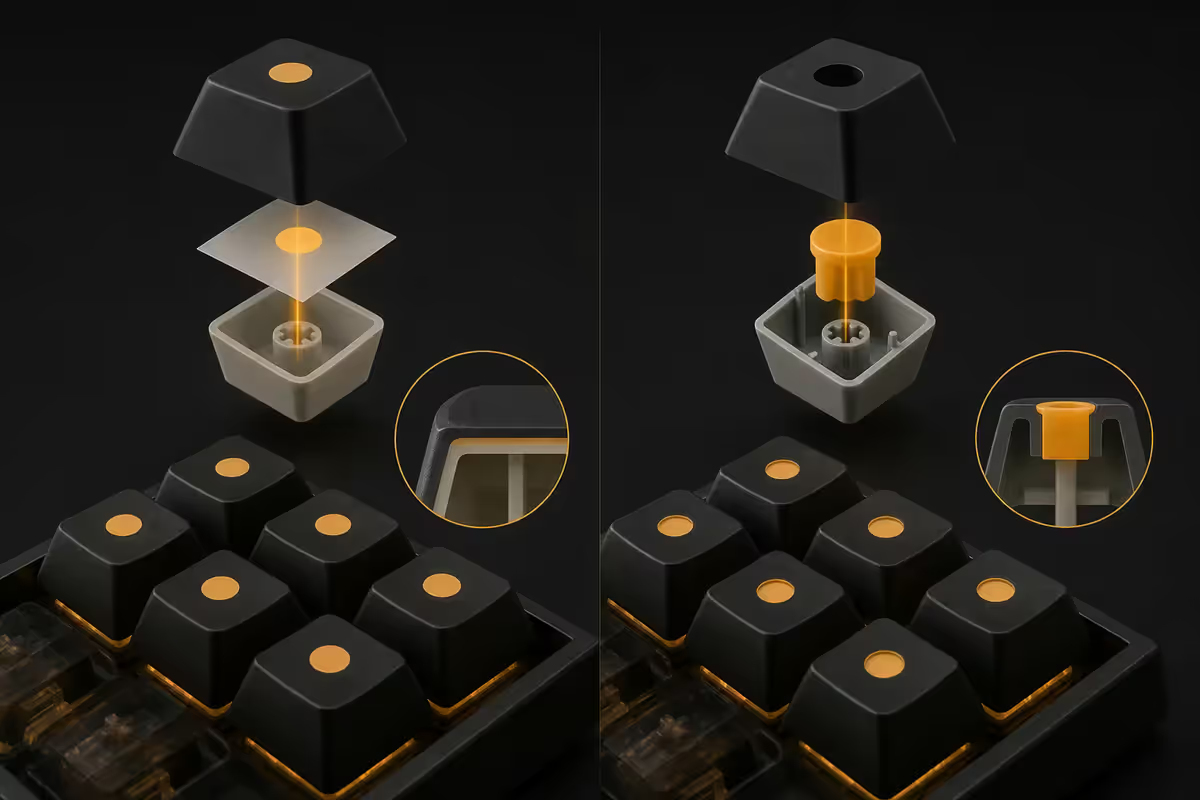
Profile refers to two things together: the height of the keycap and whether different rows are sculpted at different angles. The five major profiles every buyer encounters:
| Profile | Height | Sculpting |
|---|---|---|
| OEM | 11.9mm | Sculpted (factory default) |
| Cherry | 9.3mm | Sculpted (premium default) |
| SA | 16.5mm | Heavily sculpted (typist favourite) |
| DSA | 7.6mm | Uniform (no row variation) |
| XDA | 9.0mm | Uniform (wider top surface) |
| MT3 | 16.0mm | Heavily sculpted (Drop's SA-like) |
| KAT | 10.5mm | Sculpted (premium Cherry-like) |
Cherry is the default for a reason. Slightly lower than OEM, with sculpted rows that match natural finger position. Cherry-profile sets dominate the aftermarket — GMK, Akko, KBDfans and Drop all major in Cherry. If you can't decide, choose Cherry.
OEM is what your keyboard shipped with from the factory. Taller, slightly more sculpted. Many people prefer Cherry once they try it.
SA is the iconic tall, dramatically-sculpted profile that defines the "spherical typewriter" aesthetic. Loud, satisfying, takes a few hours to adapt to. Typists love it; gamers often find it tall.
DSA and XDA are uniform profiles — every row is the same height and angle. Beloved by programmers using ortholinear keyboards, where row sculpting makes no sense. Also popular for people who remap keys often, since you can swap any key into any row.
Printing — dye-sub vs double-shot
How the legend (the letter or symbol) ends up on the keycap matters for longevity. There are four common methods, two of which last forever and two of which fade.
Double-shot (premium). Two separate plastic injection moulds — one for the body colour, one for the legend colour — fused together. The legend is literally a second piece of plastic going all the way through the keycap. Wears physically impossible. Required for shine-through legends on RGB keyboards.
Dye-sublimation (premium). Heat-applied dye penetrates into the surface of the PBT plastic. Extremely durable, supports complex multi-colour artwork that double-shot can't easily do (gradients, photos, complex iconography). Won't shine through for RGB. The other top-tier choice.
Laser engraving (mid-tier). A laser etches the legend into the surface. Wears very slowly but can be felt as a slight indentation. Fine on gaming-focused boards.
Pad printing (budget). Legends are screen-printed onto the surface. Fades within 12-18 months on the most-touched keys. Common on R200-R400 keyboards.
Layout compatibility — the bottom-row trap
This is where unwary buyers get burned. Most aftermarket keycap sets are designed for standard ANSI layout with a 6.25u spacebar and 1.25u modifier keys (Ctrl, Win, Alt). If your keyboard uses a non-standard bottom row, you'll end up with mismatched key sizes.
Common non-standard bottom rows:
- Split spacebars (some 65% and 75% boards) — two 3u spacebars instead of one 6.25u.
- 1u Windows/Fn keys (many compact boards) — modifier keys at 1u instead of 1.25u.
- 7u spacebars (some 1800-layout and full-size vintage boards) — wider than standard.
- ISO layouts (UK / European) — different Enter key shape, smaller left Shift, extra key on the bottom row.
Before you buy: check your keyboard's bottom row against the keycap set's "kits" list. Premium sets (GMK, KAT, Drop) include both "base kit" (standard ANSI) and "spacebar kit" or "novelties kit" with the extras for non-standard layouts. Cheaper sets often have only the base kit, which means you can't use them on a non-standard board.
The fix: when shopping, search "[keycap set name] kit coverage" or "[your keyboard] keycap compatibility". The community has documented compatibility for almost every popular board.
MX-style vs low-profile — not interchangeable
Quick distinction: MX-style is the standard mechanical-keyboard stem — the cross-shape "+" found on 95% of mechanical keyboards (Cherry MX, Gateron, Kailh, NK silent linear, etc.). Almost all aftermarket keycaps fit MX-style.
Low-profile keyboards (Keychron K3 Pro, Logitech MX Mechanical, NuPhy Air series, Lofree) use shorter, flatter stems with different geometry. Standard MX keycaps won't fit. Low-profile keycap aftermarket exists but is dramatically smaller — usually only the manufacturer's own catalogue.
If keycap customisation matters to you, buy a standard-height mechanical keyboard. The trade-off for low-profile's slim aesthetic is dramatically reduced keycap options.
Hot-swap and keycaps — independent decisions
A common source of confusion: hot-swap refers to the switches, not the keycaps. Hot-swap PCBs let you change switches without soldering. The keycap stem on every hot-swap-compatible switch is still MX-style cross.
So for keycap shopping purposes, hot-swap status is irrelevant. The two decisions are independent:
- Want better feel and sound? Lube your switches or replace them. Requires hot-swap (or soldering skills).
- Want better look and durability? Replace your keycaps. Hot-swap status irrelevant.
Top picks by budget — South Africa, 2026
| Tier | Pick | SA price |
|---|---|---|
| Entry PBT | Akko PBT Cherry profile | R300-R500 |
| Mid-tier PBT dye-sub | KBDfans NicePBT Cherry | R550-R750 |
| Premium PBT double-shot | Drop MT3 / KAT profile sets | R900-R1,400 |
| Designer / themed | Cannonkeys / GMK clone (Akko CSA, MTNU) | R800-R1,500 |
| GMK original (group-buy) | GMK Olivia, GMK Modern Dolch etc. | R2,000-R3,500+ |
| RGB shine-through | Akko Shine-through PBT double-shot | R600-R900 |
| Low-profile compat | Keychron Low Profile OEM set | R450-R650 |
Key takeaways
- PBT dye-sub Cherry profile is the safe default — fits 95% of mechanical keyboards, lasts decades.
- PBT resists the glossy shine that plagues ABS keycaps within 6-12 months of daily use.
- Double-shot for RGB shine-through; dye-sub for everything else. Both last forever.
- Always check bottom-row compat. Non-standard bottom rows need a specific extras kit.
- Akko (R300-R500) for first upgrade. R700-R1,500 for premium. Past R1,500 is hobby budget.
Frequently asked questions
ABS or PBT keycaps — which is better?
PBT for almost everyone. It resists the glossy shine that develops on ABS after 6-12 months and has a deeper sound profile. ABS only if a specific themed design is ABS-only.What keycap profile should I choose?
Cherry profile is the safe default — slightly sculpted rows, lower than OEM, dominates the aftermarket. SA for typist favourites. DSA/XDA for ortholinear keyboards.Dye-sub vs double-shot printing — which lasts longer?
Both last decades. Double-shot allows shine-through for RGB; dye-sub allows more complex multi-colour designs. Both beat laser-engraving and pad-printing easily.Will any keycap set fit my keyboard?
Standard ANSI bottom row is supported by every set. Non-standard rows (split spacebar, 1u Win keys, 7u spacebars, ISO) need a specific extras kit. Confirm before buying.Are MX-style and low-profile keycaps interchangeable?
No. Low-profile uses shorter stems with different geometry. If keycap variety matters, buy a standard-profile keyboard — low-profile aftermarket is limited.Does hot-swap affect keycaps?
No. Hot-swap refers to the switch sockets. The keycap stem is the same MX cross on every hot-swap board. Switch swap and keycap swap are independent decisions.How much should I spend on keycaps in SA?
R300-R500 for Akko PBT (great first upgrade). R700-R1,500 for premium Drop / KBDfans. R2,000+ is hobby budget — diminishing returns for actual typing experience.Do I need to lube switches when installing new keycaps?
No — they're independent. If you're already disassembling, lubing stabilisers (under spacebar, Enter, Shift) is worthwhile. Full switch lube is a separate 2-3 hour project.
Get the Evetech app
Exclusive app-only prices, daily flash sales, and free delivery on orders over R4,000 — download the app and start saving.