SA Power Protection Guide
Protect your PC from power surges. — Three layers. SA-grade defence.
Load shedding return-to-power events. Highveld lightning storms. Aging grid infrastructure. SA hits PCs harder than most countries — and a R30,000 build dies to a R200 mistake more often than it should.
- return = surge
- Load shed
- protection stack
- 3 layers
- protects R30k+
- R3,500
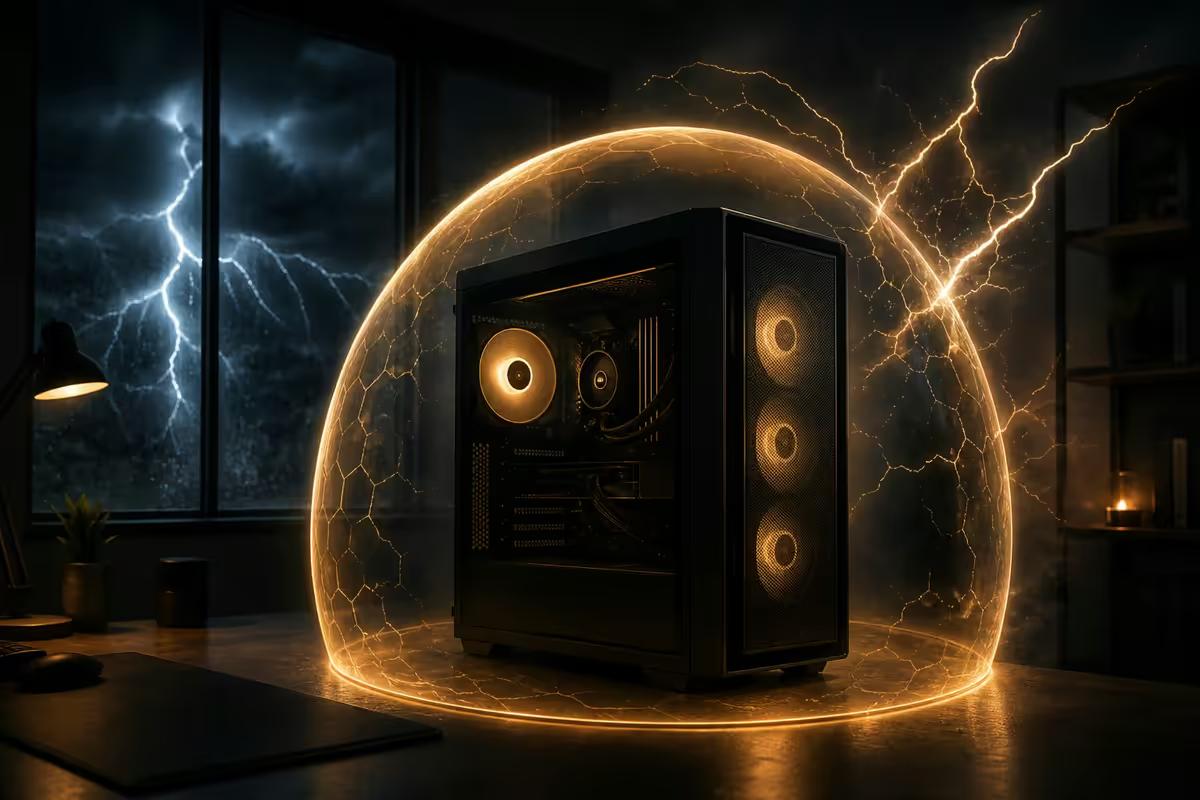
Why SA needs surge protection more than most countries
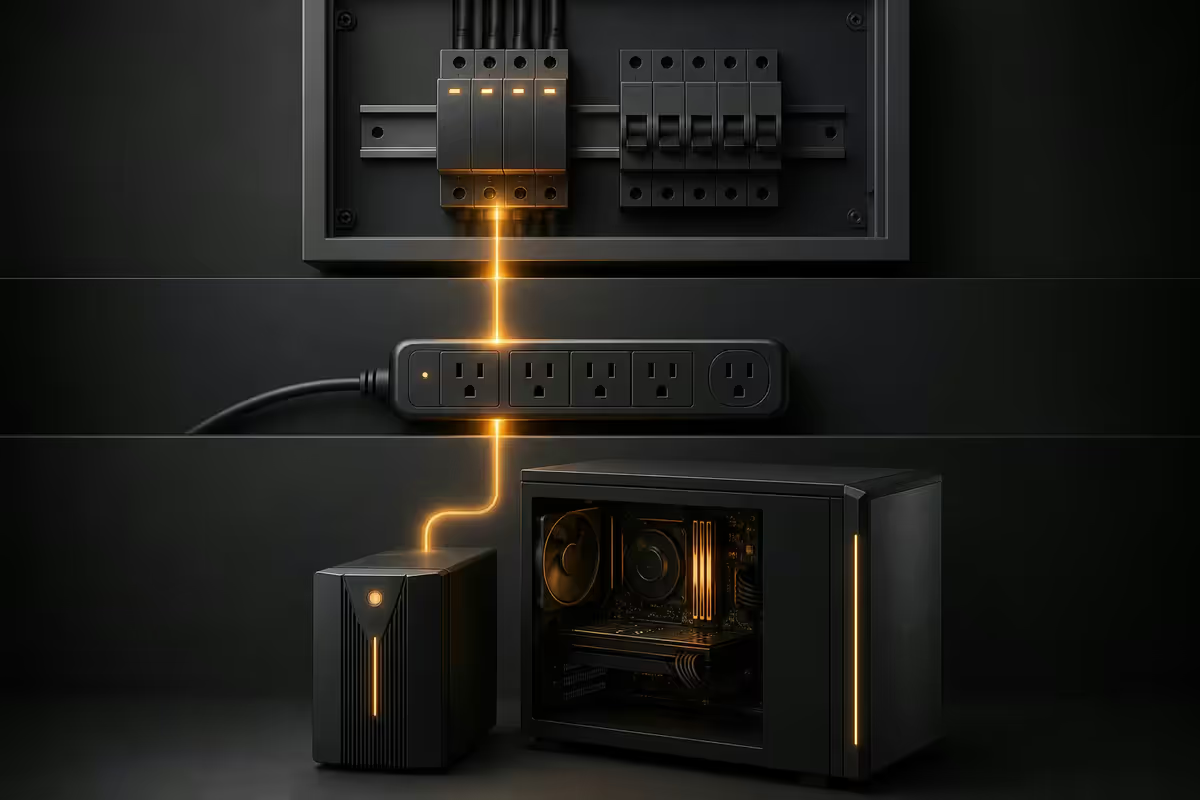
If you compare SA grid conditions to peer markets in Europe, North America or East Asia, three factors stack up against PC owners here:
- Load-shedding return-to-power events. When power comes back after a scheduled outage, the grid restabilises imperfectly. Voltage can spike 5-10× normal for milliseconds before settling. In many SA suburbs this happens several times per week.
- Highveld lightning season. The summer rainfall belt (Gauteng, Mpumalanga, Free State, KwaZulu-Natal interior) is one of the highest lightning-density regions in the world. Direct strikes are rare; nearby strikes that induce surges on the line are routine in November-February.
- Grid age and earth bonding. Many SA homes built before 2000 have aging earth bonding or compromised neutral connections. This reduces the effectiveness of upstream surge protection and increases the voltage your equipment actually sees.
The practical result: surge-related component failure rates on SA PCs run 2-3× higher than US or EU peers in the same hardware category. Centurion warehouse warranty data confirms this consistently — and the gap widens during summer.
The three-layer protection model
Single-layer protection (just a power strip, just a UPS) catches some spikes and misses others. Layered protection catches the spikes that get past each previous layer.
| Layer | What it stops | SA cost |
|---|---|---|
| 1. DB-mounted arrester | Massive incoming spikes (lightning-induced) | R1,500-R3,500 fitted |
| 2. Plug-in surge strip | Medium spikes, load-shedding return surges | R400-R800 |
| 3. Pure sine wave UPS | Brownouts, final filtering, graceful shutdown | R3,500-R8,000 |
Combined system cost: R5,400-R12,300 to protect a R30,000-R80,000 PC build. The math is so obvious that the only reason most SA PCs aren't fully protected is the layered concept isn't widely communicated.
Layer 1 — DB-mounted surge arrester
This is the layer most PC owners skip — because it requires an electrician. It's also the most effective layer against the biggest threats.
A surge arrester at the distribution board (DB) intercepts the incoming line voltage before it enters your home's wiring. Quality units (Schneider Acti9, Hager, Voltex, ABB) clamp incoming voltage to ~2,500V max and shunt excess current to earth. Without one, a lightning-induced surge of 6,000V+ enters your house wiring and hits every outlet simultaneously — no plug-in protector survives that.
What's involved: a qualified electrician adds a DIN-rail mounted arrester unit to your DB next to the main breaker. Installation takes 30-60 minutes, including testing the earth bond. SA cost ranges R1,500-R3,500 (unit plus labour). The unit itself includes a small status window or LED — when it goes red/dark, the arrester has sacrificed itself to a major surge and needs replacement.
Layer 2 — plug-in surge protector strips
This is the layer most people start with. It's necessary but not sufficient on its own.
A plug-in surge protector contains metal oxide varistors (MOVs) that clamp voltage spikes above ~330V to earth. Quality strips (Belkin, APC, RCT, Voltex) include:
- 2,000+ joule rating (the total surge energy the MOVs can absorb before failing).
- Protected status LED — lit when MOVs are functional, dark when degraded.
- Earth status LED — lit when wall outlet has good earth, dark when earth is broken.
- RJ45 ethernet pass-through with surge protection (for routers / network gear).
- Replacement guarantee (Belkin offers connected-equipment warranty; check terms).
Avoid: R150 generic "power strips with switch" sold at hardware stores. They often have no MOVs at all and provide zero surge protection — just convenient extension cords. If a strip costs under R200, assume no real protection.
Layer 3 — UPS with built-in surge protection
The final layer. A UPS (uninterruptible power supply) does three things simultaneously:
- Battery backup. Keeps the PC running for 5-30 minutes during a power cut so you can save work and shut down gracefully.
- Brownout protection. If grid voltage drops below safe levels (common during load shedding ramps), the UPS switches to battery to keep voltage stable.
- Final-stage surge filtering. Quality UPSes contain their own MOVs and filtering circuitry as a last line of defence past Layers 1 and 2.
Sizing your UPS: add up the wattage of everything that needs backup (PC ~400W under load, monitor ~30W, router ~10W, modem ~10W = ~450W typical setup). Multiply by 1.5 for headroom → ~675W needed. Convert to VA (rough rule: watts × 1.4) → ~950VA. So a 1000VA pure sine wave UPS is the right size for typical setups. Heavier gaming or workstation builds may need 1500VA or 2000VA.
Pure sine wave vs simulated sine — non-negotiable
Modern PC power supplies use active power factor correction (PFC) — they expect a clean sinusoidal AC waveform. When a UPS runs on battery and outputs simulated/stepped sine wave (cheaper UPS models), one of two things happens:
- The PSU detects the waveform as out-of-spec and the PC shuts down (you lose work).
- The PSU accepts the waveform but stresses internal capacitors, shortening PSU life by 30-50%.
Pure sine wave UPS is mandatory for any modern PC. Simulated sine wave is acceptable only for resistive loads (lights, fans, simple devices) — never for sensitive electronics. Always verify "Pure Sine Wave" on the spec sheet before purchase.
Online double-conversion UPS is the premium tier — it constantly rebuilds the AC waveform from battery, so output is always perfect. R10,000+ pricing puts it in server/workstation territory; overkill for typical home PCs but ideal for crypto mining rigs, NAS servers and 24/7 production setups.
Joule rating — what the number actually means
A surge protector's joule rating is the total surge energy it can absorb across its lifetime before its MOVs degrade to failure. It's a cumulative budget, not a per-event rating.
| Joule rating | Verdict |
|---|---|
| Under 500J | Avoid — minimal real protection |
| 500-1,000J | Basic protection, short lifespan in SA |
| 1,000-2,000J | Acceptable for typical home use |
| 2,000-3,000J | Recommended for SA conditions |
| 3,000J+ | Premium / heavy-use / lightning-prone areas |
A 2,000J protector absorbing a 500J surge has 1,500J remaining. After enough hits — typically 50-200 small surges or 1-3 major lightning-induced events — the MOVs degrade past usable threshold and the protected-status LED turns off. At that point the strip still works as a power extension but provides no surge protection. Replace immediately.
MOV degradation and replacement
Every plug-in surge protector and most UPS units rely on MOVs as their primary surge-clamp component. MOVs are sacrificial — each surge degrades them slightly until they can no longer clamp effectively.
Status LED is critical. Look for an LED labelled "Protected", "MOV", or "Earth/Ground" on your surge strip. When it's lit, MOVs are functional. When it goes dark or red, the strip is no longer protecting — replace it.
In SA's surge-heavy environment, plan to replace plug-in surge protectors:
- Every 3-5 years as preventative replacement.
- Immediately if the status LED turns off.
- After any major lightning event in your area, even if the LED still appears lit — the surge may have degraded MOVs faster than the indicator updates.
Load-shedding return-to-power surges
Load shedding itself doesn't damage PCs — the power simply turns off. The danger is return-to-power events, when the grid switches back on.
As the grid re-energises, voltage can spike to 5-10× normal for milliseconds before regulators bring it back to 230V nominal. Connected devices that are still plugged in see this spike directly. The PC PSU's input capacitors are the first to fail; motherboards and GPUs follow shortly after.
The simplest protection: when load shedding hits, switch off the PC at the mains (not just at the keyboard) and unplug the surge strip from the wall. Reconnect 5-10 minutes after the grid returns and stabilises. This zero-cost discipline prevents the majority of load-shedding-driven failures.
Lightning storm precautions
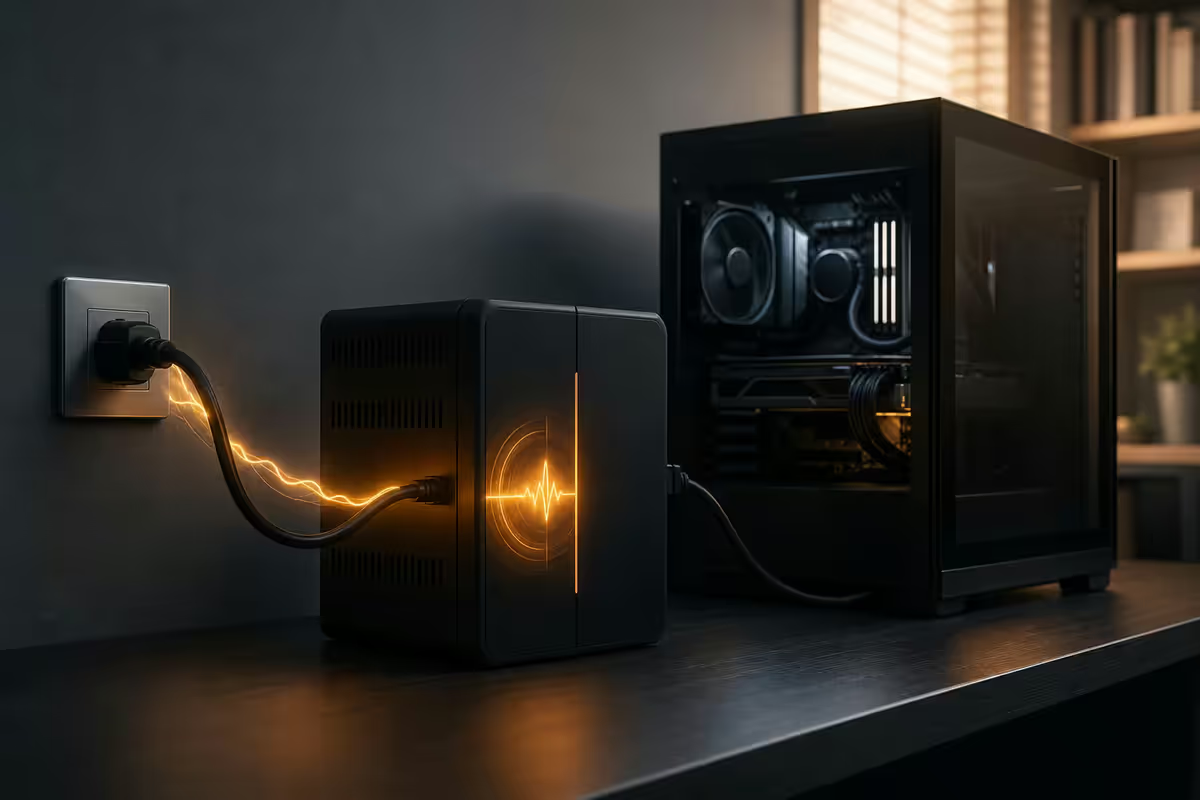
Direct lightning strikes are rare. Nearby strikes that induce surges on the power line are common during Highveld summer storms. Either can overwhelm consumer-grade protection.
For active severe overhead lightning storms, the only certain protection is physical disconnection. Unplug:
- PC tower from wall (not just from surge strip — actually pull the wall plug).
- Monitors, audio interfaces, expensive USB peripherals.
- Network router and modem (lightning travels along ethernet lines too).
- Aerial-connected gear (DStv decoders, FM radios).
- Telephone-line-connected gear if you still have ADSL.
If you can't unplug everything (e.g., away from home during a storm), at least shut everything down — equipment in low-power state survives marginal surges better than equipment under load.
Insurance considerations
Most major SA insurers (Outsurance, Discovery Insure, Hollard, Santam, MiWay) include power surge as a named peril in standard home contents cover. The caveats matter:
- Surge protector / UPS often required. Some insurers require proof of a surge protector or UPS in the loop at time of damage. Without it, claim may be denied.
- Documented grid event. Most require correspondence between the damage date and an Eskom or municipal incident report — bookmark your local utility's incident reporting page.
- Assessor inspection. Failed gear must be available for assessor inspection. Don't throw away damaged components before claiming.
- Receipts and serial numbers. Keep purchase receipts and photograph serial number stickers on the bottom of monitors, the back of PCs, etc. Claims process faster with documentation.
- Excess applies. Typically R500-R3,000 depending on cover type. Small failures may not be worth claiming.
SA brand picks by layer
DB-mounted arresters
Schneider Acti9 iPRD-40 series, Hager Type 2 arresters, ABB OVR series. SA stock at Voltex, Communica, ACDC Dynamics — typically R900-R1,800 for the unit. Add R600-R1,500 for electrician labour.
Plug-in surge strips
Best value: Belkin BSV804 (6-way, 2,000J) at R450-R650. Best premium: APC P11VNT3 (11-outlet, 3,020J, with phone/coax/ethernet protection) at R900-R1,400. SA brand value: RCT MOV-rated strips at R200-R450 — good budget option. Avoid: generic no-brand strips under R200.
UPS units (pure sine wave)
Budget (650-850VA): Mecer ME-650 pure sine, RCT 850VA — R2,000-R3,500. Good for office PC + monitor + router.
Mid (1000-1500VA): Mecer ME-1000 SS, RCT 2000VA Pro, APC Back-UPS Pro BR1000MI — R4,000-R7,000. Right size for typical gaming/workstation PCs.
Premium (2000VA+): APC Smart-UPS SMT2200, Eaton 5SC2200 — R10,000-R18,000. For workstations, mining rigs, NAS servers.
Common surge protection mistakes
Relying on one layer only. A surge strip alone doesn't catch lightning-class spikes. A UPS alone doesn't protect monitor + router on wall sockets. Single-layer fails when the surge exceeds that layer's capacity. Stack three layers.
Buying simulated sine wave UPS. Cheaper but actively damages modern PSUs. Always specify "pure sine wave" on the UPS spec sheet before purchase.
Ignoring the status LED. Most users never look at the protected-status LED on their surge strip. Check it monthly. When it goes off, the strip is just an extension cord. Replace.
Leaving everything plugged in during overhead lightning. No consumer-grade protector reliably survives a direct or very close strike. Physical disconnection is the only certain defence — unplug during severe storms.
Skipping the DB arrester because "it requires an electrician". The first-line layer is also the most-protective. R2,000-R3,500 fitted is the highest-value spend in the entire protection stack.
Key takeaways
- SA needs layered surge protection — load-shedding returns, Highveld lightning and weak earth bonding make single-layer protection insufficient.
- Three layers: DB-mounted arrester (R1,500-R3,500), plug-in surge strip 2,000J+ (R400-R800), pure sine wave UPS (R3,500-R8,000).
- Pure sine wave UPS is non-negotiable for modern PCs — simulated sine wave damages active-PFC PSUs over time.
- Check protected-status LEDs monthly. MOVs are sacrificial — replace strips every 3-5 years or when LED dies.
- Unplug everything during severe overhead lightning storms — physical disconnection is the only certain protection.
Frequently asked questions
Why does South Africa need surge protection more than other countries?
Load-shedding return-to-power spikes, Highveld lightning season and aging grid infrastructure with weak earth bonding stack the odds against PCs in SA. Surge failures run 2-3× higher than US/EU peer markets.What surge protection layers do I actually need?
Three layers: DB-mounted arrester, plug-in surge strip (2,000J+), and pure sine wave UPS. Combined, this takes surge-related failures from a real risk over 5 years to a rare event.Is a UPS enough on its own?
A quality pure sine wave UPS includes surge protection, but it only protects what's plugged into it. Monitors, router and other gear on wall sockets remain exposed. Layered protection still wins.Pure sine wave UPS vs line-interactive — which?
Pure sine wave is mandatory for modern PCs with active-PFC PSUs. Simulated sine wave (cheaper) can cause shutdowns or damage. Line-interactive pure sine UPS (Mecer SS, APC Back-UPS Pro) is the SA sweet spot.What joule rating does a surge protector need?
1,000J minimum, 2,000J+ recommended for SA conditions. Under 500J offers minimal real protection.Do surge protectors wear out?
Yes. MOVs degrade with each absorbed surge. Replace plug-in protectors every 3-5 years, or immediately when the "Protected" LED goes off.What should I unplug during a lightning storm?
Everything expensive — PC, monitors, router, modem, decoders. Physical disconnection is the only certain protection during overhead lightning. No protector survives a direct or very close strike reliably.Does home insurance cover power surge damage in SA?
Most major SA insurers (Outsurance, Discovery, Hollard, Santam) include surge as a named peril — but usually require proof of a surge protector or UPS in place, plus a documented grid event. Read your specific policy.
Get the Evetech app
Exclusive app-only prices, daily flash sales, and free delivery on orders over R4,000 — download the app and start saving.