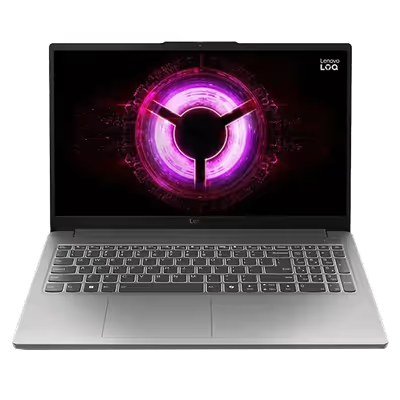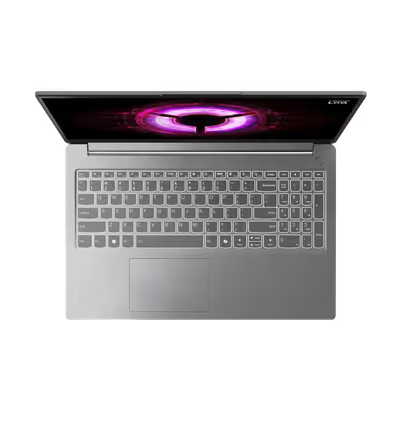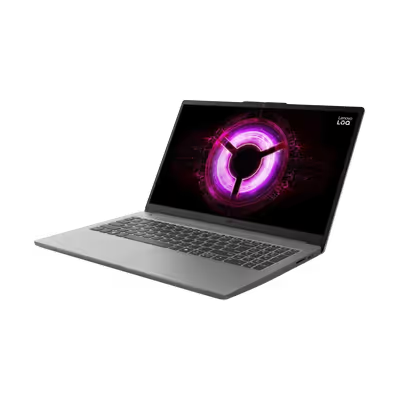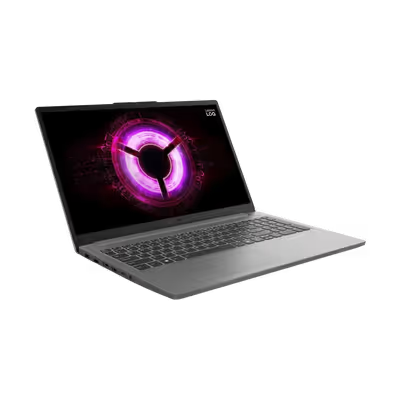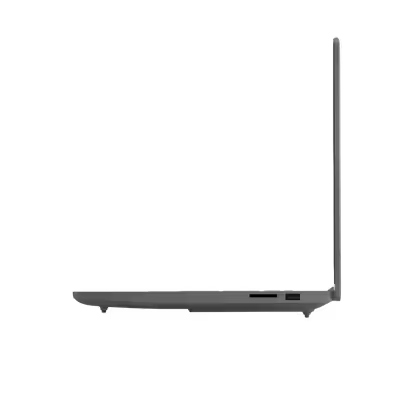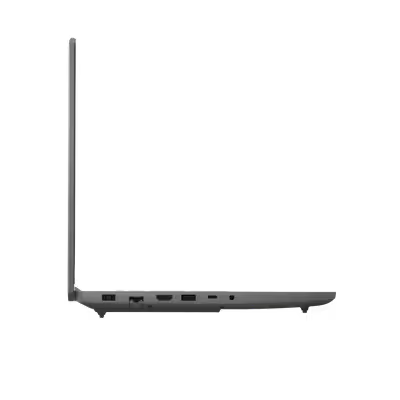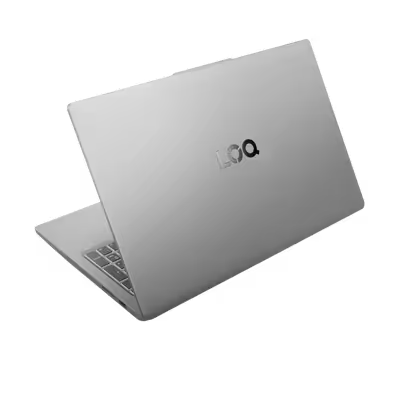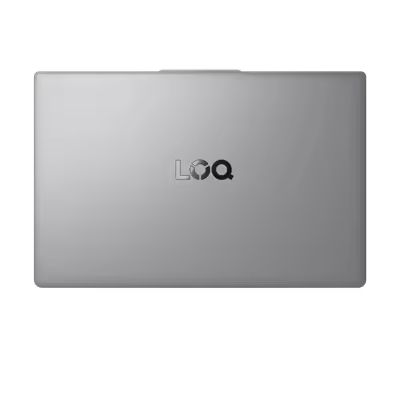




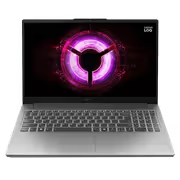
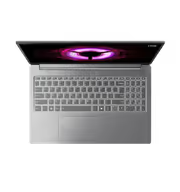
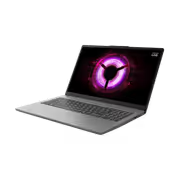
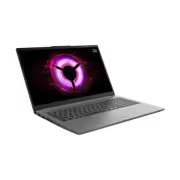
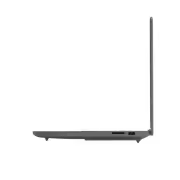
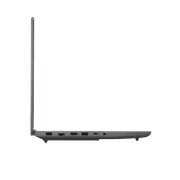
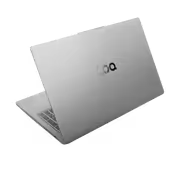
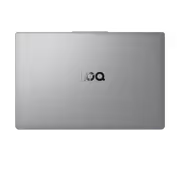


Lenovo LOQ 15ARP10E 16GB RAM 1TB SSD - Smooth Gaming Performance
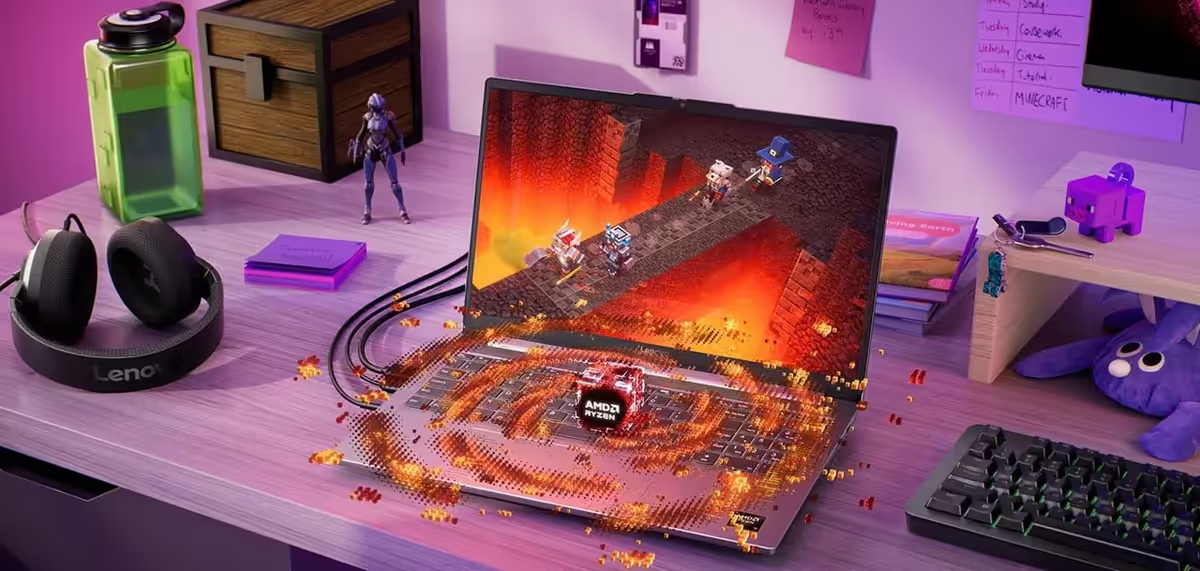
High-Efficiency Gaming Performance with AMD Ryzen
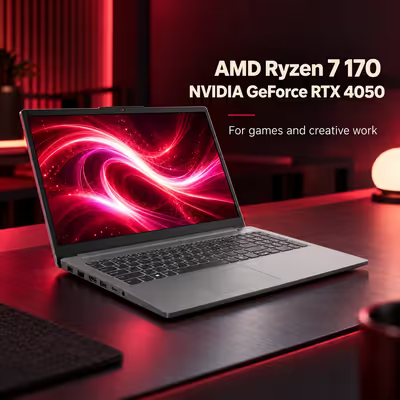
Experience the perfect balance of speed and battery longevity with gaming laptops utilizing AMD Ryzen™ processors. These systems provide the high-end performance necessary for victory without sacrificing the ability to play for extended periods on the move.

Advanced AI Visuals via NVIDIA DLSS
Leverage the power of AI to achieve maximum frame rates and superior image quality. Powered by NVIDIA GeForce RTX Laptop GPUs, DLSS technology optimizes your visual experience for peak gaming performance.

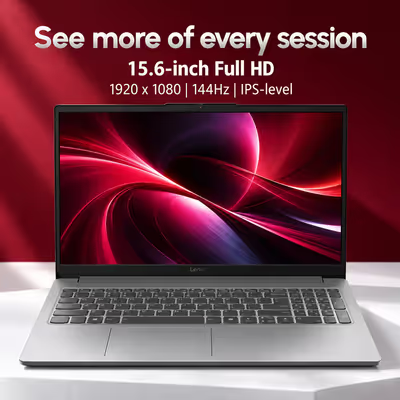
Smooth 144Hz High Refresh Rate Displays
Lenovo LOQ gaming screens elevate your experience with refresh rates starting at 144Hz. This provides double the speed of standard 60Hz monitors, ensuring fluid animations and the rapid reaction times needed for competitive play.
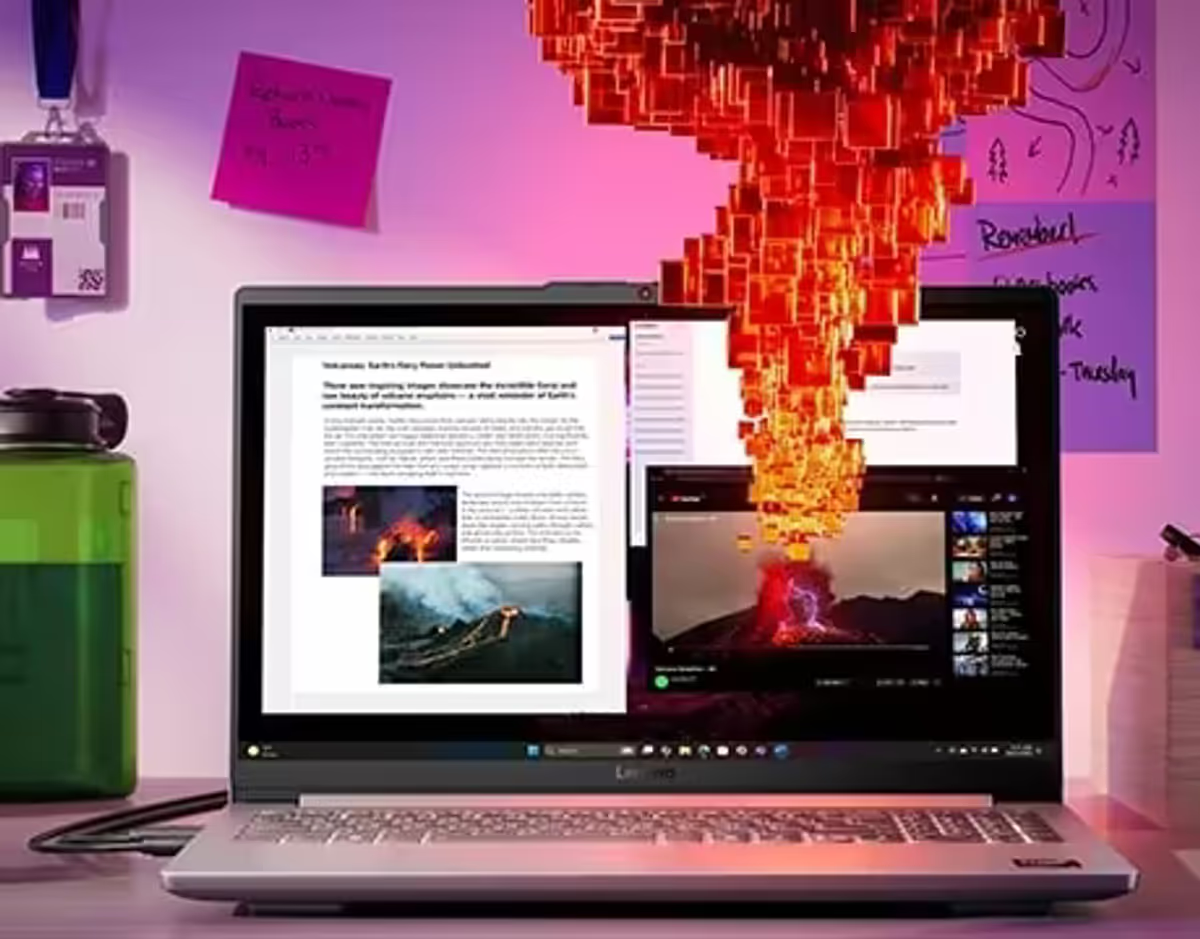
Professional Color Accuracy with 100% sRGB
The Lenovo LOQ display is optimized for both academic work and gaming tournaments, featuring 100% sRGB color coverage for vibrant and precise visual reproduction.
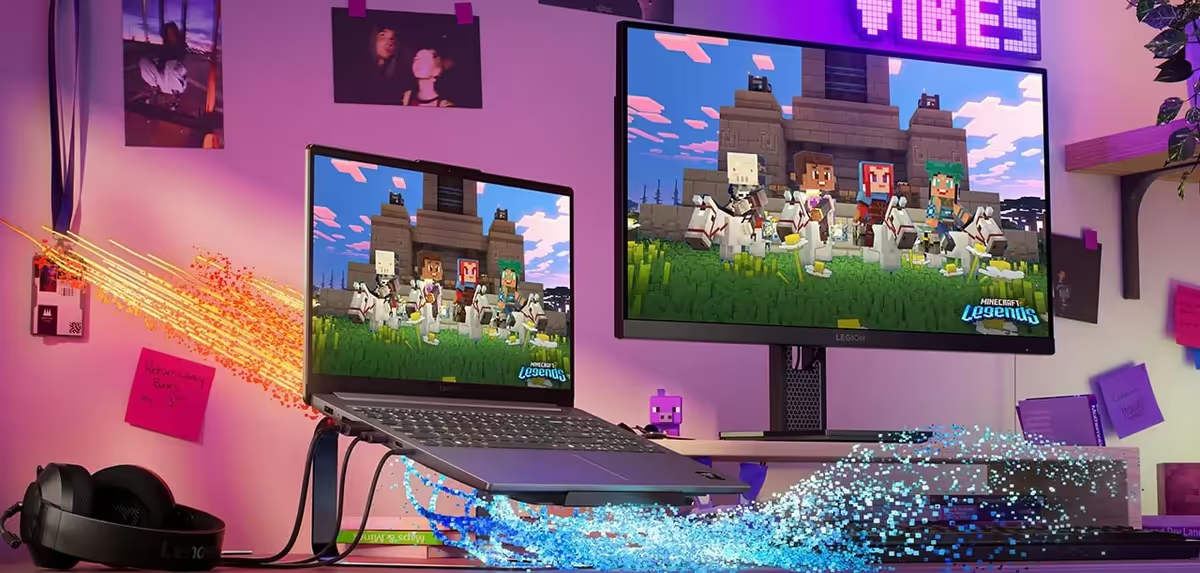
Advanced Thermal Management and Mode Switching
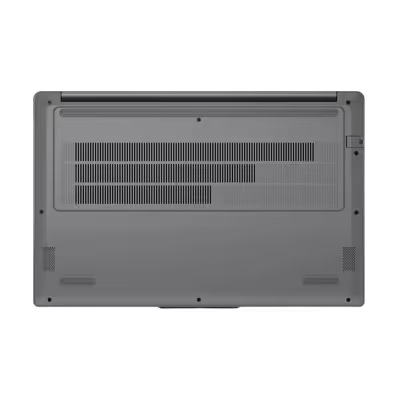
The LOQ Essential utilizes specialized cooling tech featuring a large fan architecture to maximize airflow. Users can quickly toggle between study and gaming profiles using the Fn+Q shortcut to manage system thermals effectively.

Customizable Performance Modes via Fn+Q
With a simple key combination, you can transition between Quiet, Balance, Performance, or Extreme modes. This allows for stealthy operation during class or maximum speed for creative tasks and gaming sessions.
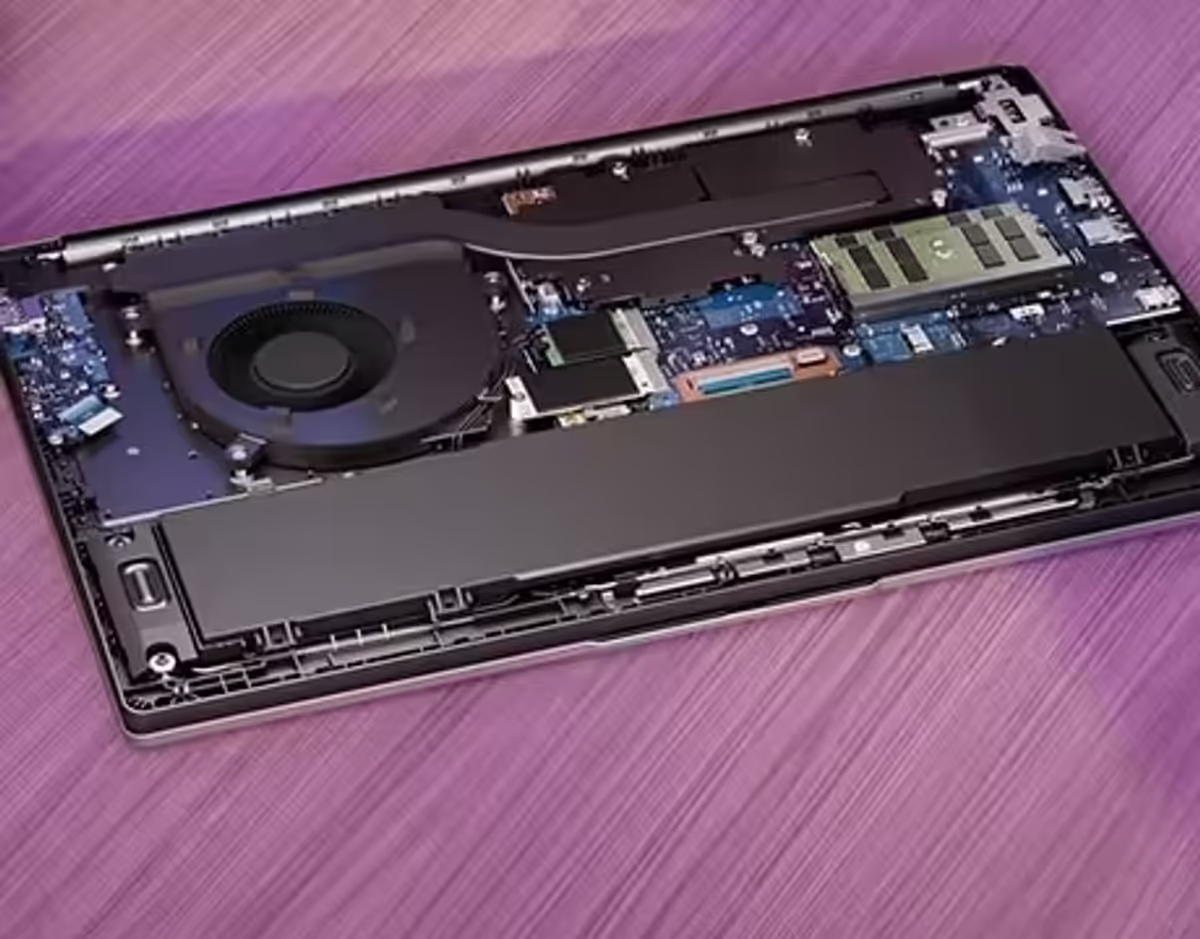
Future-Proof Expandable Memory and Storage
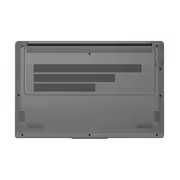
Maintain your competitive edge with a system designed for longevity. This laptop features dual SSD and RAM slots, offering the flexibility to upgrade your hardware for continued high-performance operation.
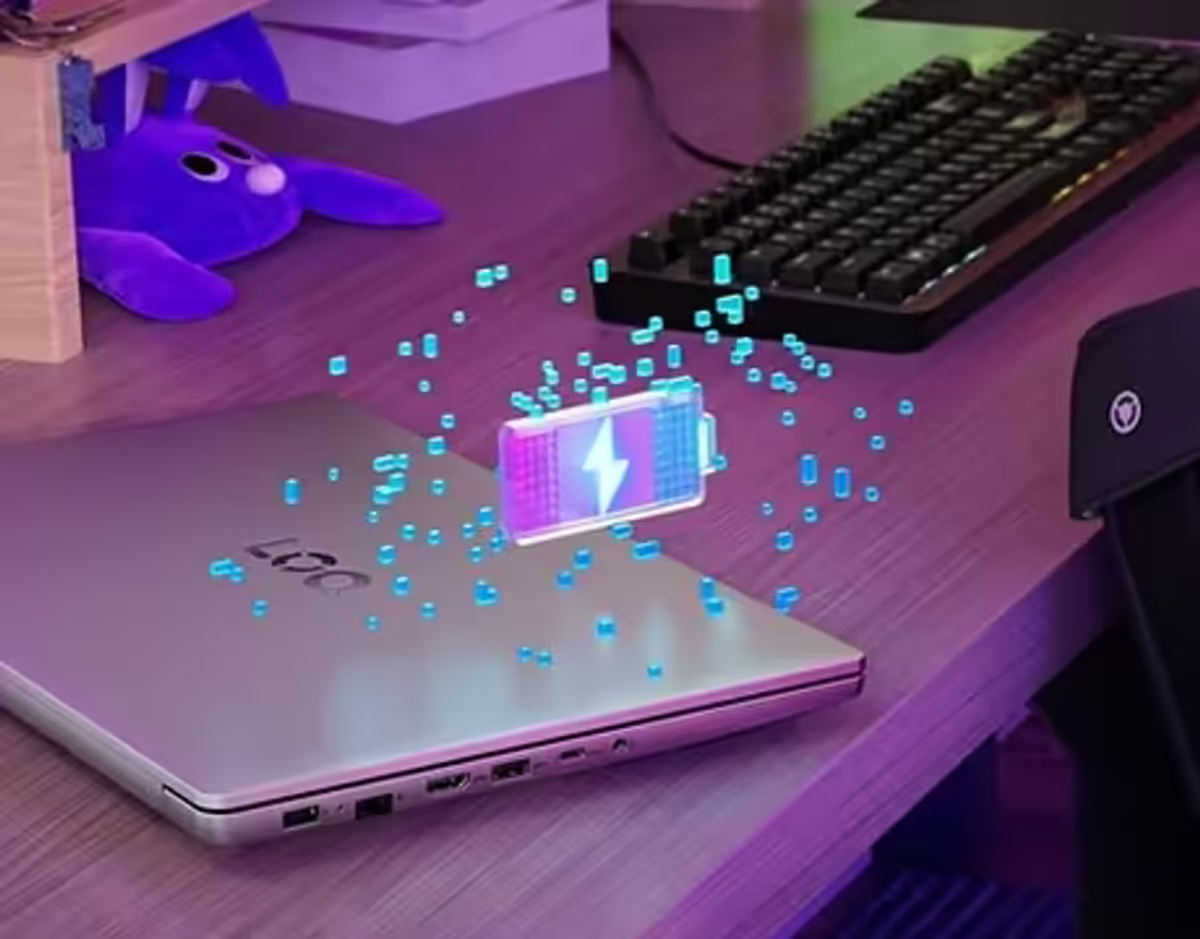
Ultra-Fast Charging with Rapid Charge Pro
Minimize downtime with Rapid Charge Pro technology, which can replenish your battery from 0 to 70% capacity in less than 30 minutes.